

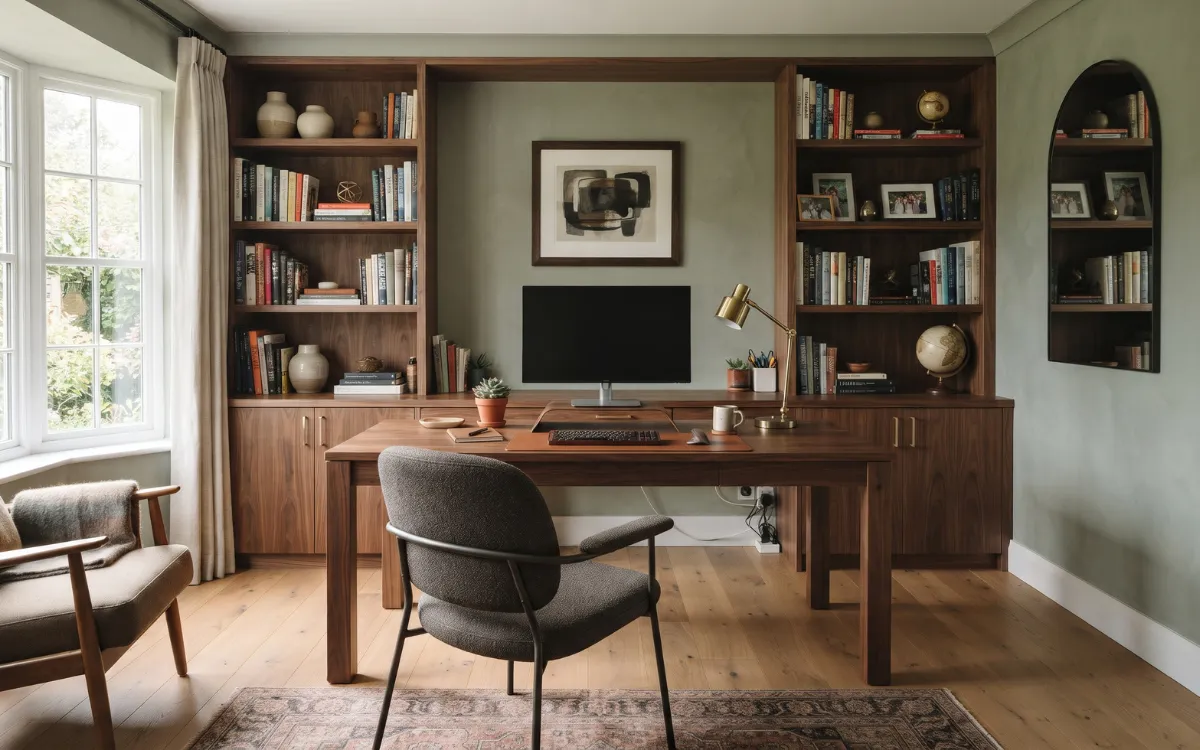

A well-designed home office should support the way you work while fitting naturally into your home. Whether you have a separate room or only a small corner, the right combination of furniture, lighting, storage, colors, and thoughtful details can make the space both practical and attractive.
The key is to plan around your daily needs before choosing decorative elements. From selecting the best location to arranging furniture and creating an organized workspace, these home office ideas will help you design a comfortable environment that works for your space, lifestyle, and personal taste.
Assess Your Space
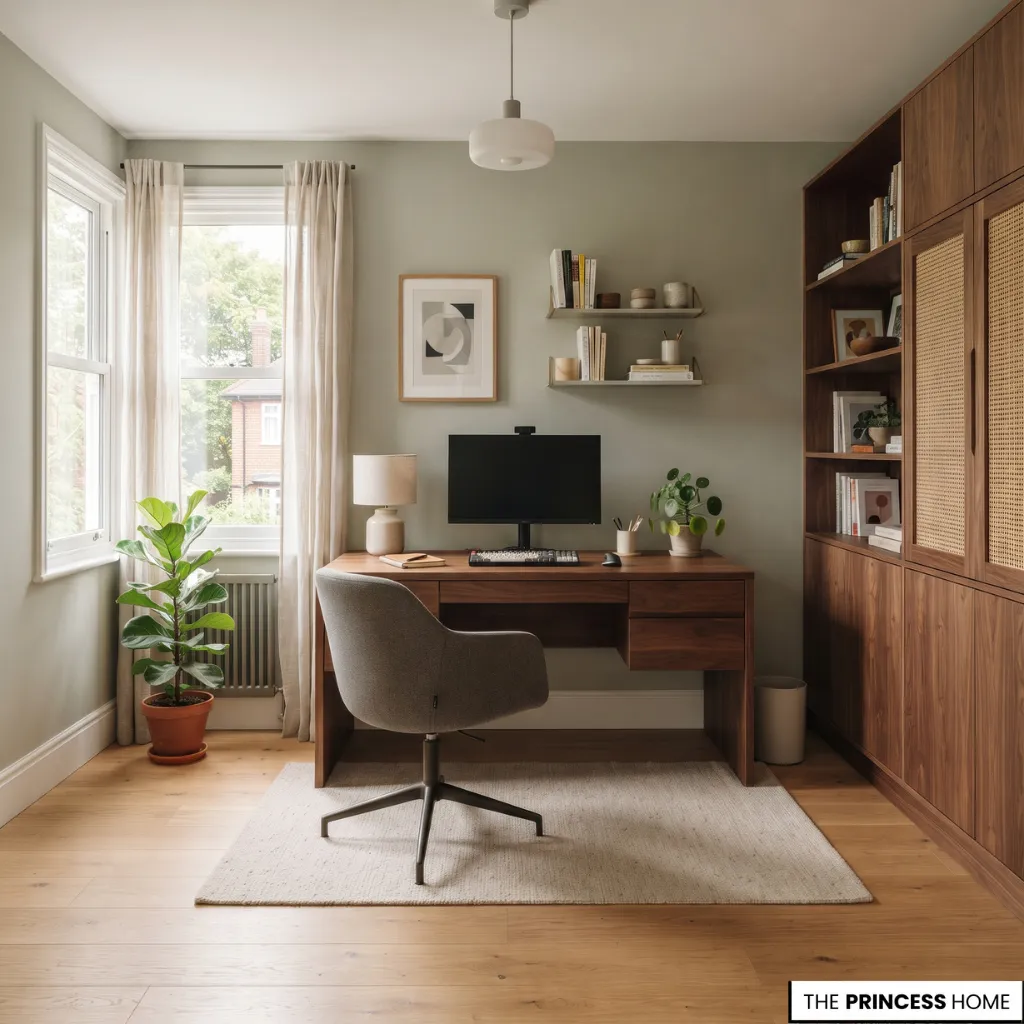
Before choosing furniture or planning the appearance of your home office, evaluate the space available and the work it needs to accommodate. A suitable workspace begins with understanding your daily activities, equipment, storage requirements, and the conditions of the room.
Start by considering how you intend to use the office. Someone who works primarily on a laptop may need a smaller desk than someone who regularly uses multiple monitors, printed documents, and additional equipment. If your work involves video calls, you may also need a suitable background and sufficient privacy.
Next, examine the physical conditions. Measure the available floor space, including the area needed for the chair and comfortable movement. Identify window positions and consider how sunlight changes throughout the day. Check the location of electrical outlets and whether additional power connections are needed.
Choose an area with comfortable airflow, and consider household activities, conversations, and interruptions when evaluating noise and privacy. Finally, determine whether suitable existing furniture can be reused or repositioned.
Create a short list of essential requirements before making purchases. This helps prevent unnecessary spending and ensures that every element contributes to the workspace.
It is also useful to distinguish between essential requirements and optional preferences. A stable working surface, a suitable chair, adequate lighting, and access to power are fundamental needs.
Additional seating, display shelves, or decorative storage may be useful, but they should not take priority over the elements that make the office comfortable and functional.
If the room must serve more than one purpose, consider which activities need to happen there and how the workspace can be put away or visually separated when it is not in use.
Choose Your Location
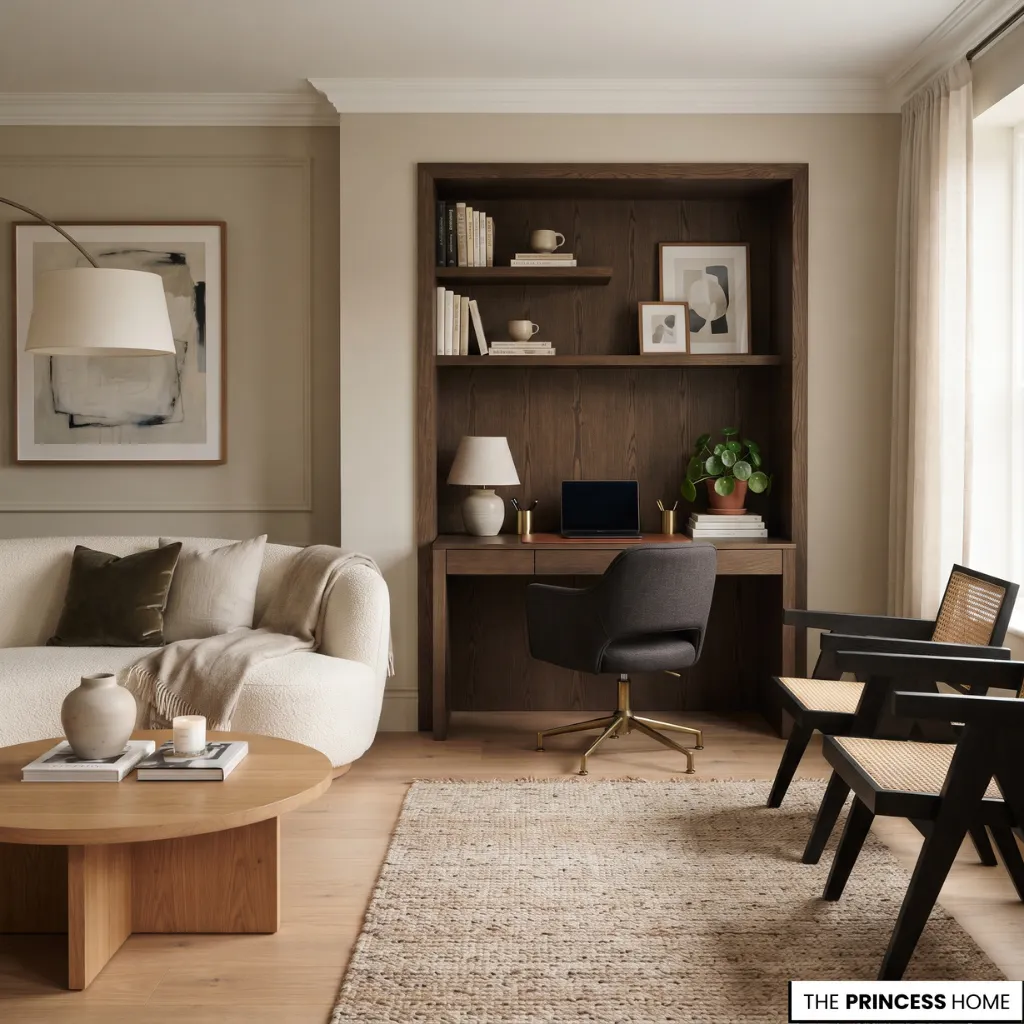
The location of a home office affects privacy, concentration, available light, and how naturally the workspace fits into the rest of the house. A separate room offers greater independence, but a dedicated corner can also work well when planned carefully.
Use a Dedicated Room
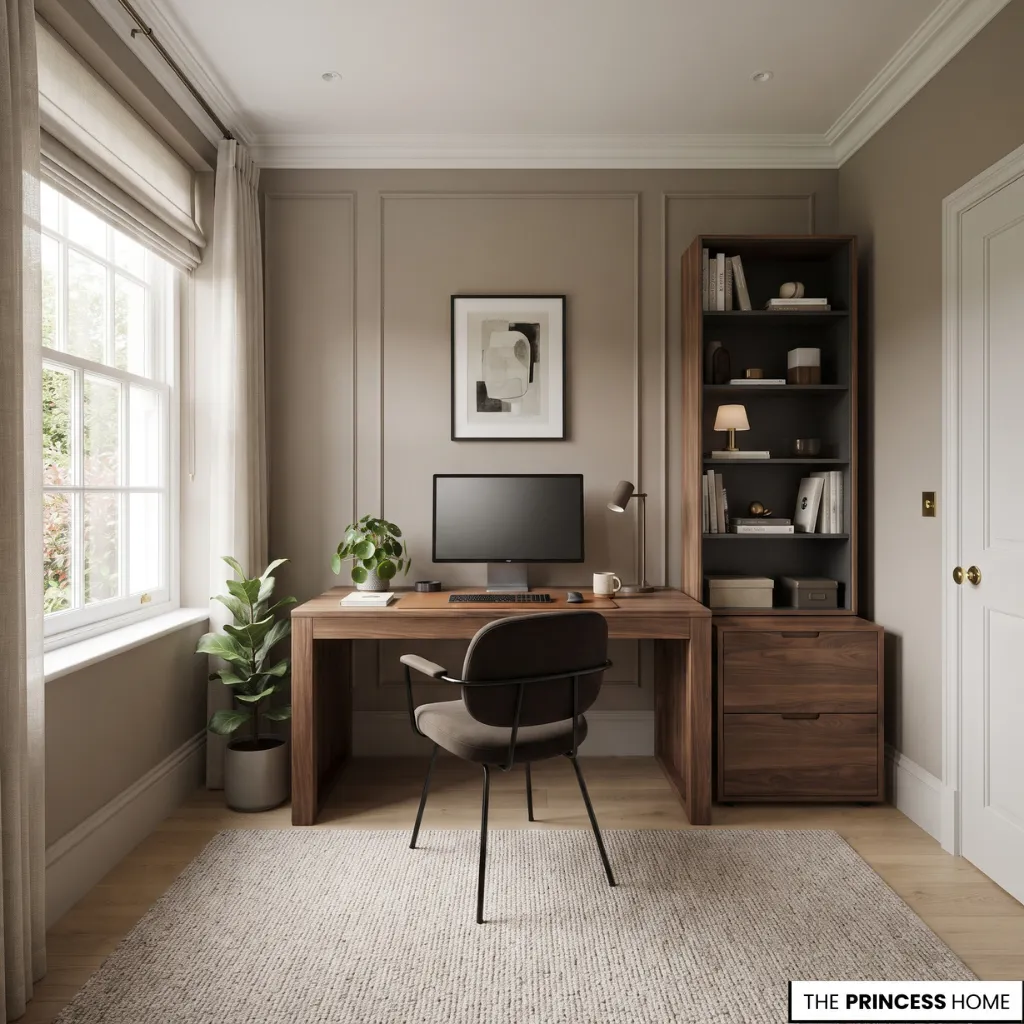
A spare bedroom or unused room can become a dedicated home office. This arrangement provides greater freedom to select furniture, organize storage, and establish a consistent work environment.
Consider placing the desk where it has sufficient clearance on all sides and where the screen is protected from distracting reflections. A bookcase, filing cabinet, or additional seating can be included when the room has enough space.
If you regularly participate in video meetings or need uninterrupted working hours, a separate room can also provide useful privacy. Before committing to a room, consider whether it offers the conditions your work requires throughout the day.
A room near busy family areas may be convenient but less suitable for frequent calls, while a more isolated room may offer privacy but need additional lighting or better ventilation. The best choice depends on how much concentration, privacy, and equipment your work requires.
Create a Living Room Workspace
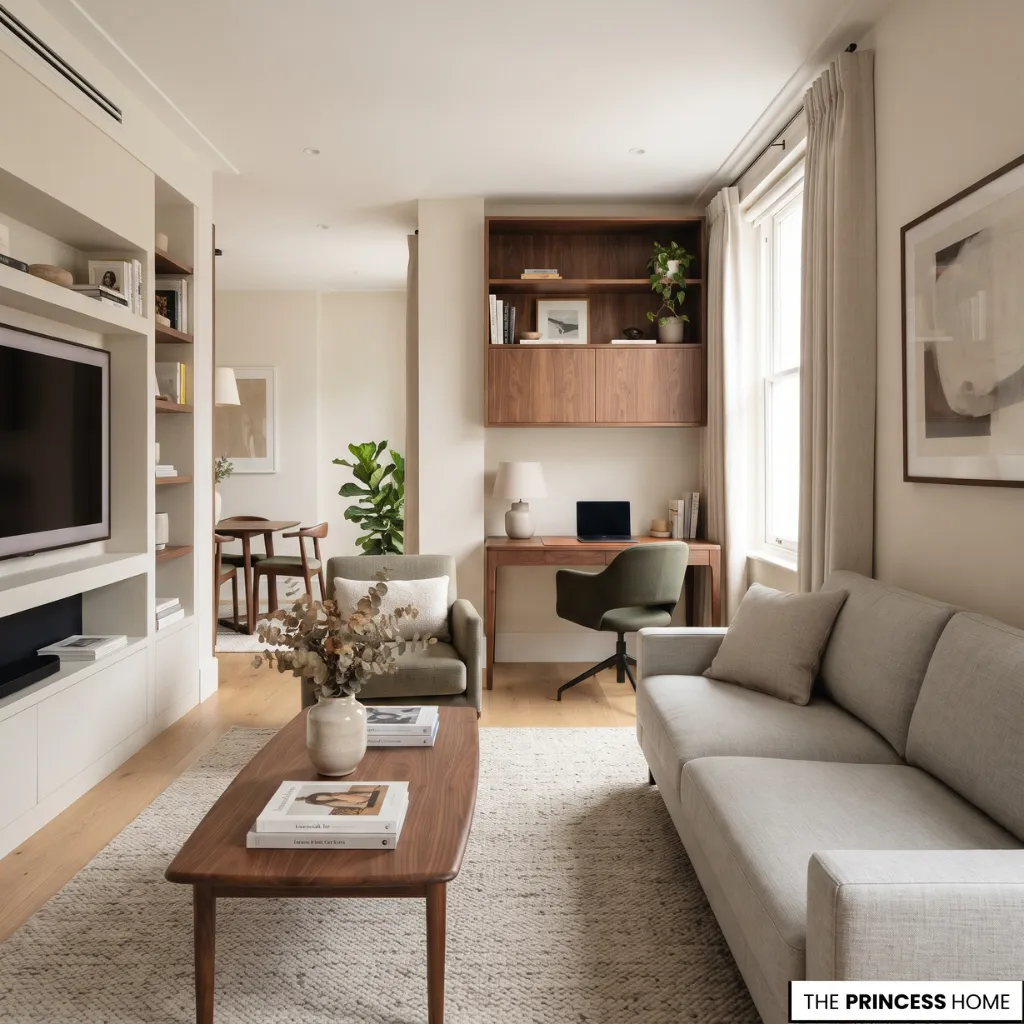
A living room can accommodate a small office without losing its primary function. A slim desk against an available wall, a compact writing table beside a bookcase, or a built-in workstation can establish a defined work area.
Choose furniture that coordinates with the living room rather than looking like unrelated office equipment. Matching wood finishes, complementary upholstery, and coordinated storage help the workspace feel intentional.
Avoid positioning the desk where it obstructs circulation or competes with the main seating arrangement. When the living room is used by several people, also consider the hours when the workspace will be occupied. A position away from the television and main conversation area may offer greater concentration.
If the desk remains visible throughout the day, closed storage and a simple arrangement can help the office blend into the room when work is finished.
Work Within a Bedroom
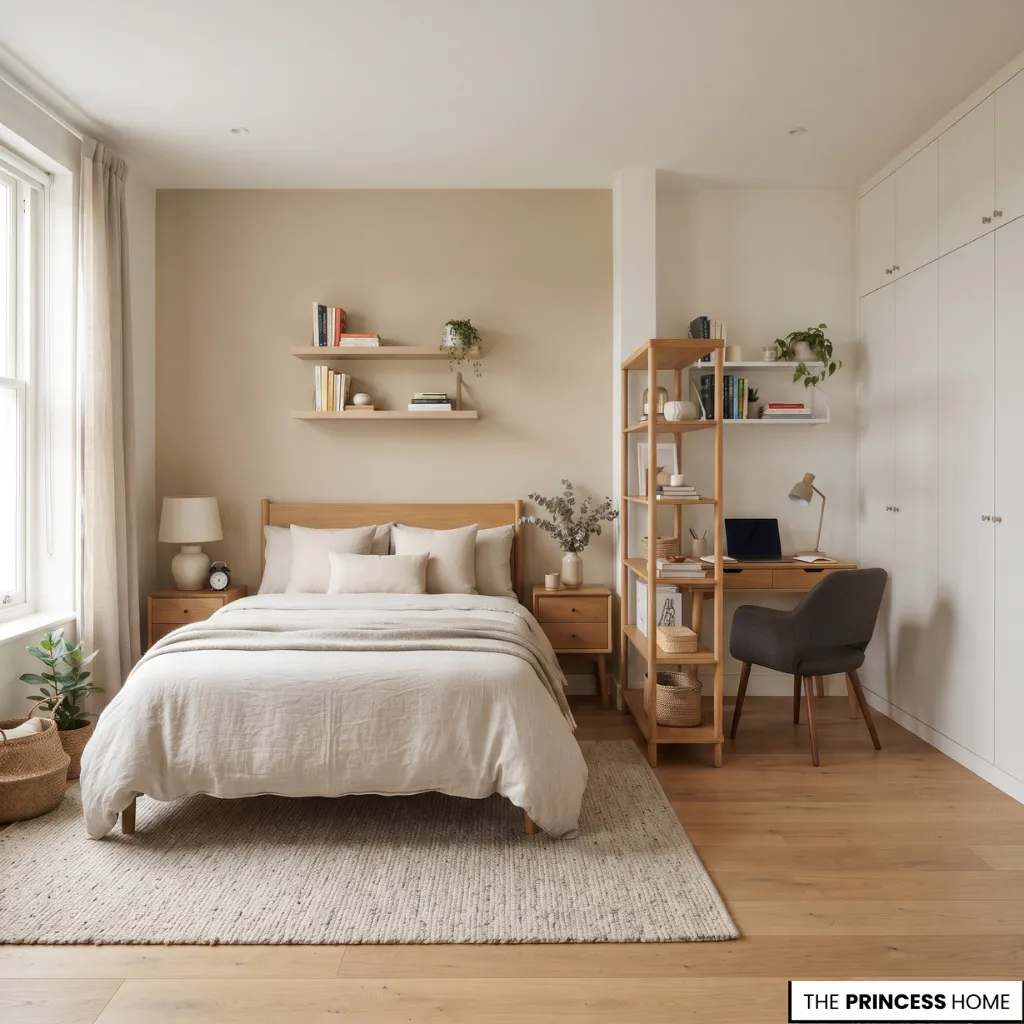
When a bedroom is the only available option, position the desk away from the bed when possible. This helps establish a visual distinction between working and resting.
A compact desk, a small chair, and a wall-mounted shelf can provide the necessary facilities without occupying too much floor space. A screen, folding divider, or carefully positioned bookcase can also help separate the two functions.
Choose a location that preserves comfortable access to the bed, wardrobe, and other bedroom furniture. If the bedroom is also used for relaxation, consider how easily the work area can be cleared or concealed.
A desk with drawers, a cabinet with doors, or a small workstation that can be closed at the end of the day may help maintain the room’s original purpose. The separation does not have to be physical; a consistent furniture arrangement and a defined working area can provide a useful distinction.
Use Unused Corners
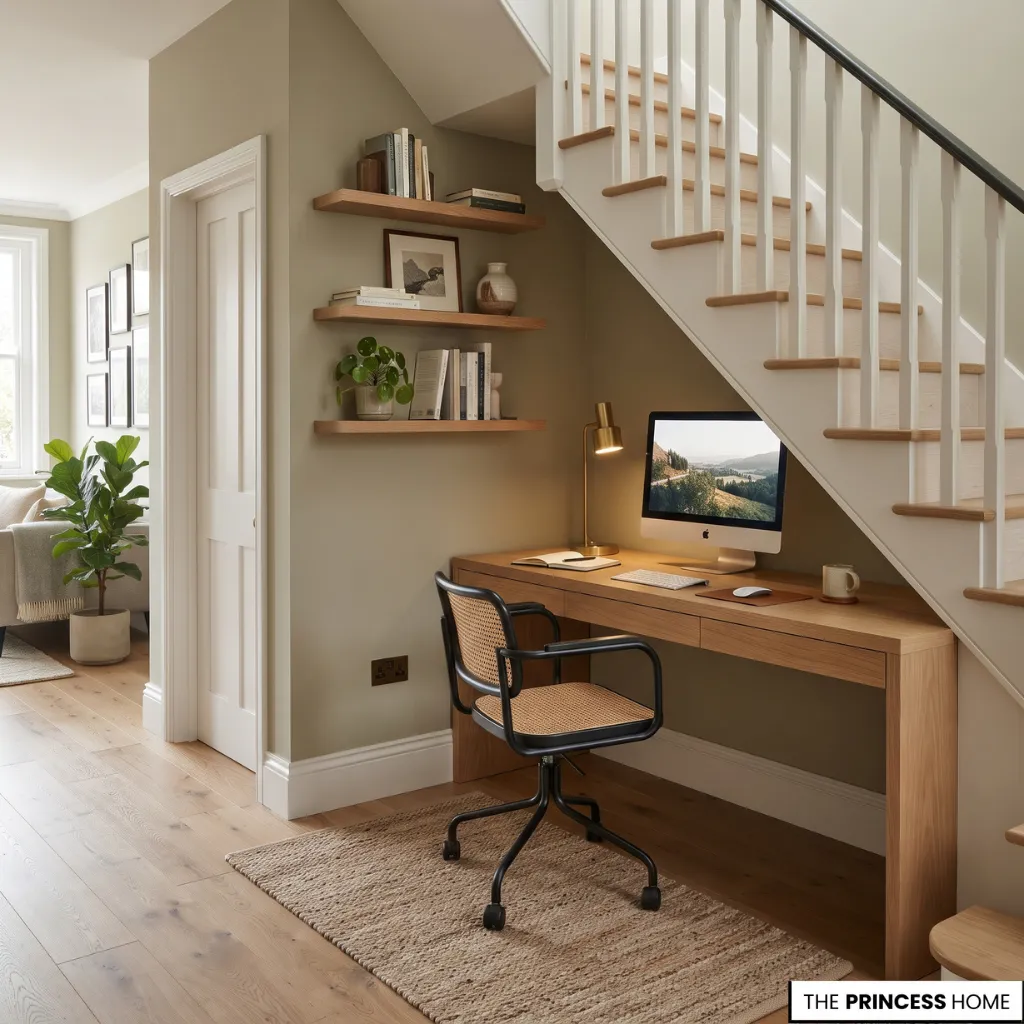
An unused corner, wide hallway, or suitable space beneath a staircase may accommodate a practical workstation. These locations are particularly useful when a separate room is unavailable.
Measure the available width and depth before choosing a desk. Wall-mounted shelves can provide additional storage without taking up floor space, while a compact chair can be moved aside when the workspace is not in use.
The best location is not necessarily the largest one. It is the space that accommodates your work without disrupting the rest of the home.
Before selecting an unusual location, check that it has enough depth for the desk and chair, suitable lighting, access to electrical outlets, and enough clearance for people to pass safely. A narrow hallway may look like an opportunity, but it is not suitable if the chair blocks circulation or makes a doorway difficult to use.
Plan Your Layout
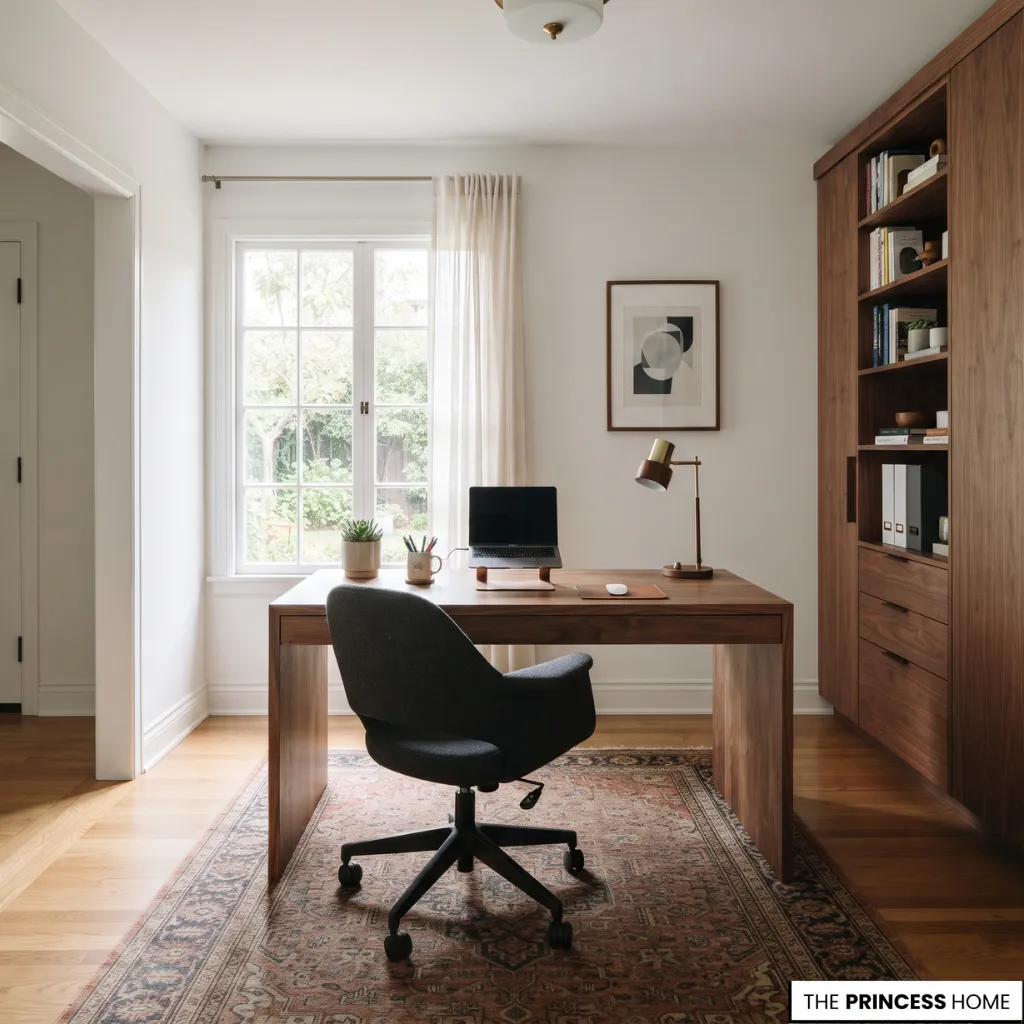
A successful home office layout provides enough room for working, moving, sitting comfortably, and accessing essential items. The arrangement should be established before purchasing furniture because even attractive pieces can become inconvenient when their proportions do not suit the room.
Position the Desk Carefully
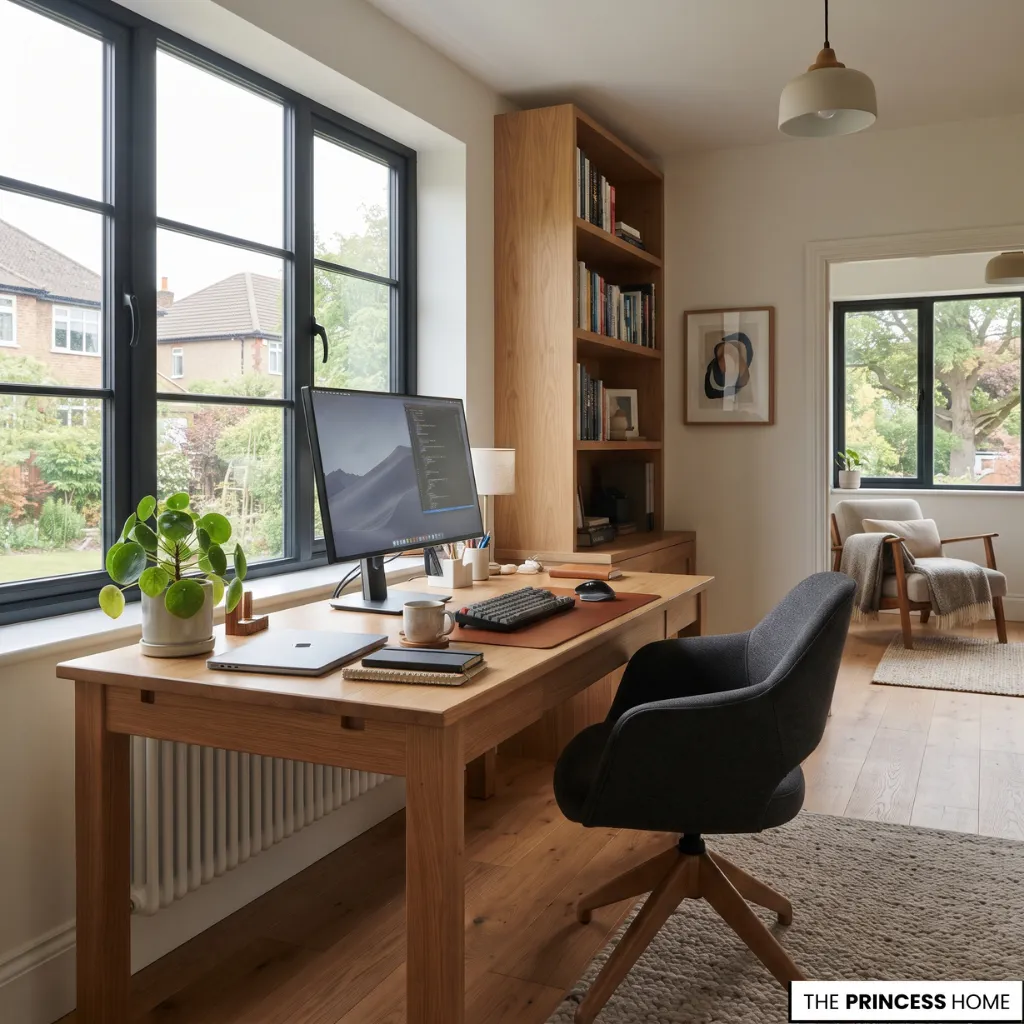
The desk is usually the main element around which the rest of the office is organized. Its position should consider natural light, screen visibility, electrical access, and circulation.
Placing the desk perpendicular to a window can provide daylight while helping reduce direct reflections on the screen. However, the best arrangement depends on the window direction and changing sunlight.
Other possibilities include placing the desk against a wall, which is suitable for compact rooms and straightforward workstation arrangements; facing it into the room, which is useful when you prefer a wider view of the space or need a professional background for video calls;
positioning it in a corner to make use of otherwise underused space; or facing a window to enjoy an attractive outlook, provided direct sunlight and screen glare are controlled.
Each arrangement has different practical advantages. A desk against a wall can make it easier to organize shelves above the working surface, but it may offer less room for additional equipment. A desk facing into the room can create a more open working position, although it requires enough space behind the chair.
A corner arrangement can make efficient use of an awkward area, but the desk shape should allow comfortable access to both sides of the workstation. A window-facing position may provide a pleasant view, but it is worth checking the screen at different times of day before deciding that this is the best location.
A useful way to choose is to mark the proposed desk position on the floor or temporarily move a table into place. Sit at the workstation, check the view of the screen, and test how the chair moves. This simple trial can reveal problems that are difficult to identify from a room photograph or floor plan alone.
Allow Room to Move
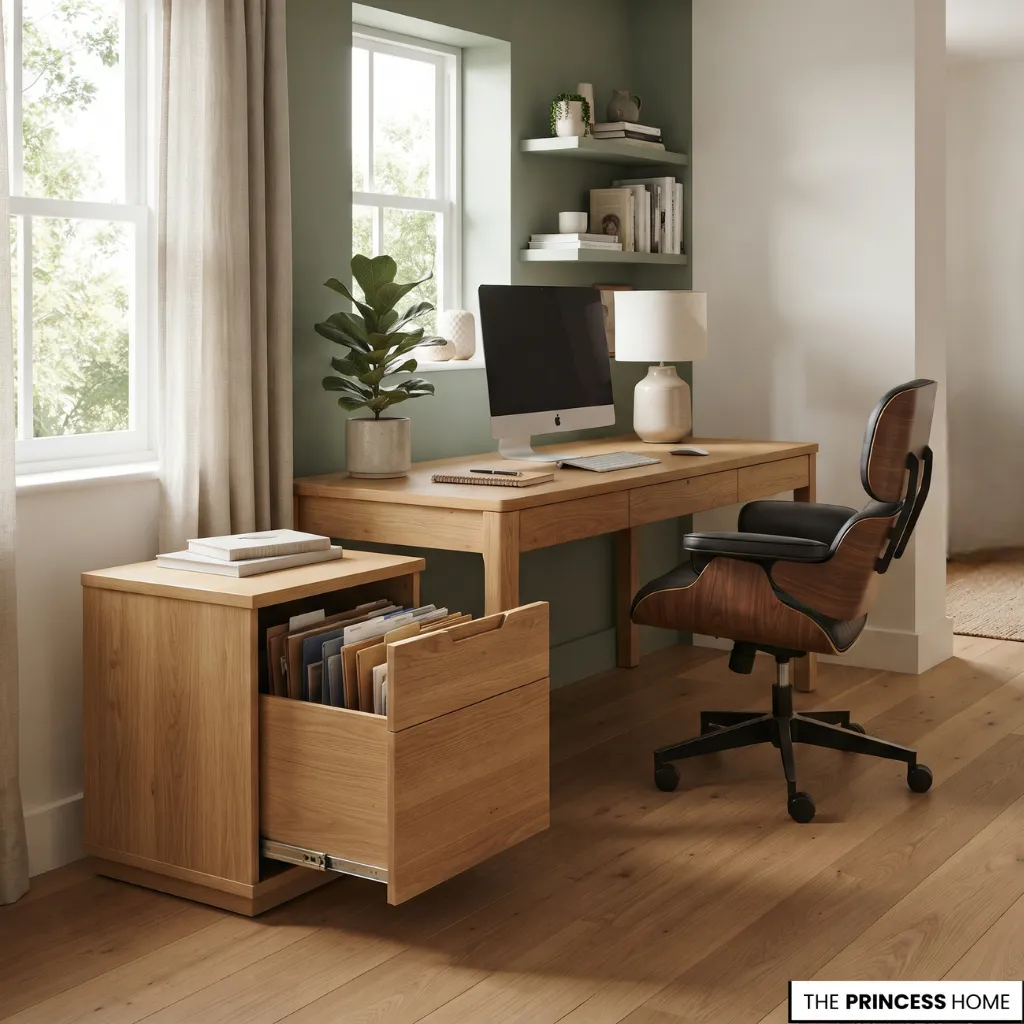
A desk should not be positioned so close to a wall, cabinet, or doorway that the chair cannot move comfortably. Allow space to sit down, stand up, open drawers, and reach frequently used items.
Check the full movement area of the chair rather than measuring only the desk footprint. Also consider cabinet doors, wardrobe doors, and other furniture that may open into the workspace.
It is helpful to test the arrangement with the actual chair and storage pieces, or with temporary markers representing their dimensions.
Pull the chair back as you would when standing up, open drawers fully, and walk around the desk. This helps identify circulation problems before furniture is purchased or moved into place.
Create Functional Zones
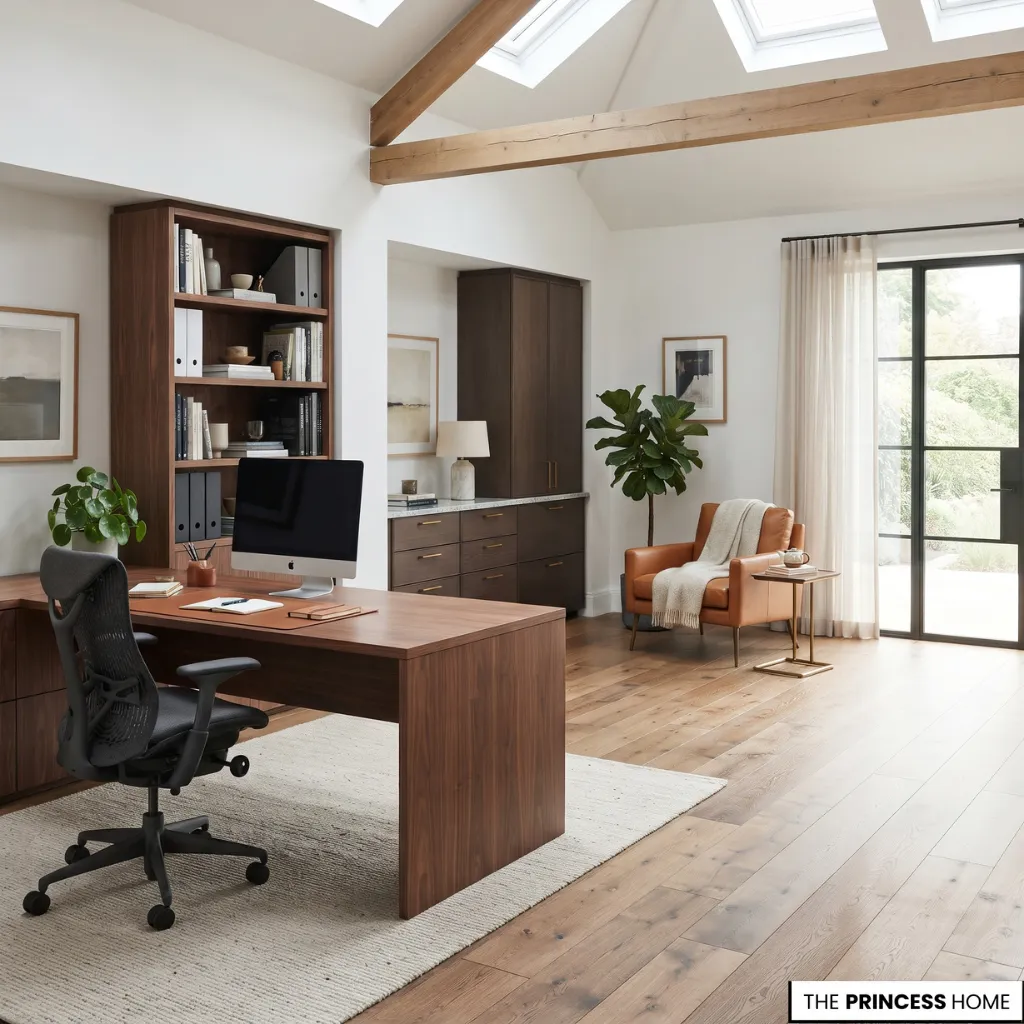
Larger home offices benefit from dividing the room into practical zones. The work zone contains the desk, chair, computer, and frequently used tools. The storage zone accommodates filing cabinets, shelves, and cupboards.
A reading zone may include an occasional chair or small seating area when space permits, while a reference zone can hold books, documents, and materials used regularly. These areas do not need physical dividers. Their positions and furniture arrangements can establish clear functions while maintaining an open layout.
The zones should reflect how you actually work. If you frequently consult books or printed documents, place reference storage close to the desk.
If you need space for paperwork or creative tasks, keep a clear secondary surface nearby when the room allows. In a small office, these functions can share the same desk, but grouping related items together still makes the arrangement easier to use.
Choose Your Furniture
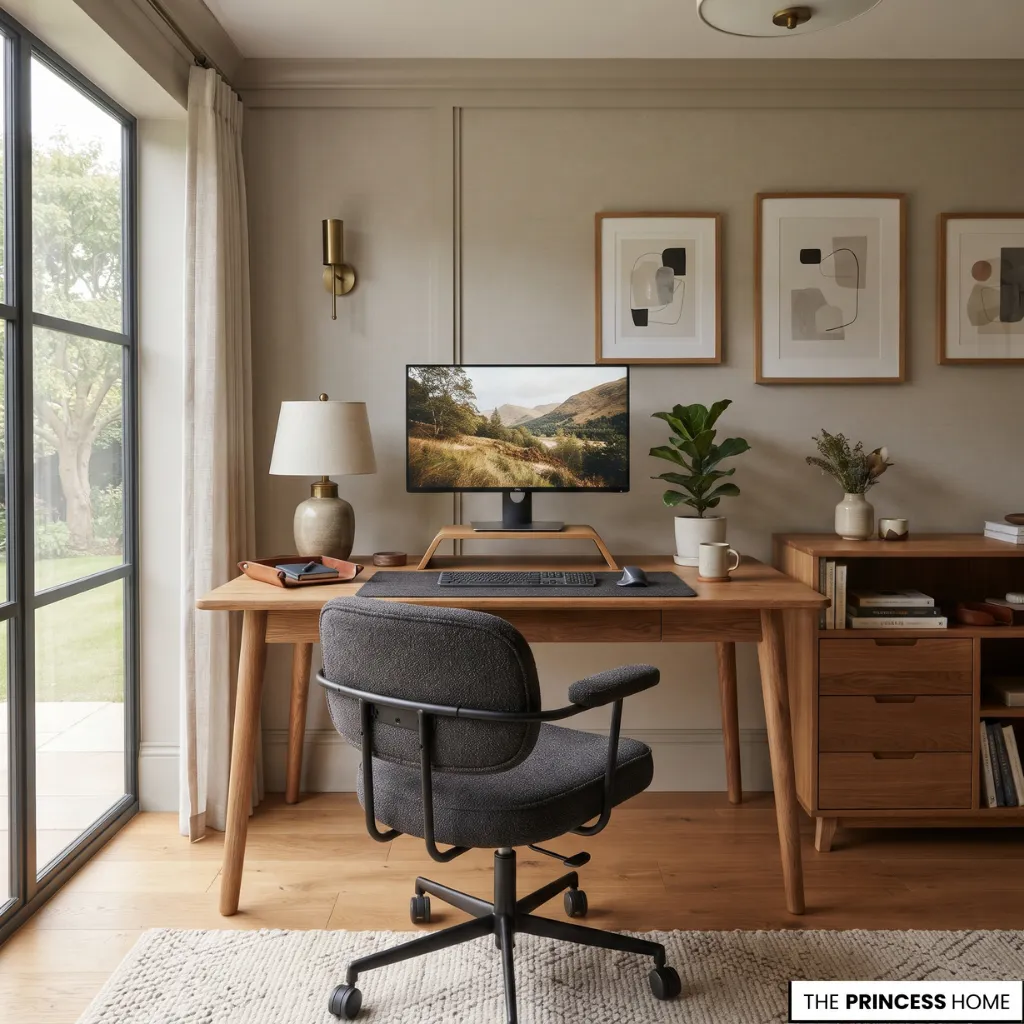
Furniture determines how effectively the home office supports daily activities. The most important decisions are selecting a desk with sufficient working space and a chair that supports comfortable sitting. Additional pieces should be chosen according to actual storage and work requirements.
Select the Right Desk
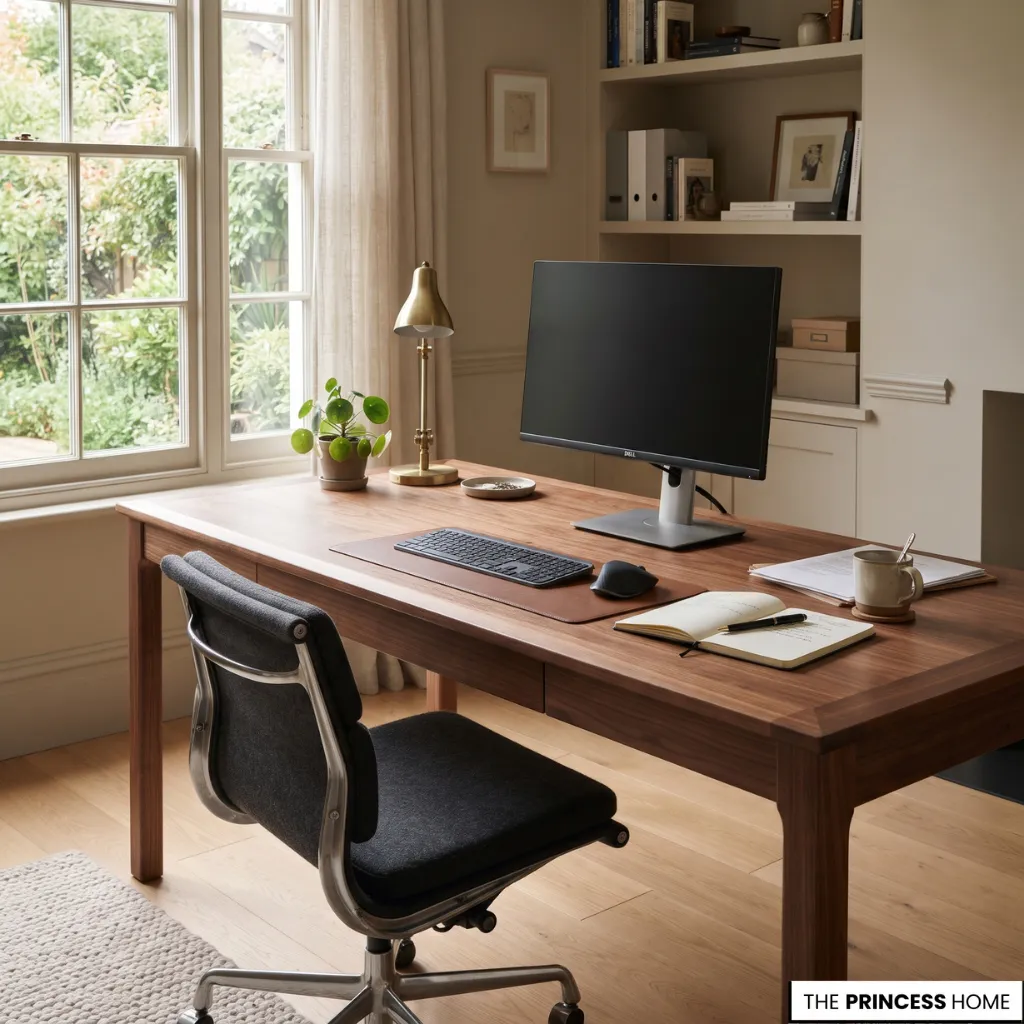
Choose a desk according to the equipment and tasks it must accommodate. A laptop-only workstation may need less surface area than a setup containing multiple screens, documents, and accessories. Straight desks are versatile and suitable for most room arrangements.
Corner desks use two adjoining walls to provide an extended working surface. Executive desks offer a substantial surface and often include integrated storage.
Floating desks attach to the wall and help preserve floor space, while adjustable-height desks allow users to change between sitting and standing positions when appropriately selected and adjusted.
Pay attention to desk depth as well as width. The surface should accommodate the screen at a comfortable viewing distance while leaving sufficient room for the keyboard, mouse, and other work materials.
The construction also matters. Solid wood, engineered wood, metal, and combinations of materials offer different appearances, costs, and maintenance requirements. Choose a stable surface that can withstand regular use.
To decide which desk type is appropriate, begin with the equipment you use every day. A straight desk is often the simplest choice when the room has a clear wall and the workstation needs only one main working surface.
A corner desk may be more useful when you need to separate computer work from paperwork or make use of two adjoining walls, but its shape should not restrict legroom or chair movement. An executive desk is suitable when the room can accommodate its larger footprint and the additional surface is genuinely useful.
A floating desk can preserve floor space in a compact room, although it needs secure installation and may provide limited storage.
Desk depth is especially important when selecting a compact model. A surface that accommodates only a laptop may be sufficient for occasional use, but regular work involving a separate monitor, keyboard, mouse, notebooks, or documents requires more usable depth.
Consider the position of each item before purchasing rather than judging the desk by its overall width alone.
An adjustable-height desk is worth considering when changing working positions is part of your routine and the desk can be adjusted to suit your body and equipment.
It is not essential for every home office. The most suitable desk is the one that provides a stable, comfortable working surface and fits the available room without restricting movement.
Choose a Supportive Chair
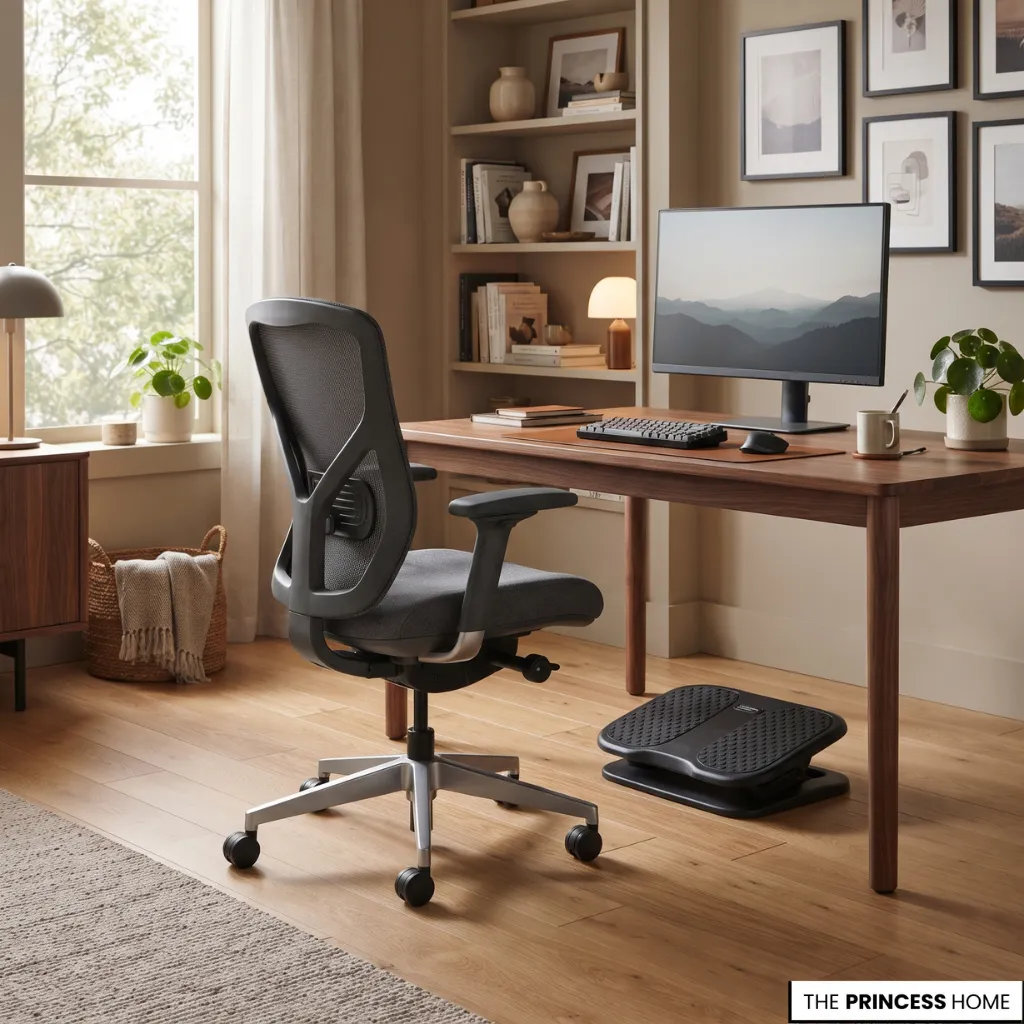
An attractive chair is not necessarily a comfortable working chair. For regular computer use, prioritize adjustable height, appropriate back support, and a seat that allows you to sit without unnecessary pressure.
Look for adjustable seat height, support for the lower back, a seat depth suitable for your body, stable construction, armrests when they improve your working position, and suitable upholstery that is comfortable and easy to maintain.
The chair should work with the desk rather than being selected independently. When seated, your feet should be supported, your shoulders relaxed, and your arms positioned comfortably in relation to the desk.
If a chair cannot be adjusted sufficiently, an appropriate footrest may help provide support.
When comparing chairs, consider how long you normally sit and which adjustments you can make. A chair used for several hours each day generally deserves more attention to seat depth, back support, and adjustability than occasional seating.
The seat should allow you to sit with your back supported and your feet resting securely, while the armrests should not force your shoulders upward or prevent you from moving close enough to the desk.
Check the relationship between the chair and desk before treating either as a separate purchase. A chair that feels comfortable at one desk height may not work well with another.
If the desk is too high for your seated position, lowering the chair may leave your feet unsupported; if the chair is too high, your arms may not rest comfortably at the working surface.
Choose adjustable pieces where possible, and assess the complete sitting position rather than relying on appearance or a product description alone.
Add Functional Furniture
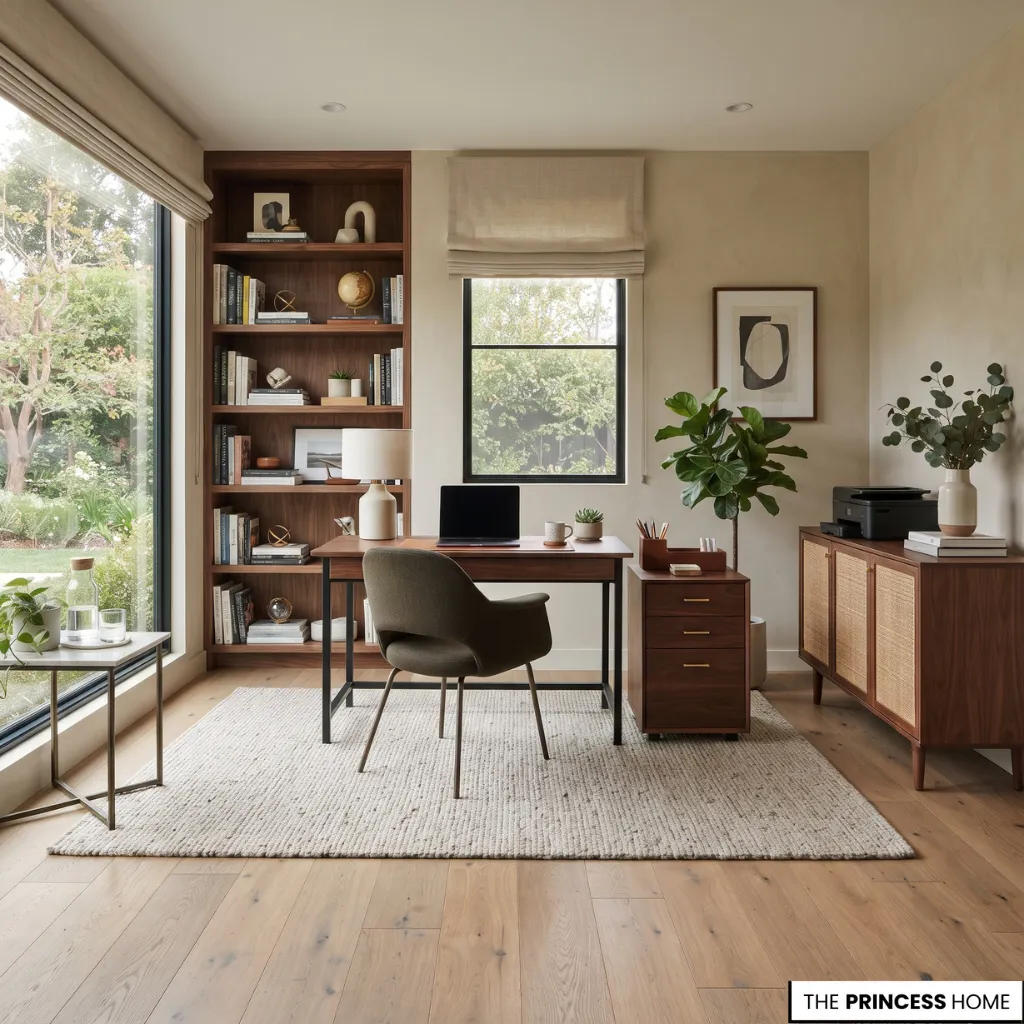
Additional furniture should solve a specific problem rather than simply fill empty space.
Useful options include a filing cabinet for documents and office supplies, a sideboard for equipment and less frequently used materials, a bookcase for reference books and decorative objects, a small side table for accessories or temporary storage, and a comfortable occasional chair for reading or reviewing documents.
In a smaller office, choose multifunctional pieces. A desk with drawers, a compact storage cabinet, or a wall-mounted shelf can provide several functions without overcrowding the room.
Before adding another piece, identify what it needs to hold and how often you will use it. A filing cabinet is useful when you regularly handle paperwork, while a sideboard may be more appropriate for equipment that does not need to remain on the desk.
If storage is needed only for a few small items, a drawer unit or shelf may be enough. This approach prevents the room from accumulating furniture that takes up valuable space without improving the way you work.
Arrange Your Computer Equipment
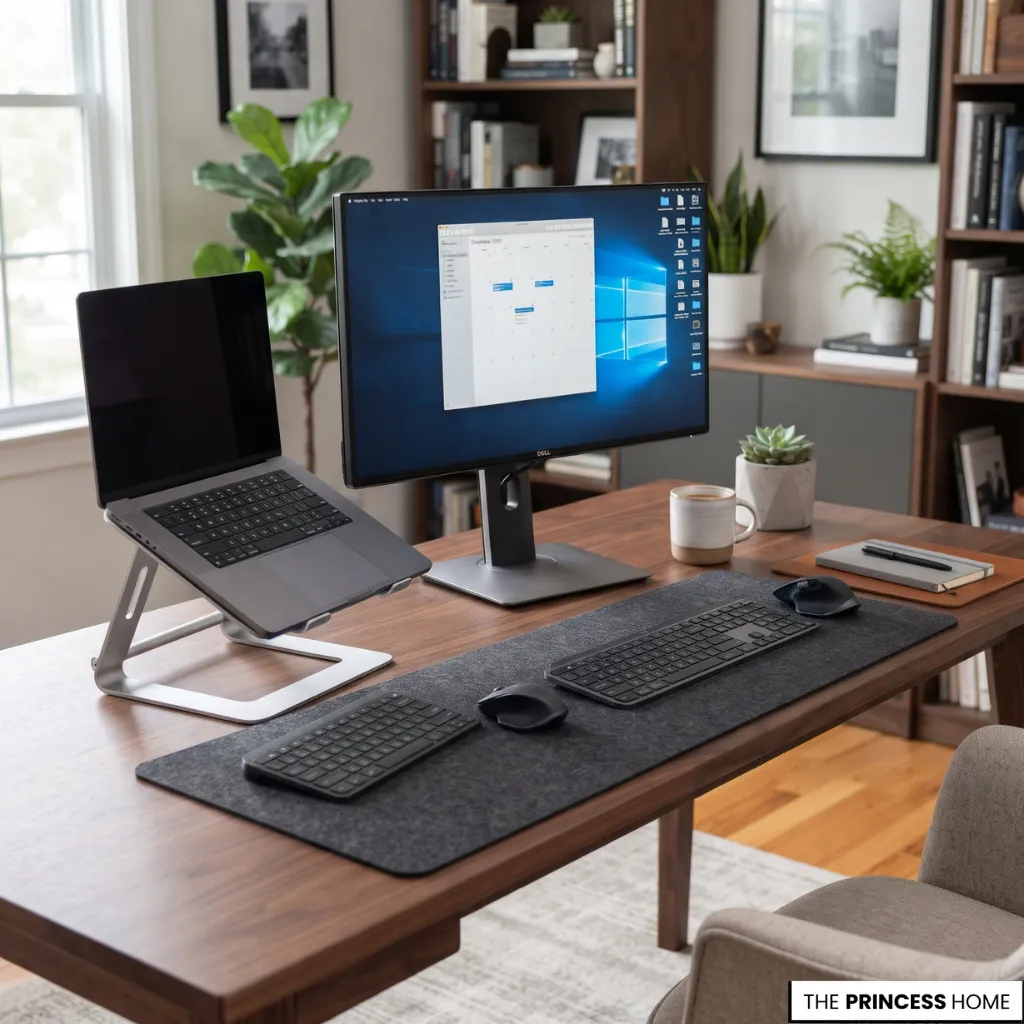
The computer setup should support a natural working position. Place the main screen directly in front of you, at a comfortable viewing distance, with its upper edge around eye level or slightly below, adjusted to your posture and visual needs.
For prolonged laptop use, a separate monitor or laptop stand combined with an external keyboard and mouse can make it easier to position the screen and input devices independently.
Keep the keyboard and mouse close enough to avoid repeatedly reaching forward. Frequently used accessories should remain within comfortable reach.
These arrangements are practical starting points, not identical measurements for every person. Adjust the workstation to your body, equipment, and working habits.
If you use more than one monitor, arrange the screens according to which one you consult most often. The main screen should remain directly in front of you, while a secondary screen can sit beside it at a comfortable angle.
Keep the monitor, keyboard, and mouse arranged as one working setup so that you do not need to twist repeatedly or reach across the desk.
If you alternate between a laptop and a separate monitor, make sure the screen you are actively using is positioned appropriately rather than leaving the laptop flat on the desk for extended periods.
Layer Your Lighting
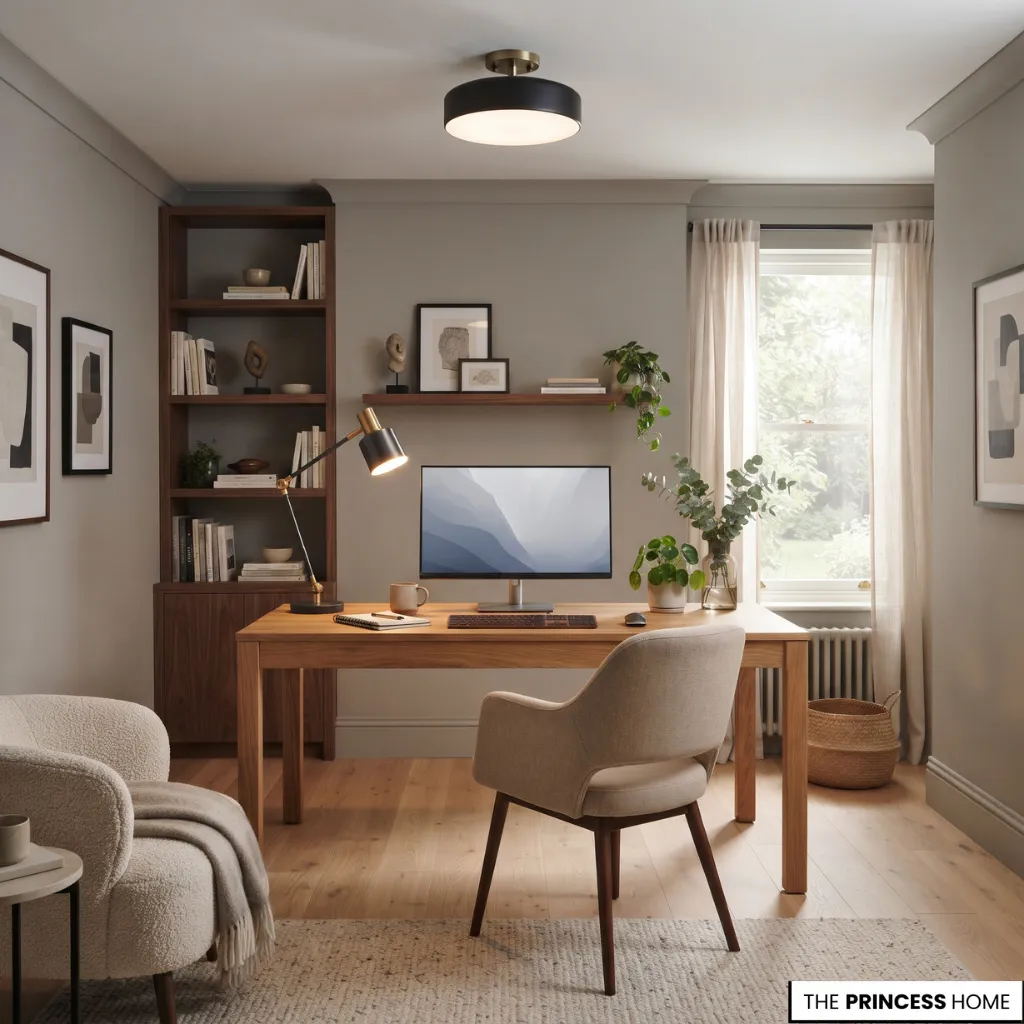
Good lighting makes a home office more practical and helps it integrate naturally into the interior design. Rather than relying on one ceiling fixture, combine natural daylight with general lighting and a dedicated source for reading and writing.
Make Use of Natural Light
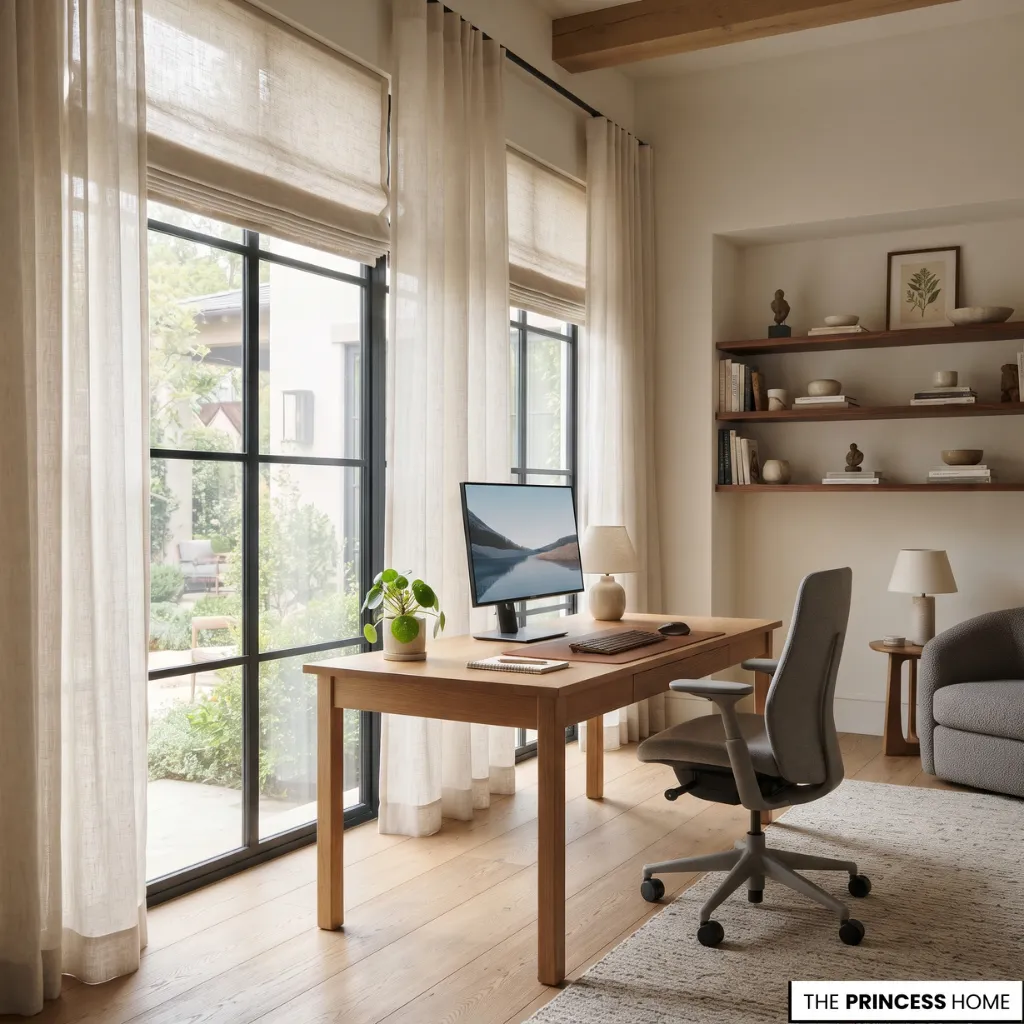
Natural daylight can make the workspace more pleasant during the day. Position the desk to benefit from window light while controlling direct sunlight and reflections on computer screens.
If sunlight becomes too strong, use adjustable blinds, curtains, or shades to manage brightness. Sheer curtains can soften incoming daylight, while lined curtains or blinds offer greater control when needed.
Avoid assuming that a window-facing desk is always the best arrangement. The direction and intensity of sunlight determine whether the position is practical.
Add General Lighting
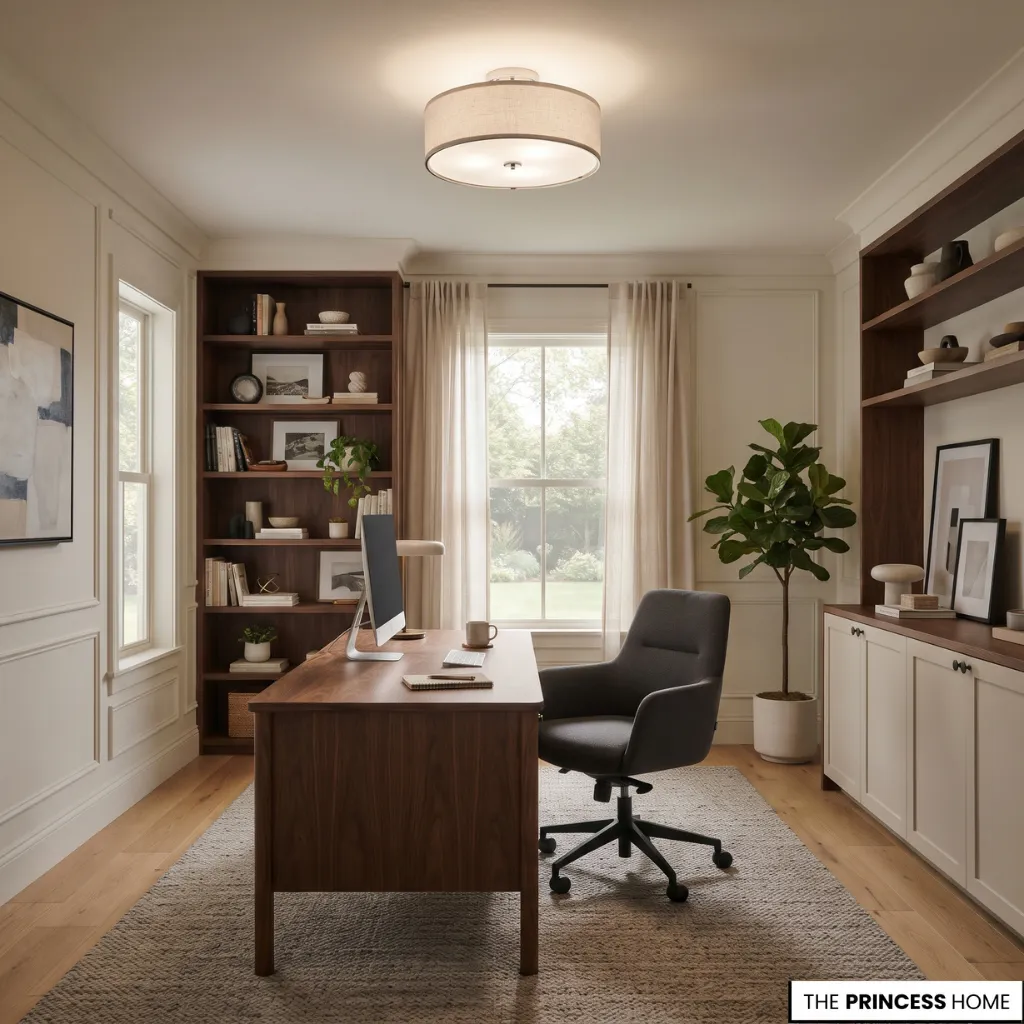
General lighting provides illumination throughout the room. Depending on the interior, it may come from a ceiling pendant, recessed fixtures, flush-mounted lights, or wall lights.
Choose a fixture that provides sufficient illumination without creating harsh contrasts between the desk and surrounding areas. Its appearance should also complement the furniture and overall design.
Use Task Lighting
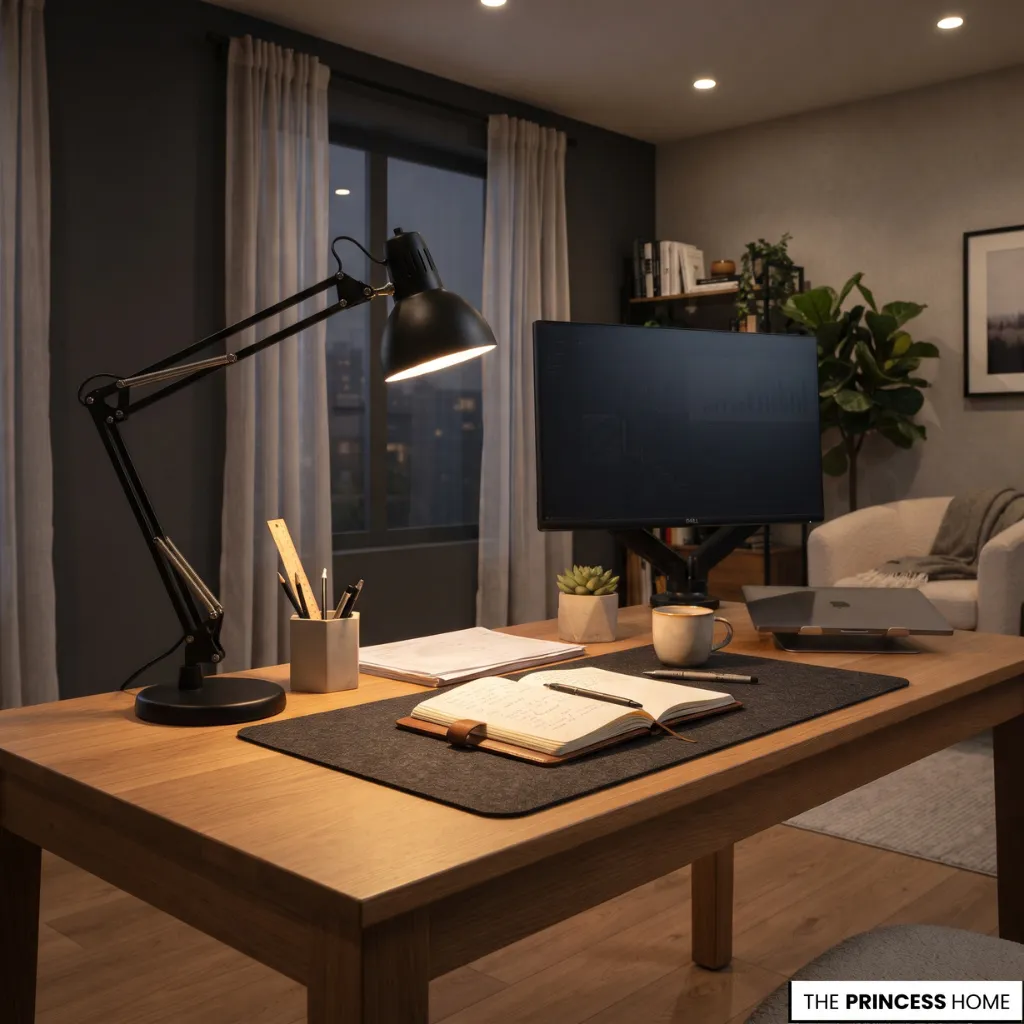
Task lighting directs light toward a specific activity, such as reading, writing, or reviewing documents. An adjustable desk lamp is a useful option because its direction can be changed according to the task.
Position it to illuminate the working surface without creating distracting reflections on the screen. You can also use a floor lamp beside an occasional chair when the office includes a reading area.
Reduce Glare
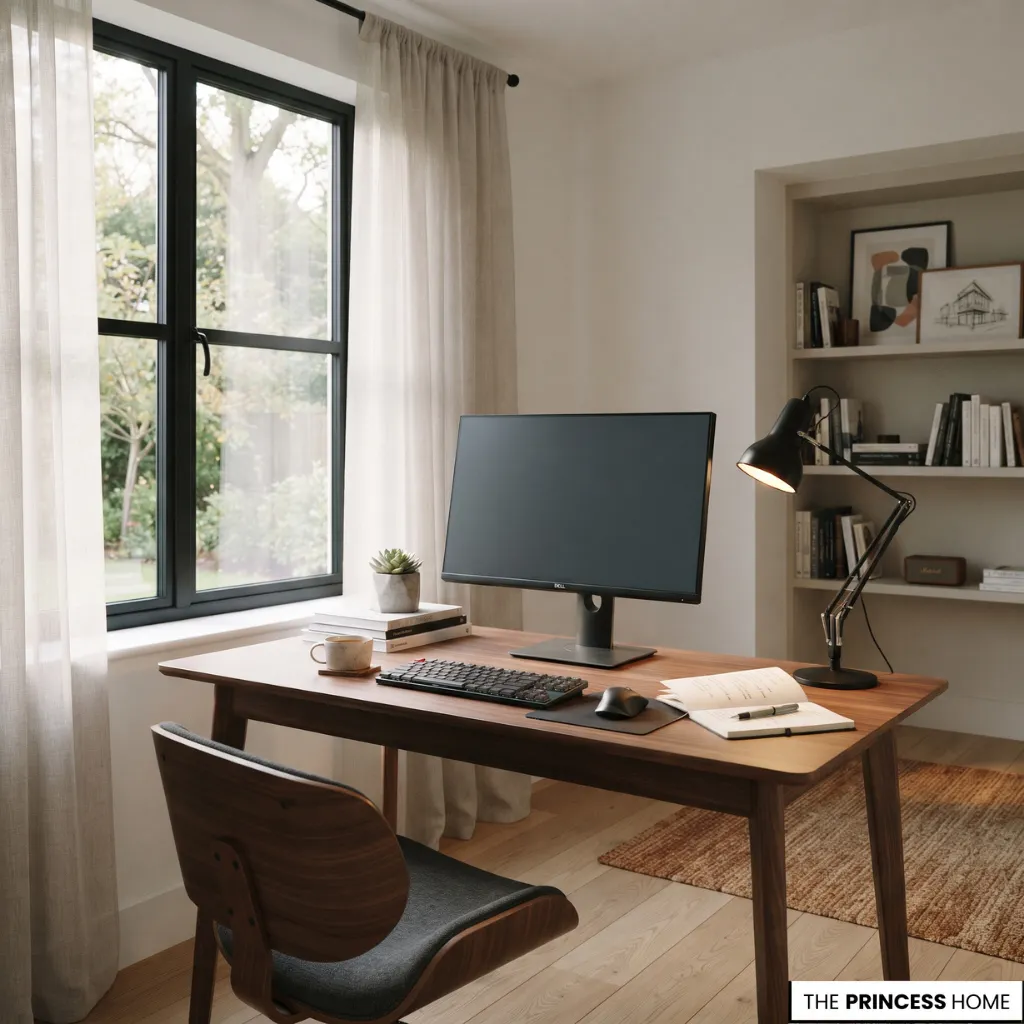
Glare can make screen use uncomfortable, particularly when bright windows or uncovered light sources reflect directly onto the display.
To reduce it, adjust the desk position in relation to the window, use blinds or curtains to control direct sunlight, avoid placing bright light sources directly behind the screen, choose lamps with suitable shades or adjustable heads, and adjust screen brightness to the surrounding conditions.
A well-lit office should provide comfortable visibility without excessive brightness or distracting reflections.
When choosing task lighting, consider the type of work and the position of your dominant hand. A lamp should illuminate the working surface without casting unnecessary shadows across documents or shining directly into your eyes.
If the screen remains difficult to see despite adjusting the lamp, check the window position and reflected light before increasing the brightness of the display.
Organize Your Storage
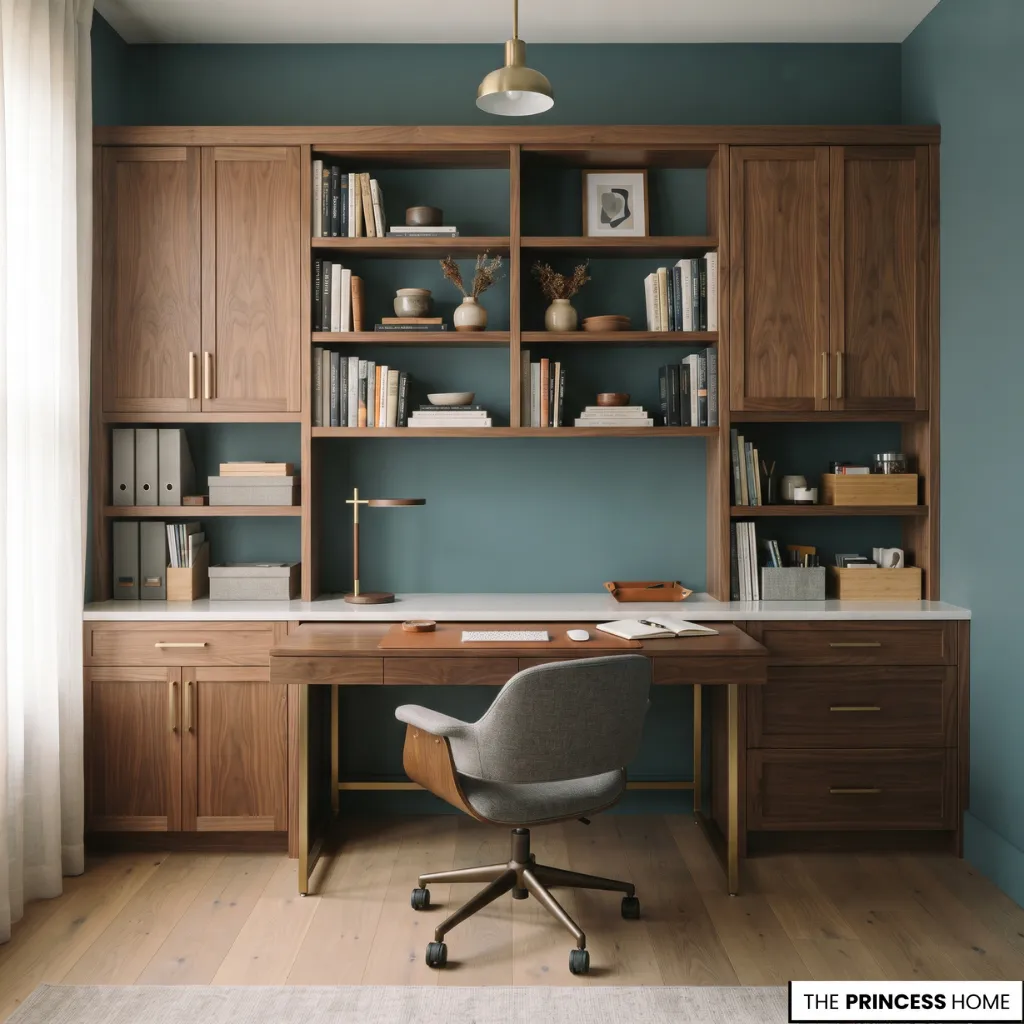
An organized home office needs storage that supports everyday work while keeping the desk clear enough for its main purpose. The most effective system places frequently used items within easy reach and stores less frequently needed materials elsewhere.
Use Shelves and Bookcases
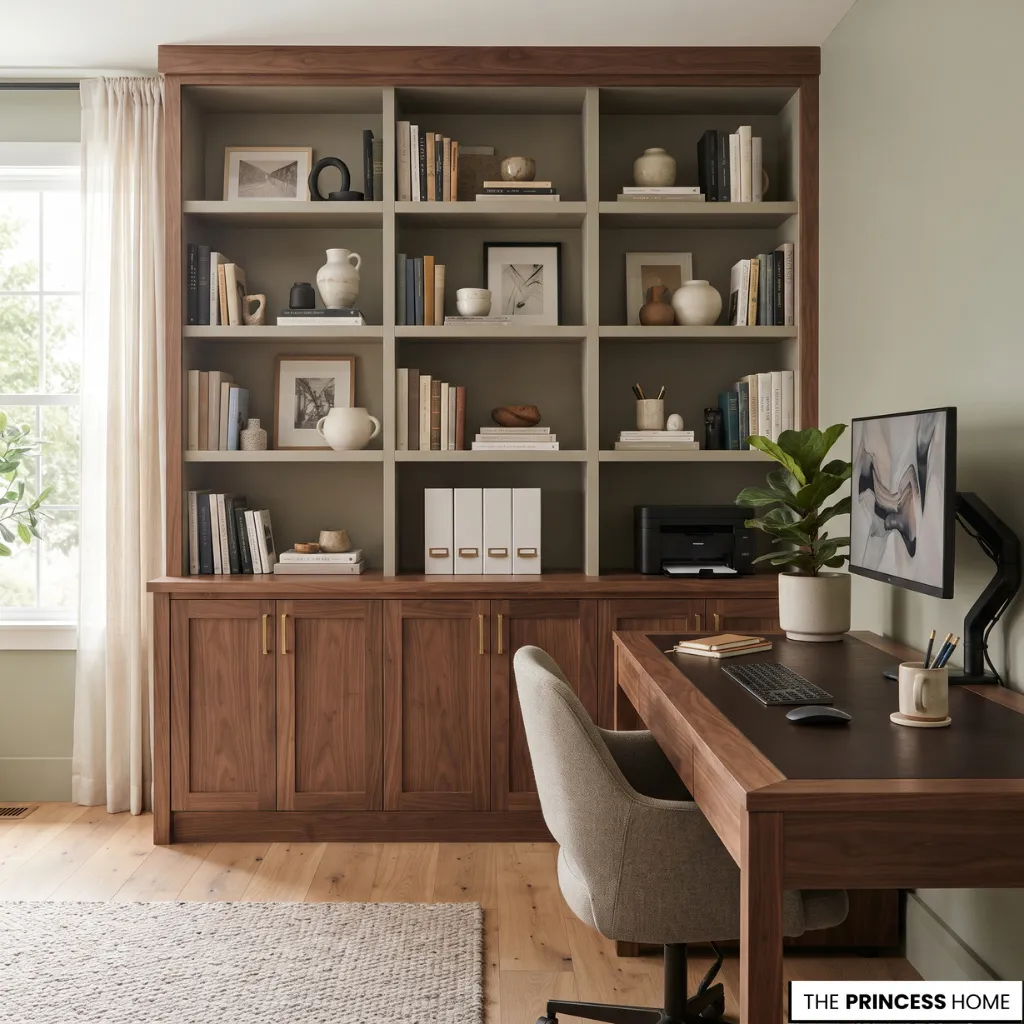
Wall-mounted shelves and bookcases provide useful storage for books, reference materials, folders, and selected decorative objects.
Open shelving works well when items are arranged thoughtfully. Group books by subject or size, leave some open space, and avoid filling every shelf.
For a more controlled appearance, combine open shelves with closed cabinets. This allows attractive items to remain visible while less presentable supplies are stored out of sight.
Add Drawer Storage
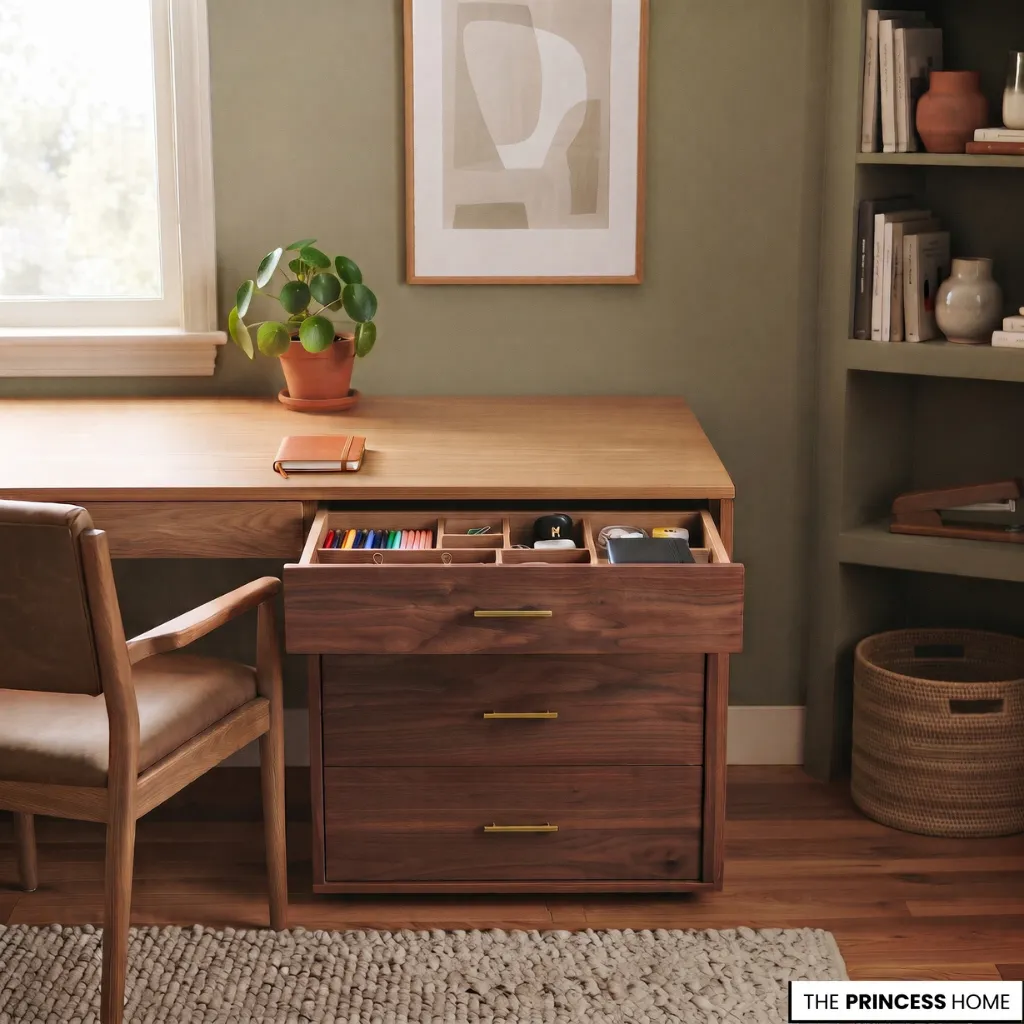
Drawers are useful for keeping small supplies organized and accessible. Use them for stationery, chargers, notebooks, documents, and other items that would otherwise accumulate on the desktop. A separate drawer unit can be placed beside the desk when the existing furniture does not provide enough storage.
Organize drawers according to their contents rather than placing everything together. Frequently used supplies should occupy the most accessible compartments.
Use Vertical Storage
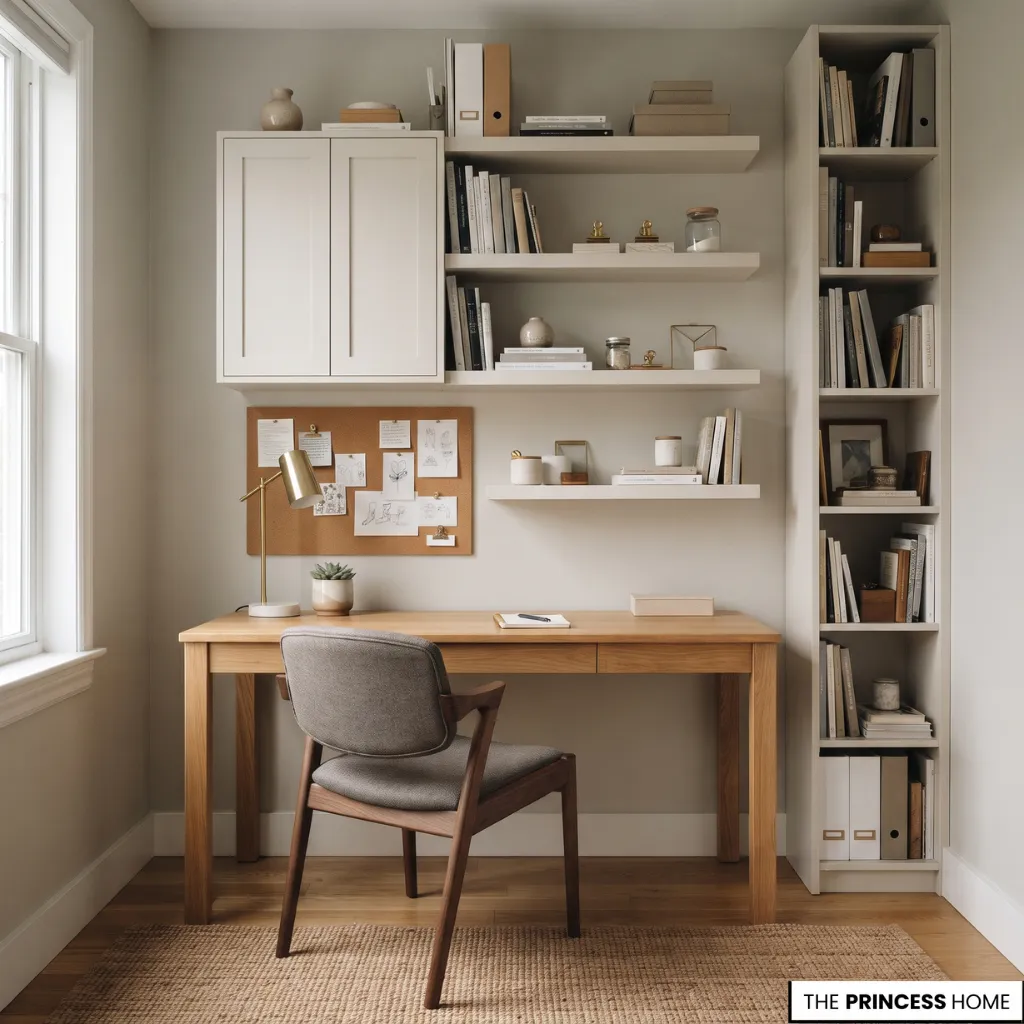
When floor space is limited, use the walls to accommodate storage and reference materials. Options include floating shelves, wall-mounted cabinets, pinboards, magnetic boards, wall organizers, and narrow vertical bookcases.
Place these elements where they can be reached comfortably without interfering with the desk or creating visual clutter.
Manage Cables and Equipment
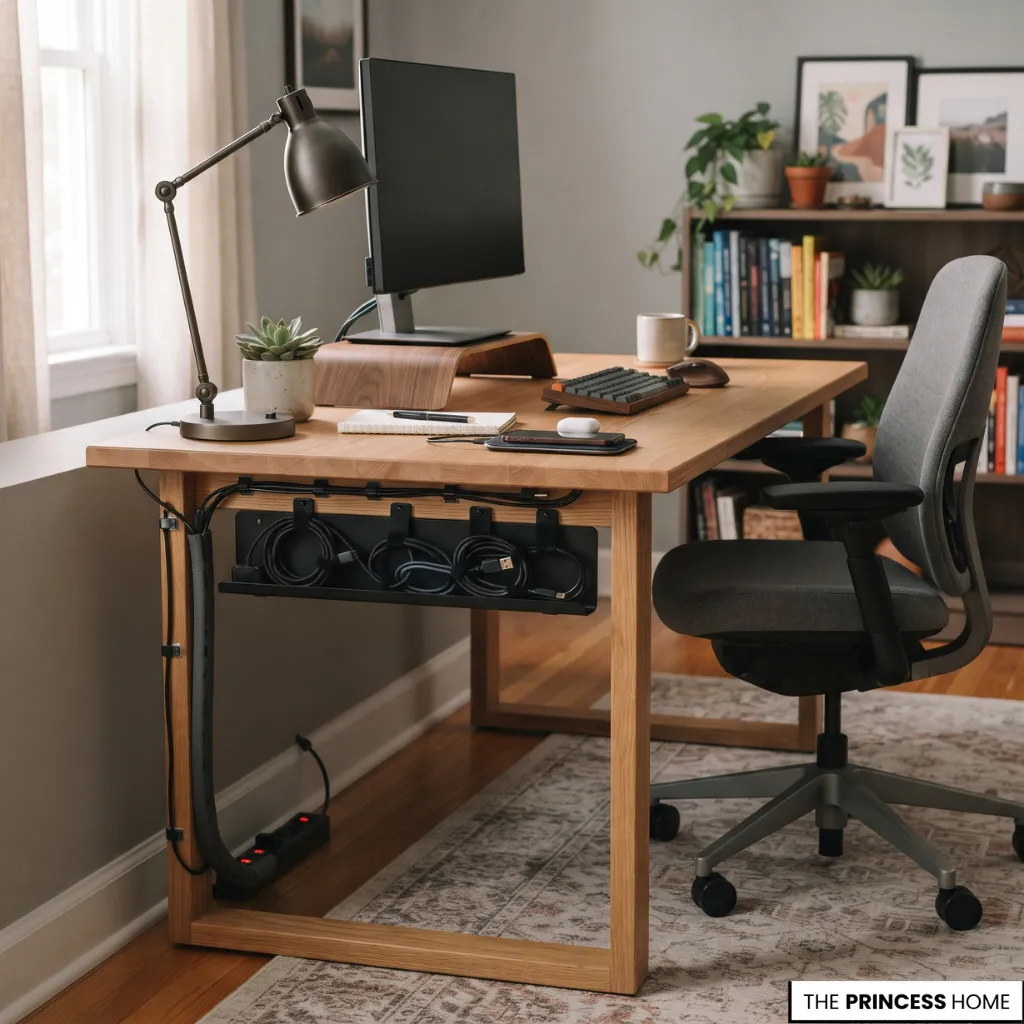
Computer equipment, lamps, chargers, and other accessories can create a noticeable tangle of cables. Plan their routes before positioning the furniture.
Cable trays beneath the desk, clips, sleeves, and designated charging areas can help keep wires organized. Keep electrical connections accessible and avoid overloading outlets or routing cables across walking paths.
This practical detail improves both the appearance and usability of the office. When deciding how much storage to install, begin with the items you actually need to keep. Paper documents, books, stationery, technology accessories, and personal objects may require different solutions.
Frequently used materials should be easy to reach, while archived documents and occasional supplies can be placed in less accessible cabinets. This prevents storage from taking over the room and makes it easier to maintain an organized desk.
Choose Colors
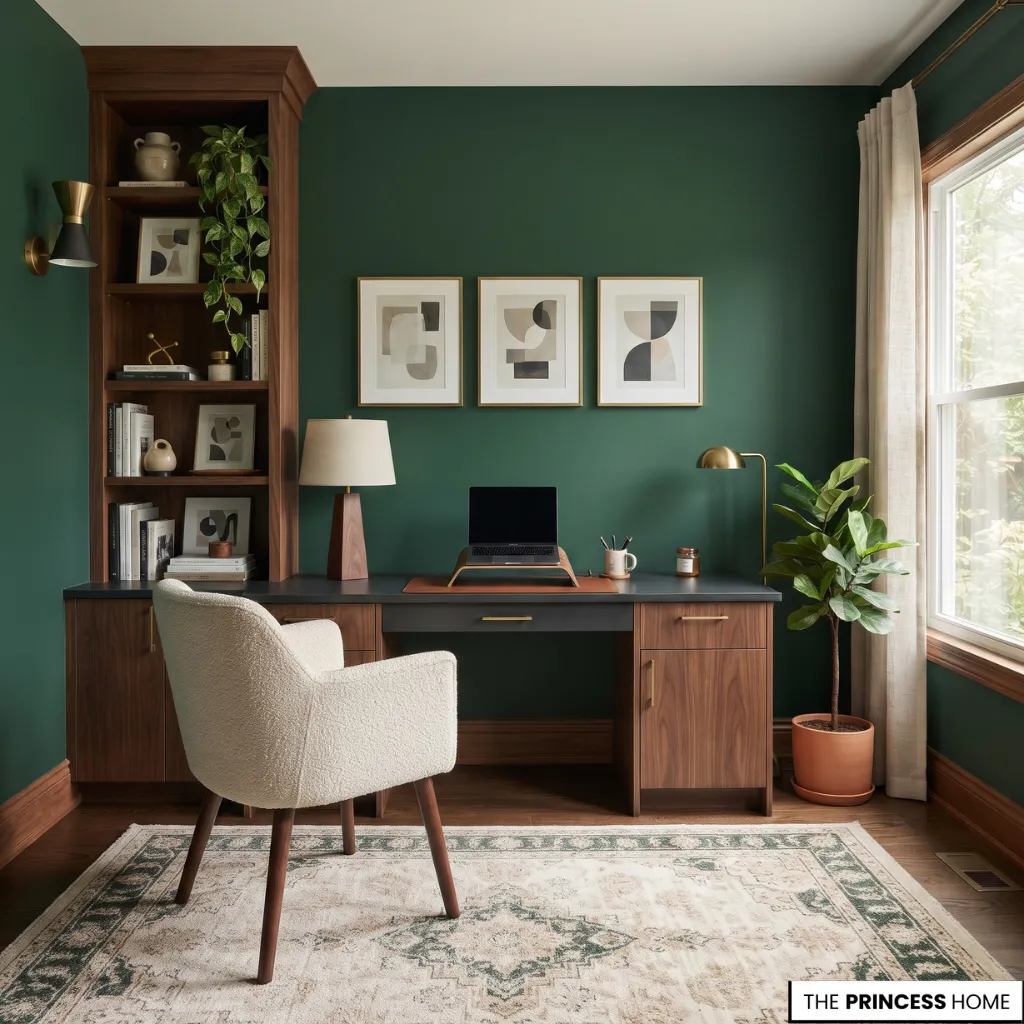
Color influences how the home office relates to the rest of the house and determines much of its visual character. The best palette depends on the available light, furniture finishes, room size, and the atmosphere you want to create.
Use Neutral Colors
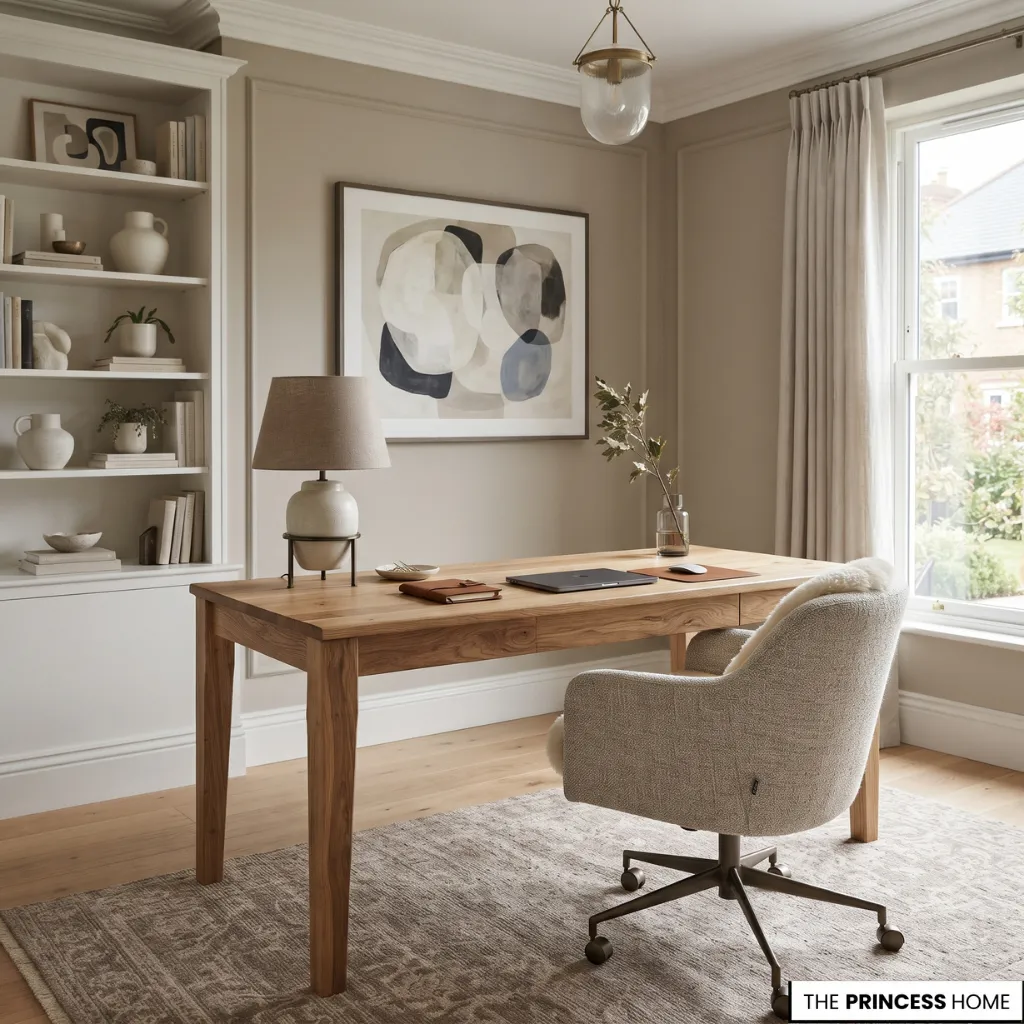
Cream, warm white, taupe, greige, and soft gray offer versatile foundations for a home office. They work particularly well when you want the workspace to blend with a living room, bedroom, or broader neutral interior.
Introduce variation through wood furniture, textured upholstery, dark metal details, and artwork. This prevents the space from appearing flat while maintaining a coordinated palette.
Introduce Blue and Green
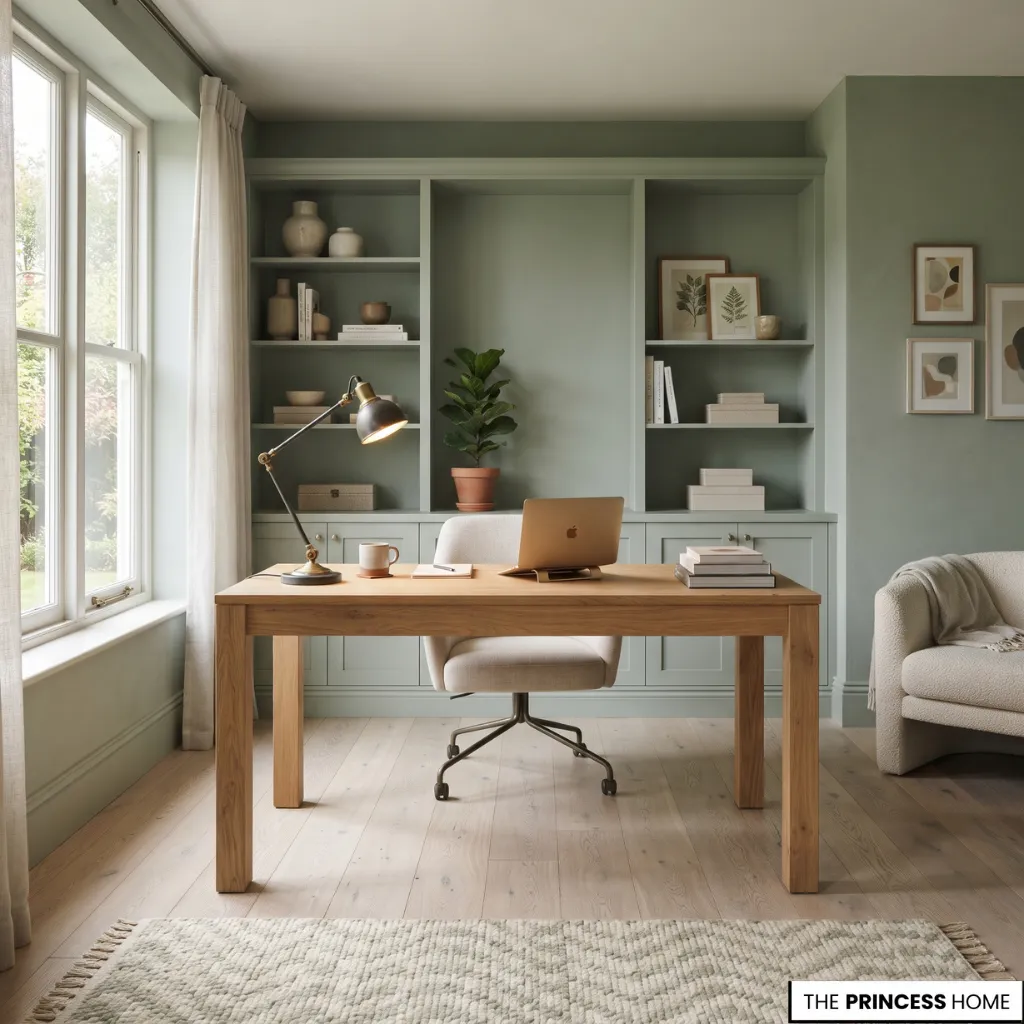
Blue and green provide alternatives to traditional neutral schemes. Deep navy, muted blue, sage, olive, and forest green can be used on walls, cabinetry, upholstery, or accessories.
Pair darker shades with suitable lighting and contrasting materials so the room does not become visually heavy. For a lighter appearance, softer greens and blues can be combined with natural wood and pale furnishings.
Explore Warm Colors
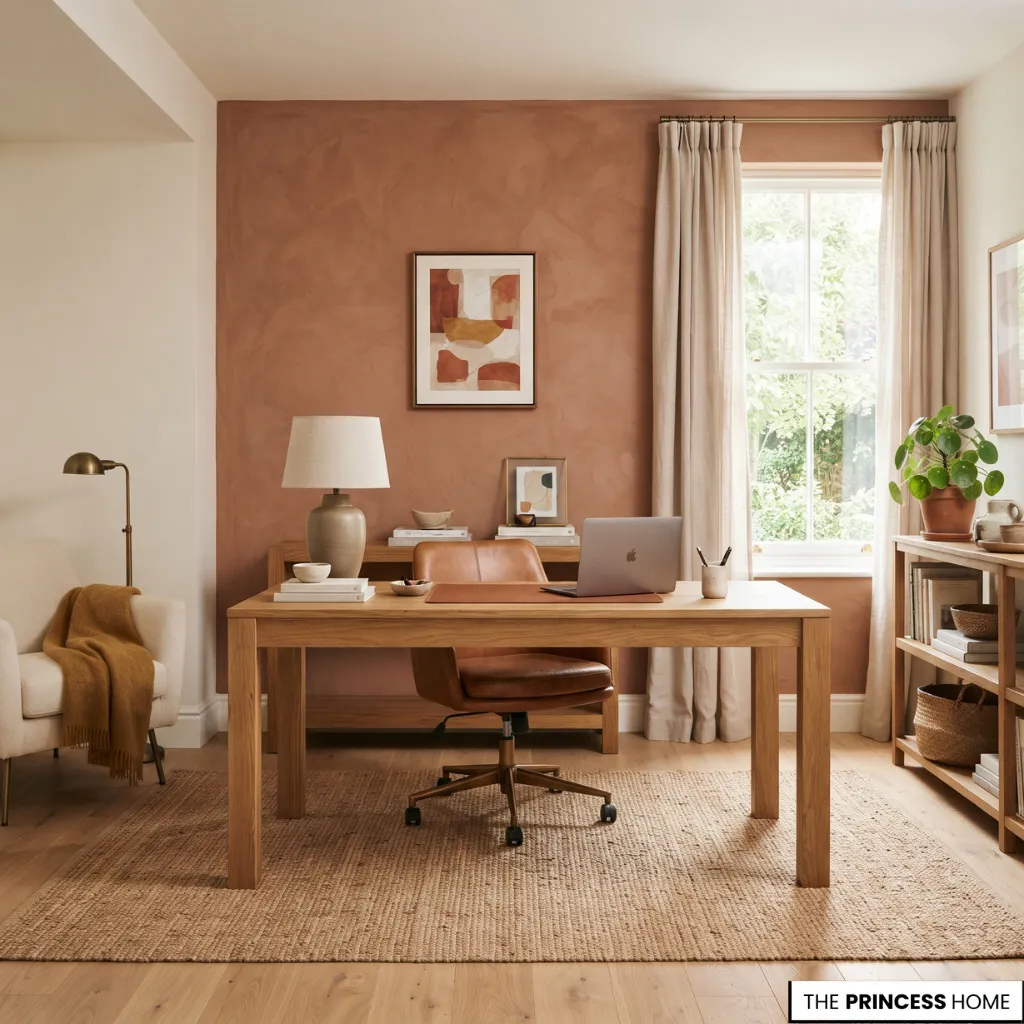
Terracotta, muted rust, ochre, caramel, and warm brown introduce a richer palette. These colors work particularly well with natural wood, woven materials, leather, and warm metal finishes.
You can use them across an entire wall, within upholstered furniture, or through smaller accessories. The amount of color should reflect the room’s proportions and the other finishes already present.
Try Dark and Dramatic Tones
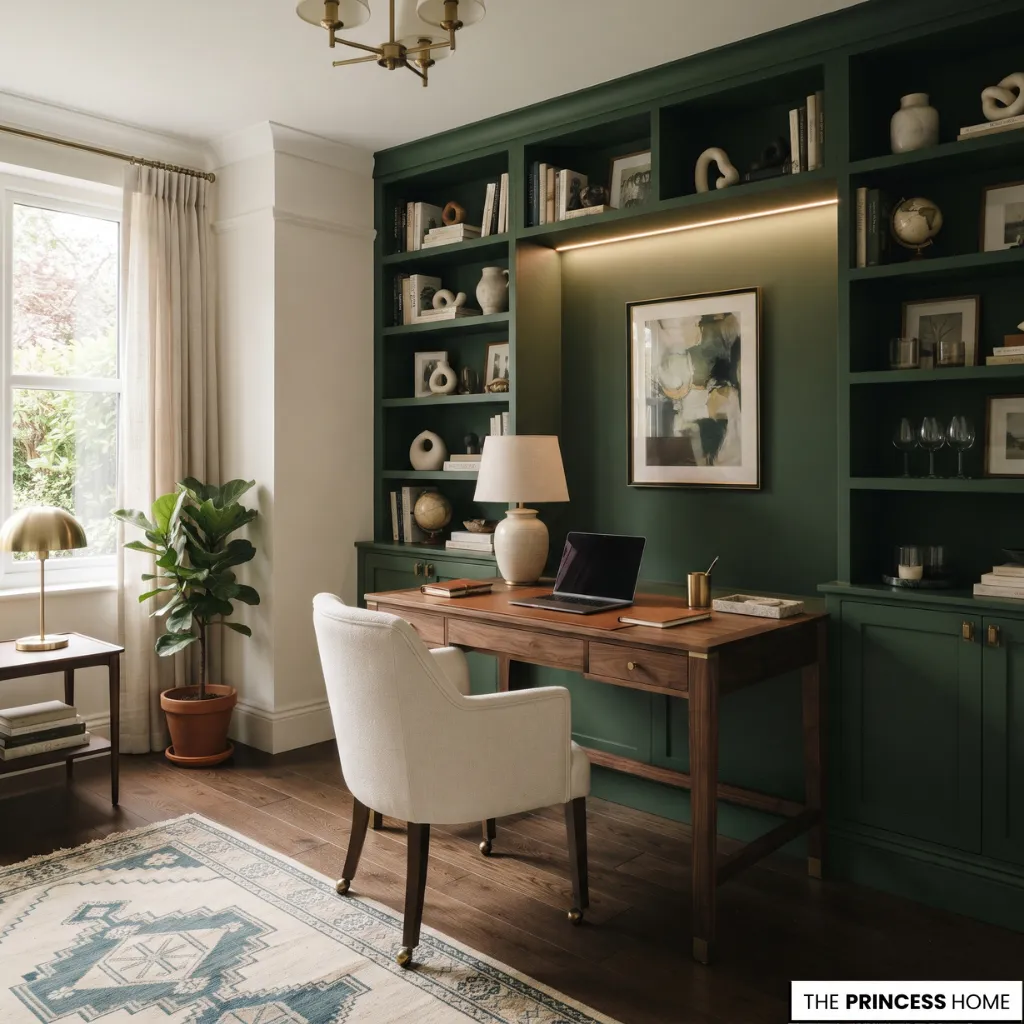
Charcoal, deep green, burgundy, navy, and dark brown can create a distinctive office with a more dramatic character. Dark walls may be especially effective in a room with suitable natural and artificial lighting. Balance them with lighter upholstery, reflective details, artwork, or contrasting wood finishes.
A darker palette does not require every surface to be dark. Selective use on cabinetry, one wall, or the desk can provide a similar visual direction.
Coordinate the Entire Palette
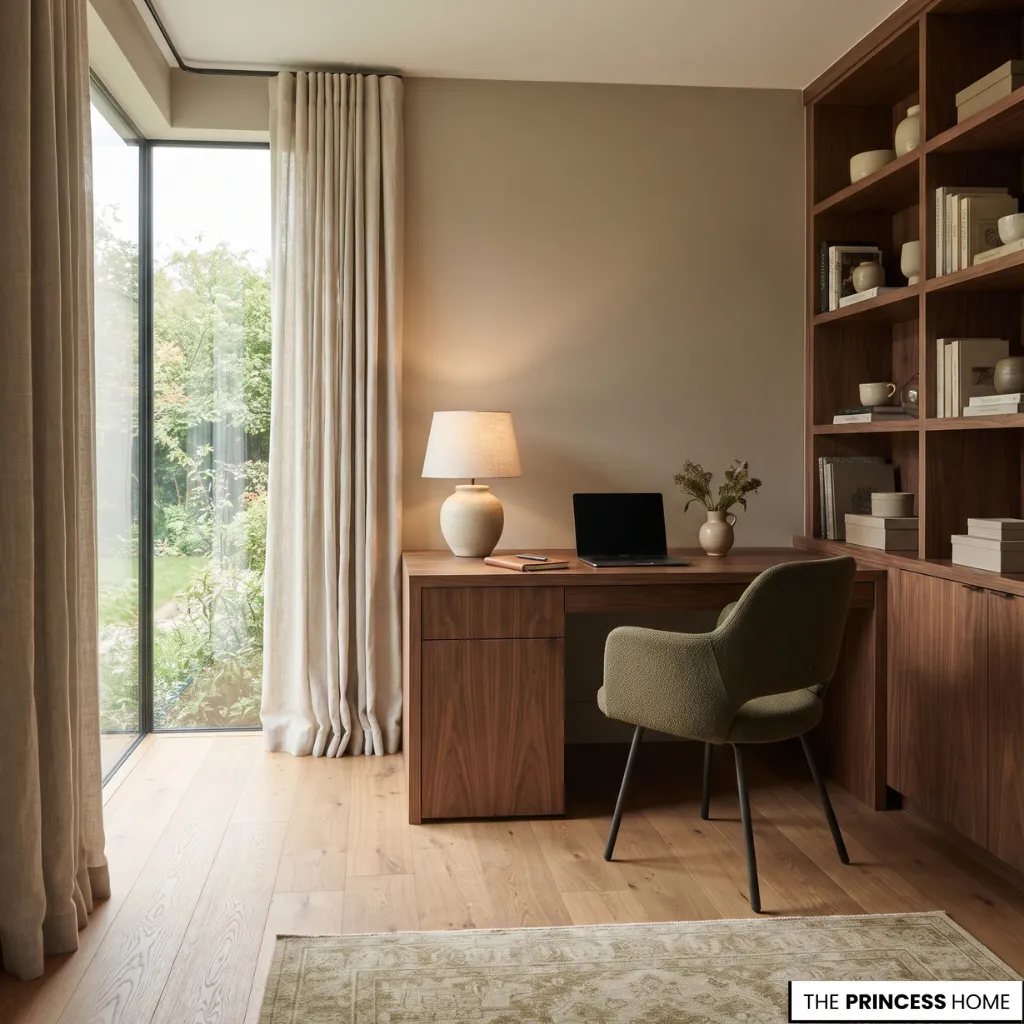
Consider the relationship between the walls, flooring, desk, chair, curtains, and storage. These elements should work together without necessarily matching exactly. A practical approach is to establish one dominant color, introduce one or two supporting shades, and use smaller accents where appropriate.
Always consider the actual lighting before committing to a paint color, since daylight and artificial illumination can change how a shade appears.
To choose a palette for a particular room, begin with the elements that are difficult or expensive to change, such as the flooring, built-in cabinetry, or an existing desk. Then consider the amount and direction of daylight.
A room with limited natural light may benefit from lighter wall colors or carefully placed contrasting finishes, while a bright room can accommodate deeper shades if the overall arrangement remains comfortable.
The furniture finish should also influence the choice. A dark wood desk can stand out against a lighter wall, while pale wood may work with a deeper background or a softer neutral palette.
If you want to introduce a strong color, test it on a smaller surface or sample area and observe it in both daylight and artificial light before applying it throughout the room. There is no single color that suits every workspace; the right choice depends on the room, its existing finishes, and the atmosphere you prefer.
Select Materials
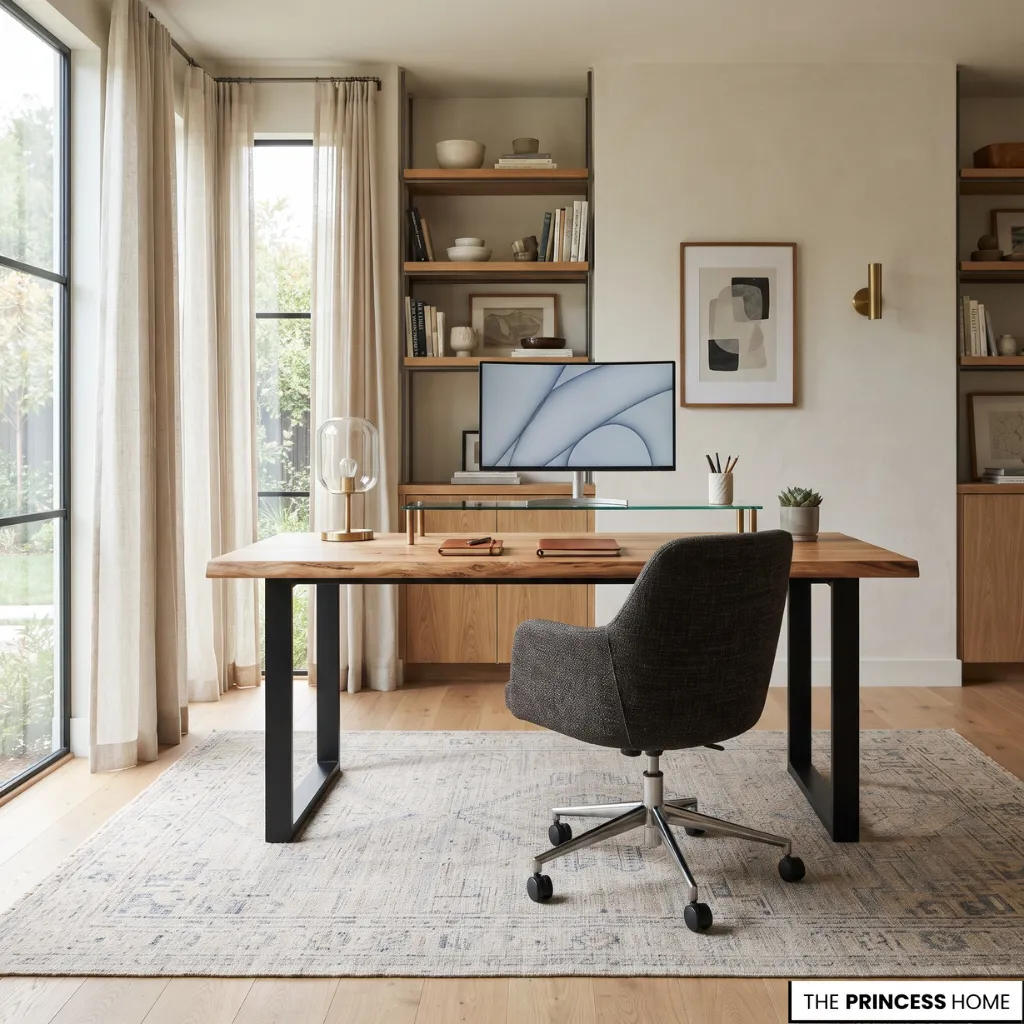
Materials influence the appearance, durability, maintenance, and overall character of a home office. Choosing them according to their practical properties helps create a workspace that remains attractive through regular use.
Introduce Natural Wood
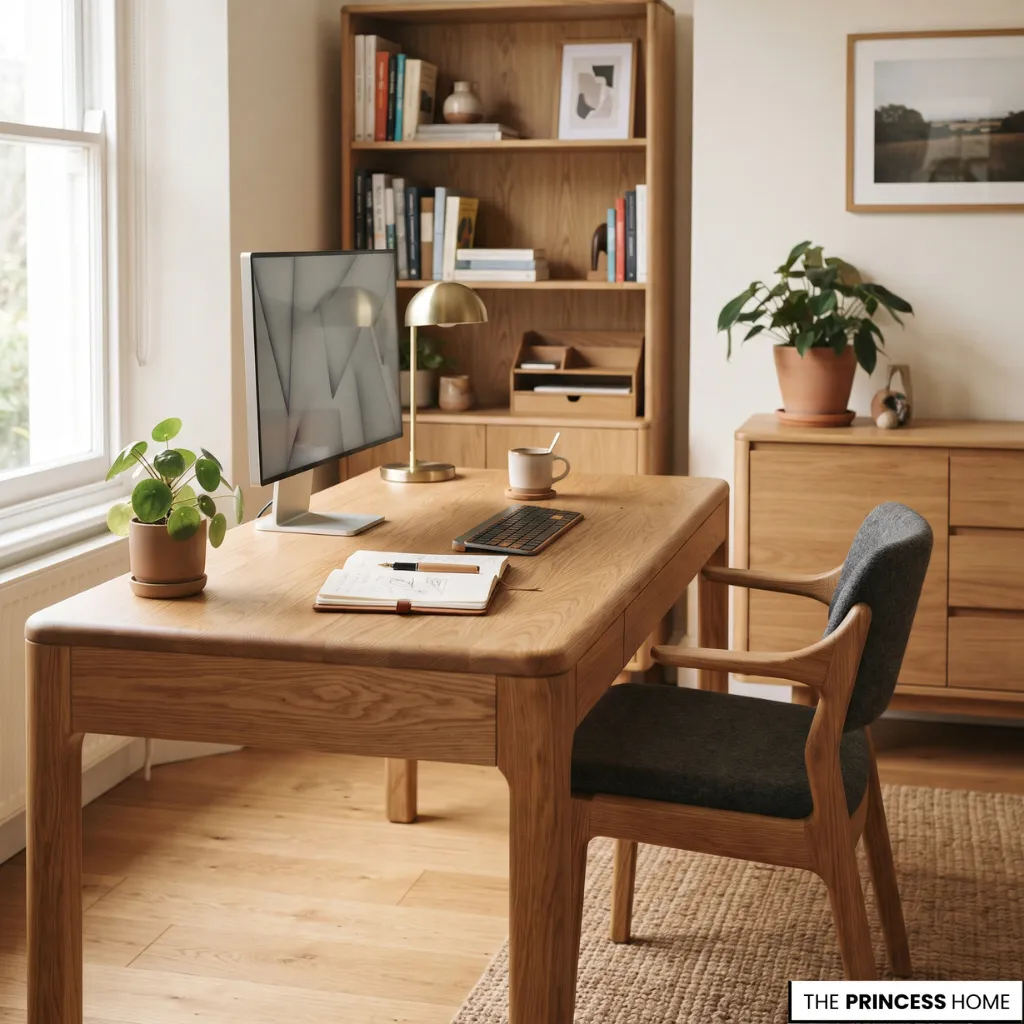
Wood is a versatile choice for desks, shelves, cabinets, and flooring. Oak, walnut, ash, and other wood finishes offer different colors and grain patterns. Lighter wood can complement bright, relaxed interiors, while darker finishes suit richer and more formal arrangements.
When choosing a desk, examine the construction and surface finish as well as its appearance. The material should be appropriate for daily use and easy to maintain.
For a desk used every day, consider how the surface responds to frequent contact, cleaning, and the weight of equipment. A well-finished surface should be practical to maintain and suitable for the tasks performed on it.
Solid wood and engineered wood can both be useful choices, but their construction, finish, and quality vary, so the material name alone does not determine durability. Check the stability of the desk, the quality of its edges, and whether the surface is appropriate for your equipment and routine.
Combine Metal and Glass
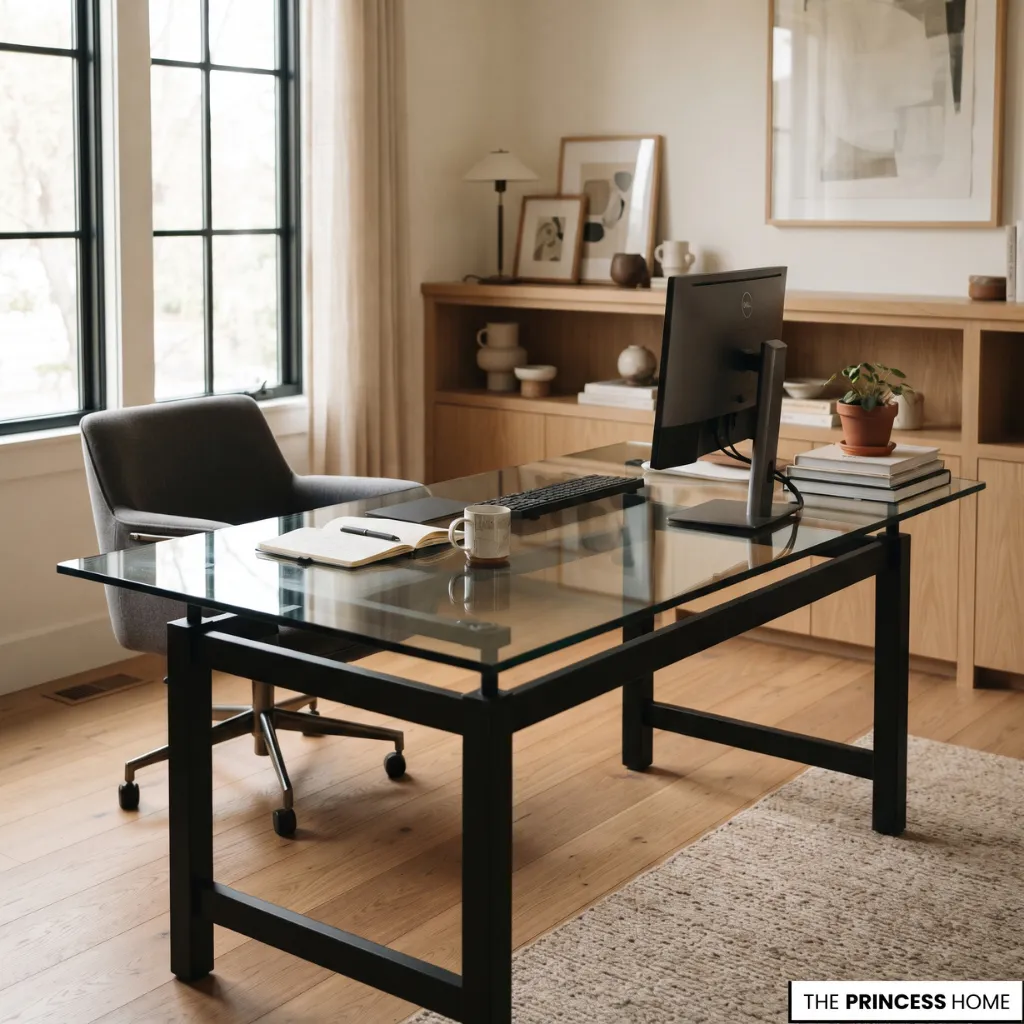
Metal and glass can introduce a lighter, more contemporary character. Metal frames provide structural support for desks, shelves, and storage units. Glass surfaces can make some furniture arrangements appear visually lighter, although they require regular cleaning and may show fingerprints more readily.
Combining a metal frame with a wood or glass top can create a useful contrast between materials. Glass may suit a workspace where a visually light appearance is important, but it is not always the most convenient surface for every routine.
Fingerprints and dust can be more noticeable, and the desk should be stable and suitable for the equipment placed on it. Metal can provide a durable frame or support structure, while its finish should be considered in relation to the rest of the room and the amount of maintenance it requires.
Add Comfortable Textures
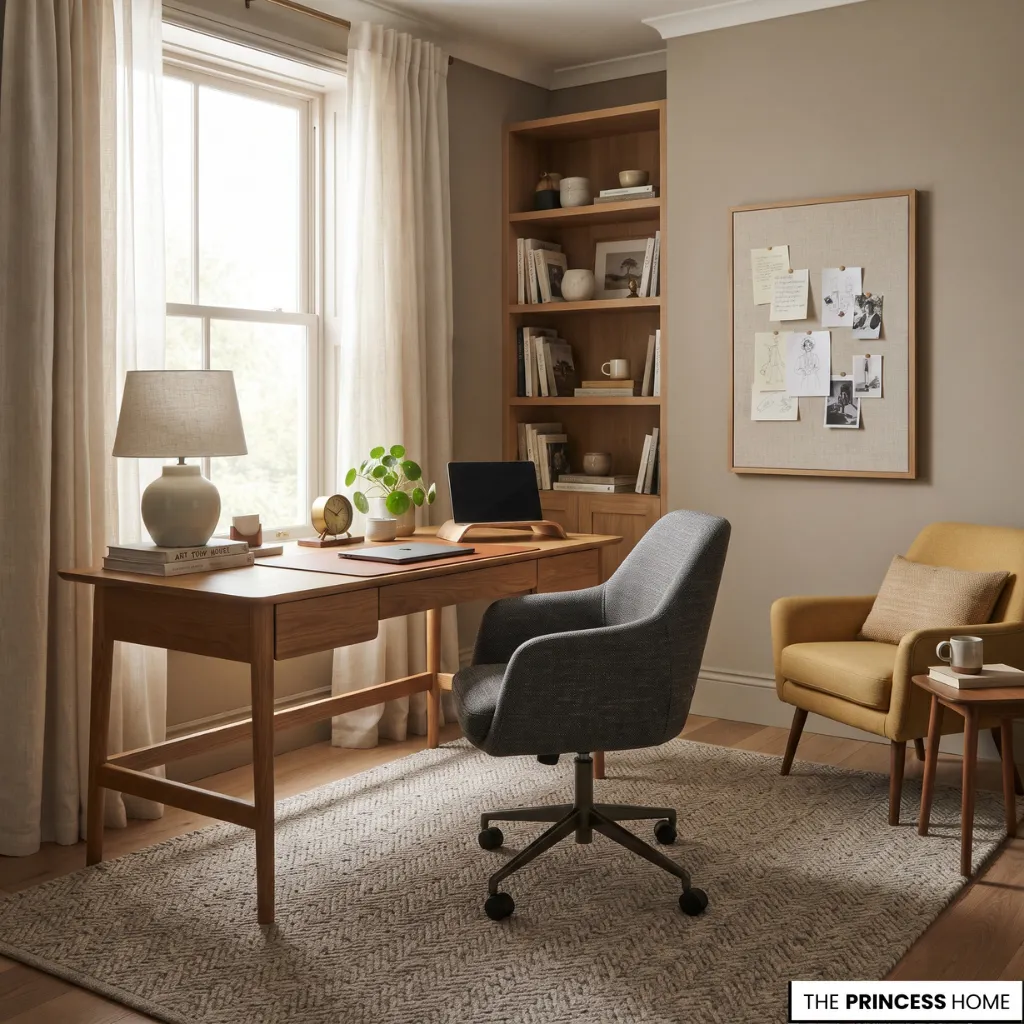
Textiles make a home office feel more integrated into a residential setting. Consider wool or natural-fiber rugs, upholstered office chairs, linen or cotton curtains, fabric-covered noticeboards, and cushions on occasional seating.
Choose materials according to durability, cleaning requirements, and the amount of use they will receive. For example, a rug beneath a desk should be suitable for the movement of the chair and easy to clean, while curtains should provide the degree of light control and privacy the room needs.
Upholstery should be comfortable for its intended use and practical to maintain. These considerations help prevent a decorative material from becoming inconvenient after the office is in regular use.
Coordinate Finishes
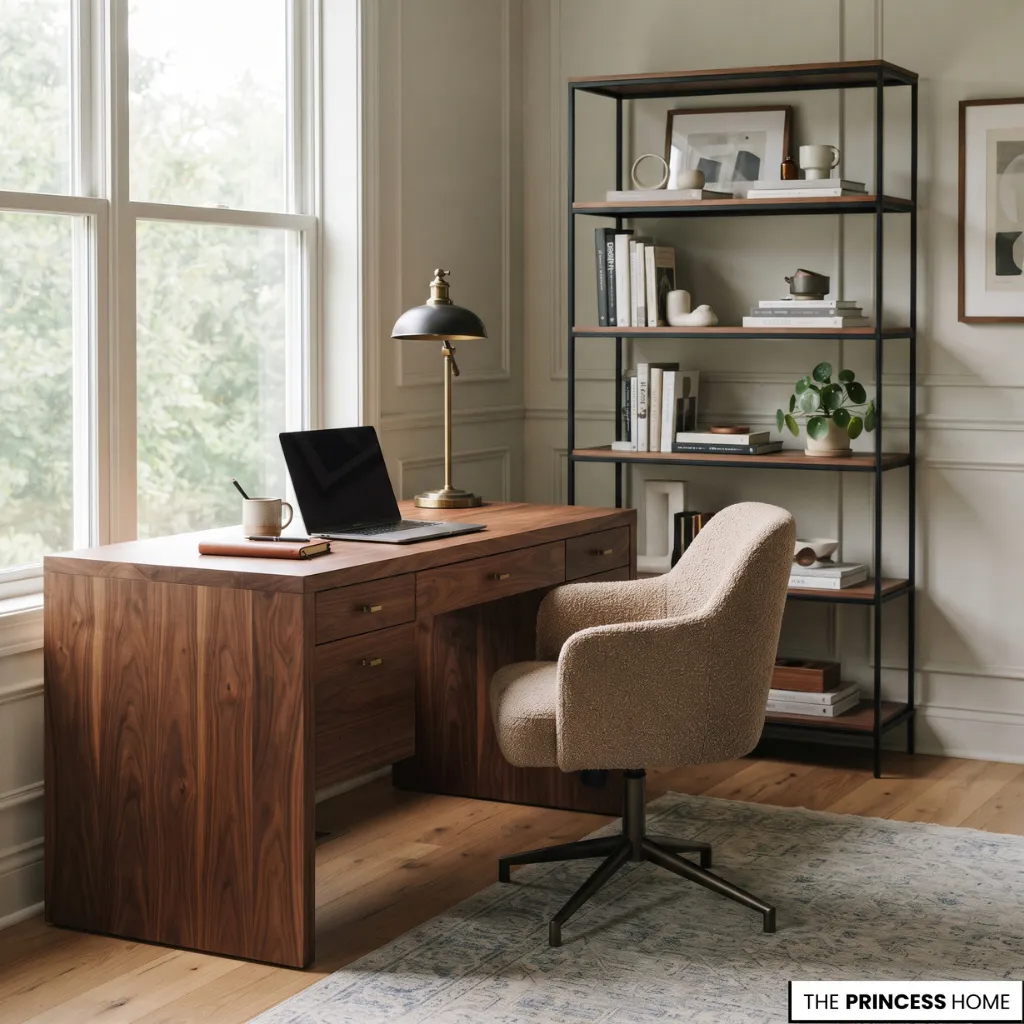
A successful material combination does not require every item to have the same finish. For example, a walnut desk can work with black metal shelving, an upholstered chair, and brass hardware. The relationship between these finishes matters more than exact matching.
Select a small group of complementary materials and repeat them thoughtfully throughout the room. When combining finishes, consider their visual weight and practical role.
A substantial wooden desk can be balanced by a lighter metal shelf, while an upholstered chair can soften a room containing several hard surfaces. Repeating one or two finishes in different places helps connect the arrangement without making every item identical.
It is also useful to consider how materials age and how easily they can be cleaned, particularly on the desk, chair, and other surfaces used daily.
Add Personal Details
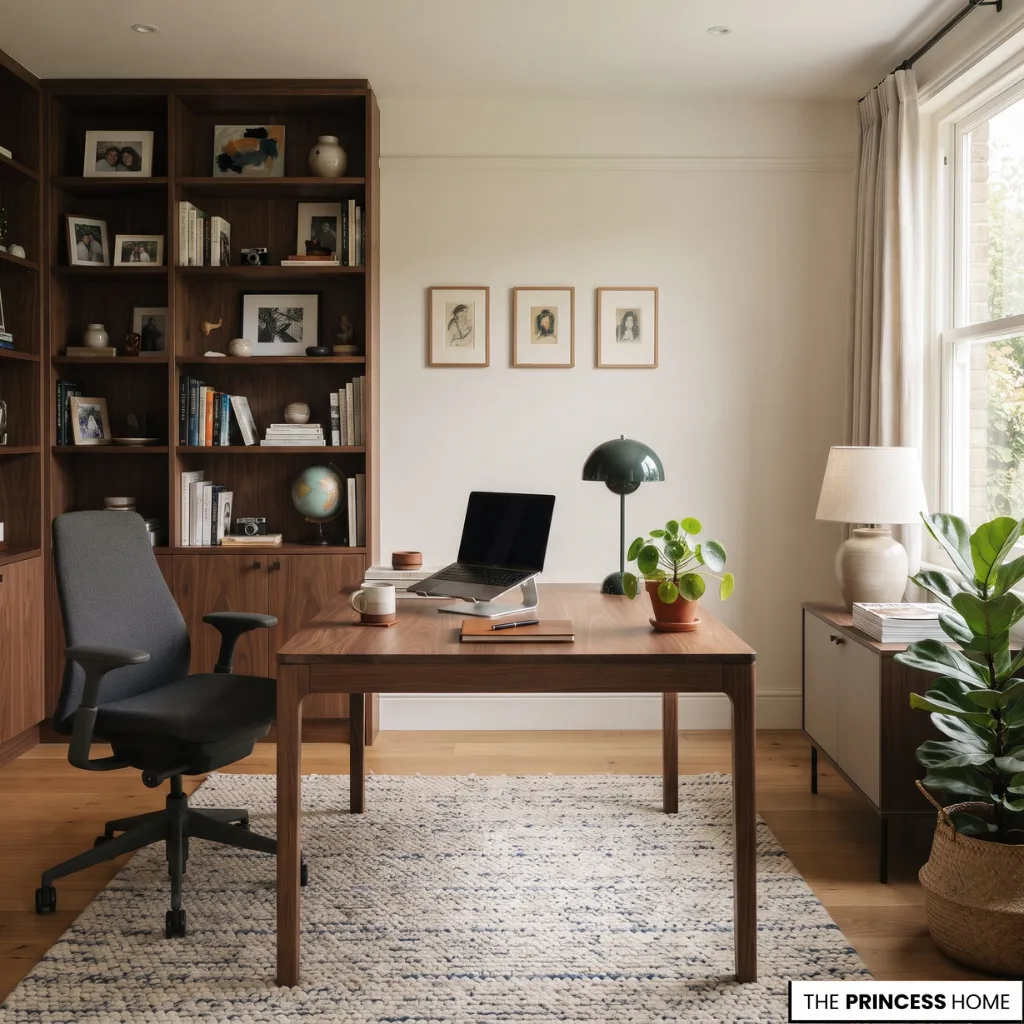
Personal details distinguish a home office from a purely functional workstation. Artwork, plants, books, and refully selected accessories can make the space feel connected to the rest of the home.The key is to select elements that complement the room without taking over the working surface.
Display Artwork
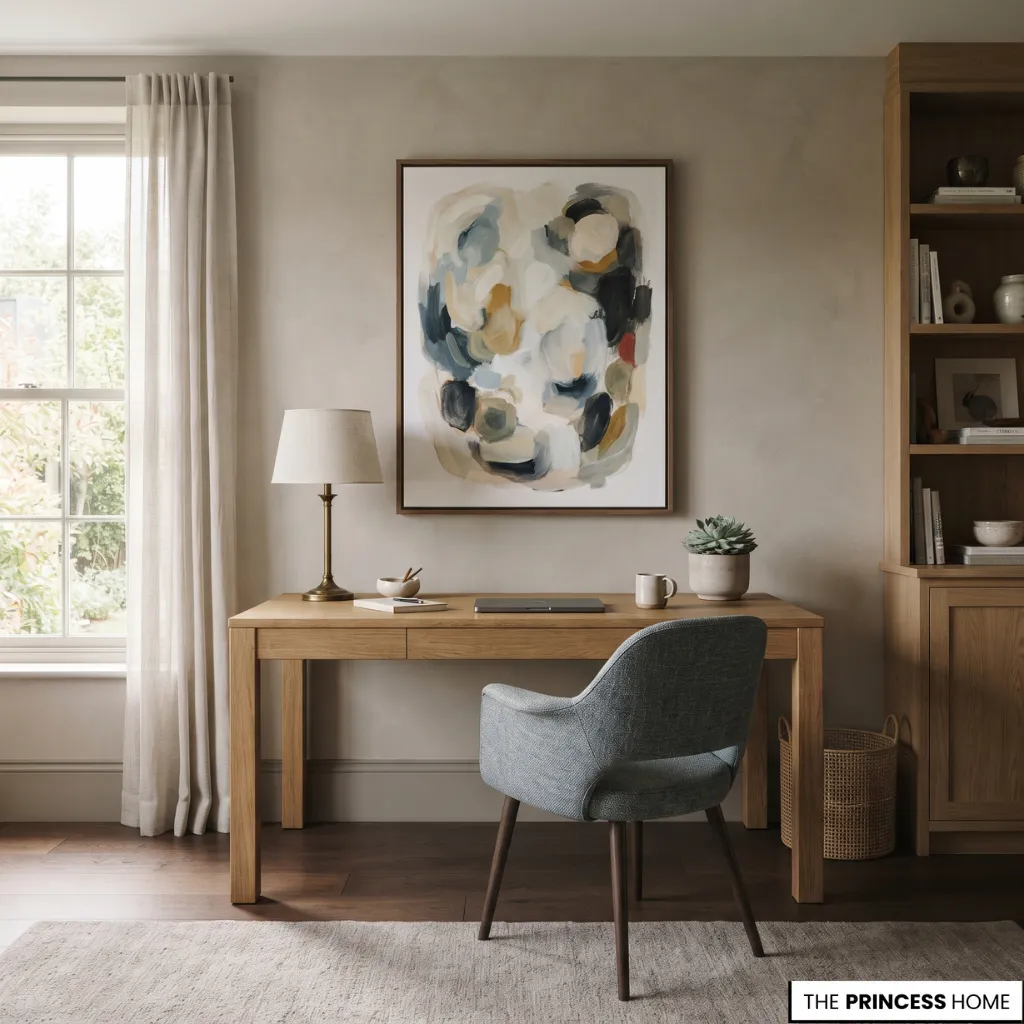
Artwork can establish a visual focal point behind or beside the desk. Choose pieces that complement the room’s colors, furniture, and overall character. A single larger artwork can create a more defined arrangement, while a small gallery wall offers an opportunity to combine different prints and photographs.
Position artwork at a comfortable viewing height and avoid placing heavy objects where they could fall onto the working area.
Introduce Plants
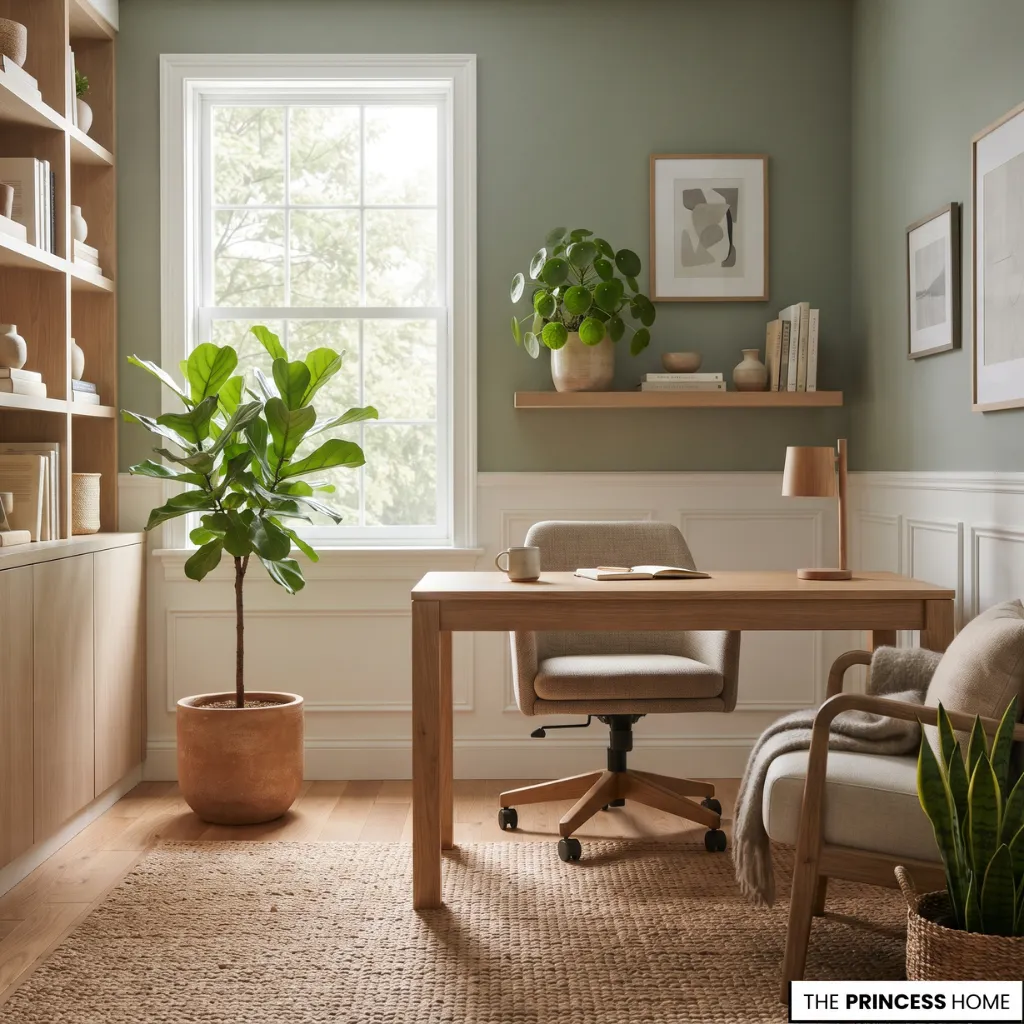
Plants introduce natural color and texture. A larger floor plant can fill an empty corner, while smaller varieties can be placed on shelves or side tables.
Choose plants according to available daylight and maintenance requirements. Avoid placing large pots where they obstruct movement or reduce valuable desk space.
Style Books and Accessories
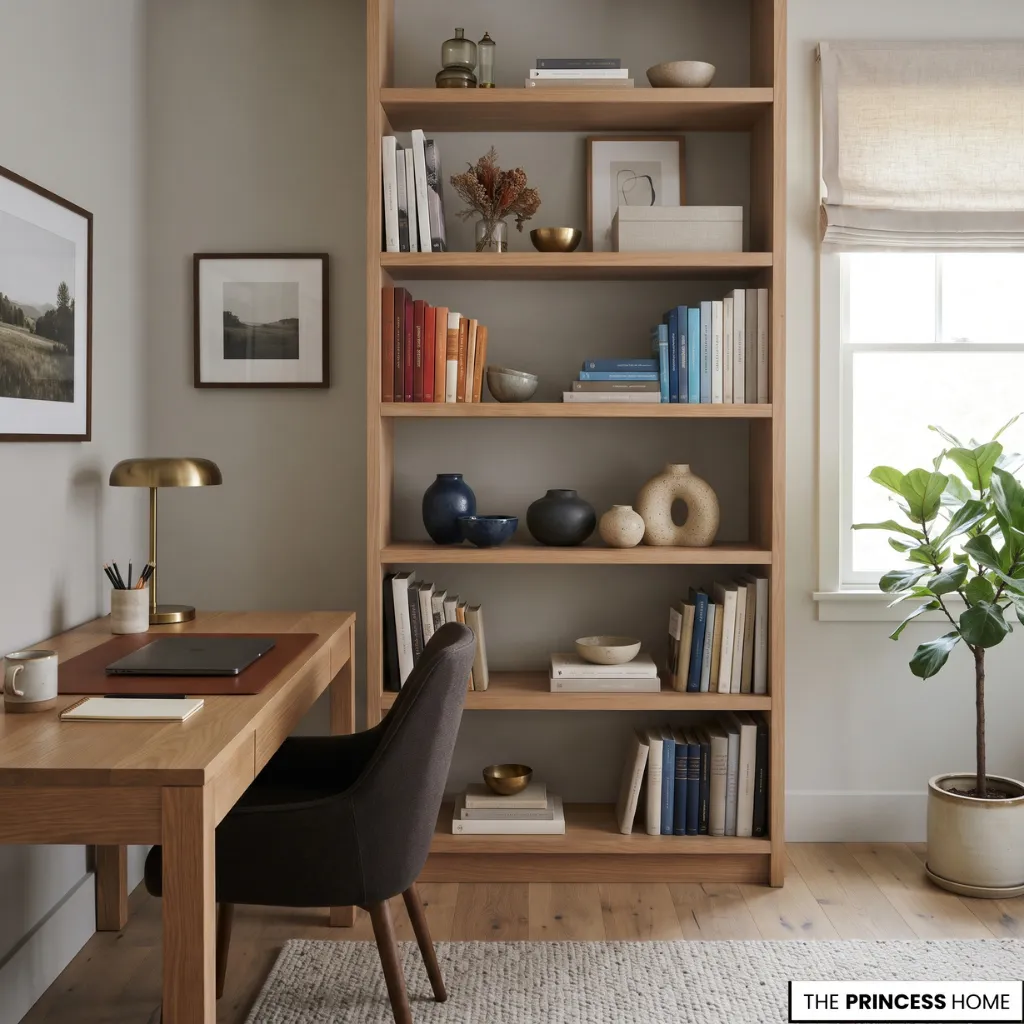
Books, decorative boxes, ceramics, and small objects can give the office a more personal appearance. Arrange them on shelves, a sideboard, or a limited portion of the desk.
Grouping objects by color, material, or size can make the display more coherent. Keep frequently used work tools separate from decorative objects so the main working surface remains practical.
Use Rugs and Curtains
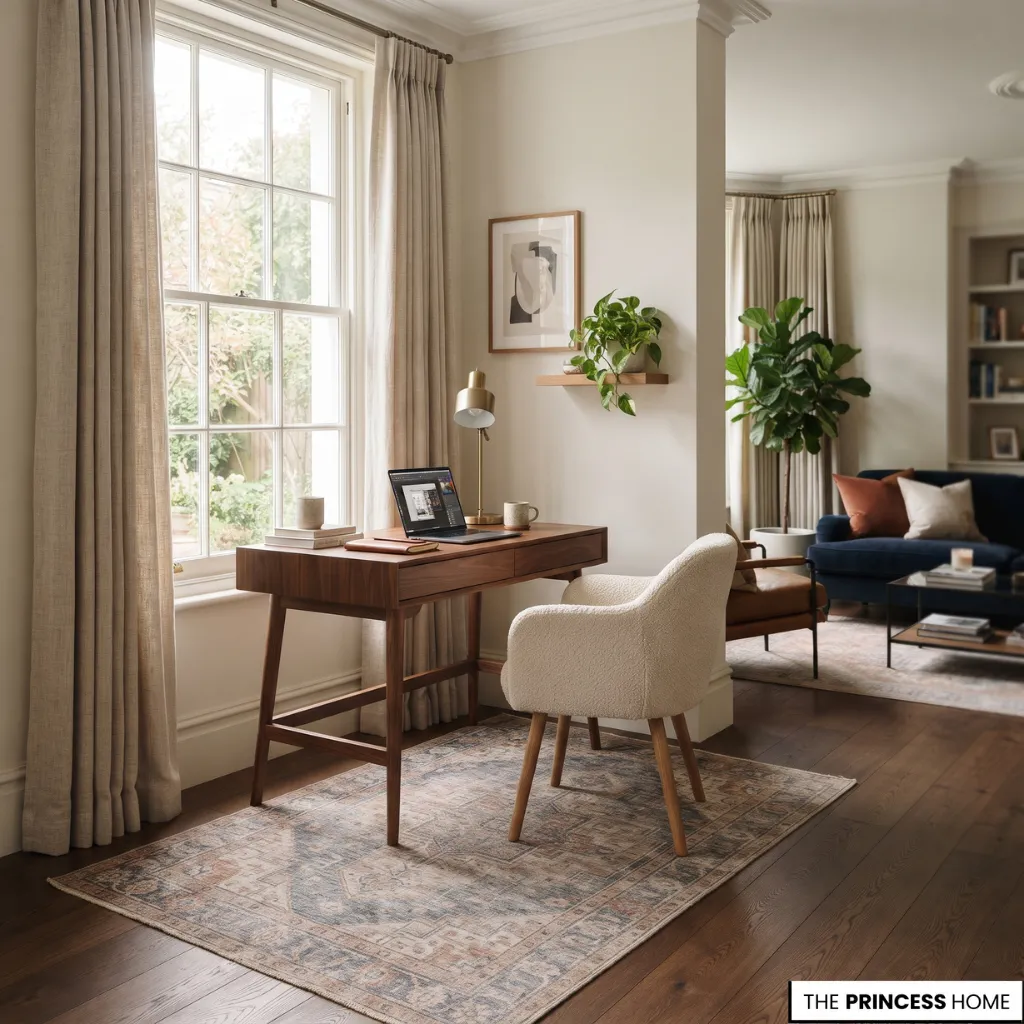
A rug can define the office area, particularly when it shares space with a bedroom or living room. Select a size that accommodates the desk and chair without interfering with chair movement.
Curtains help control daylight and provide privacy. Their fabric and color should complement the room while remaining suitable for the amount of light and privacy required.
These elements are especially useful in integrated workspaces because they help distinguish the office visually without requiring permanent partitions.
Design Small Offices
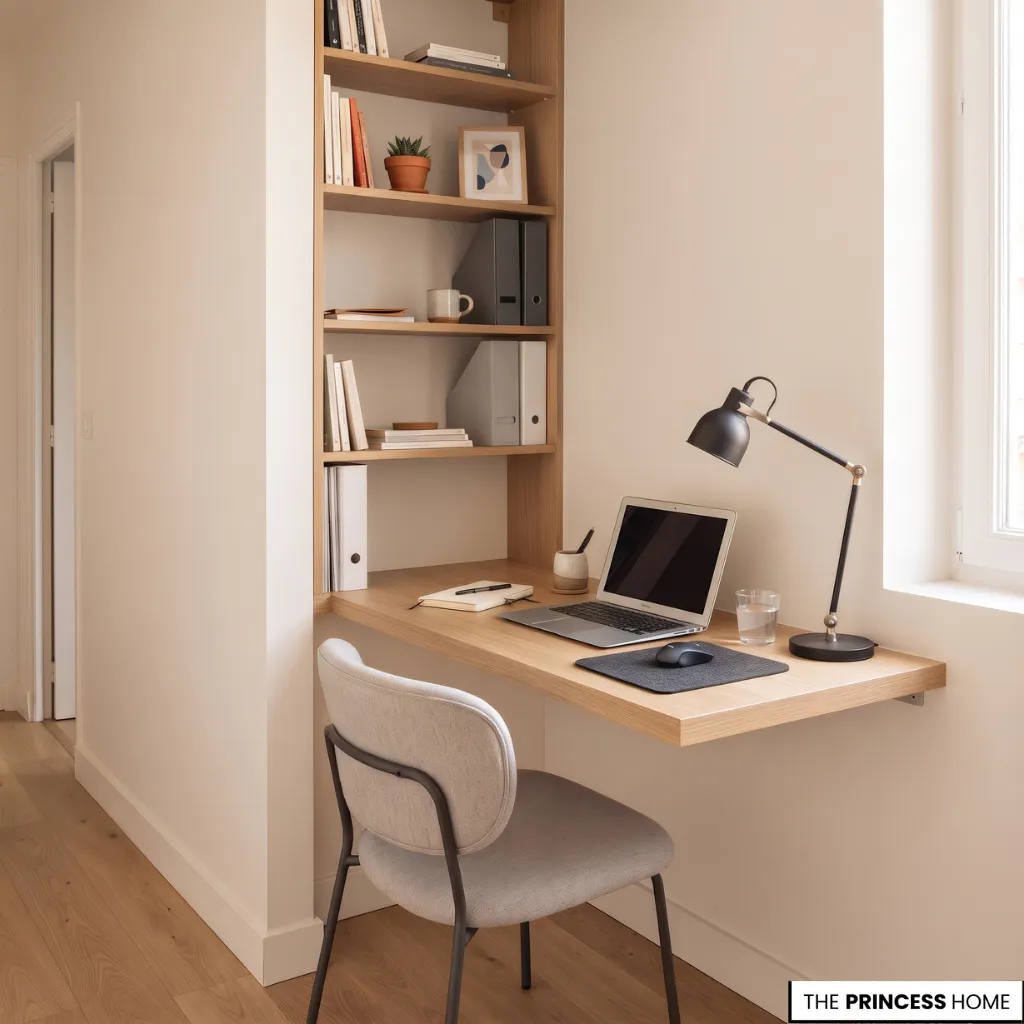
A small home office can be fully functional when its furniture and storage are selected according to the available dimensions. Instead of trying to reproduce the arrangement of a large office, focus on the essential working elements and make effective use of vertical space.
Choose a Compact Desk
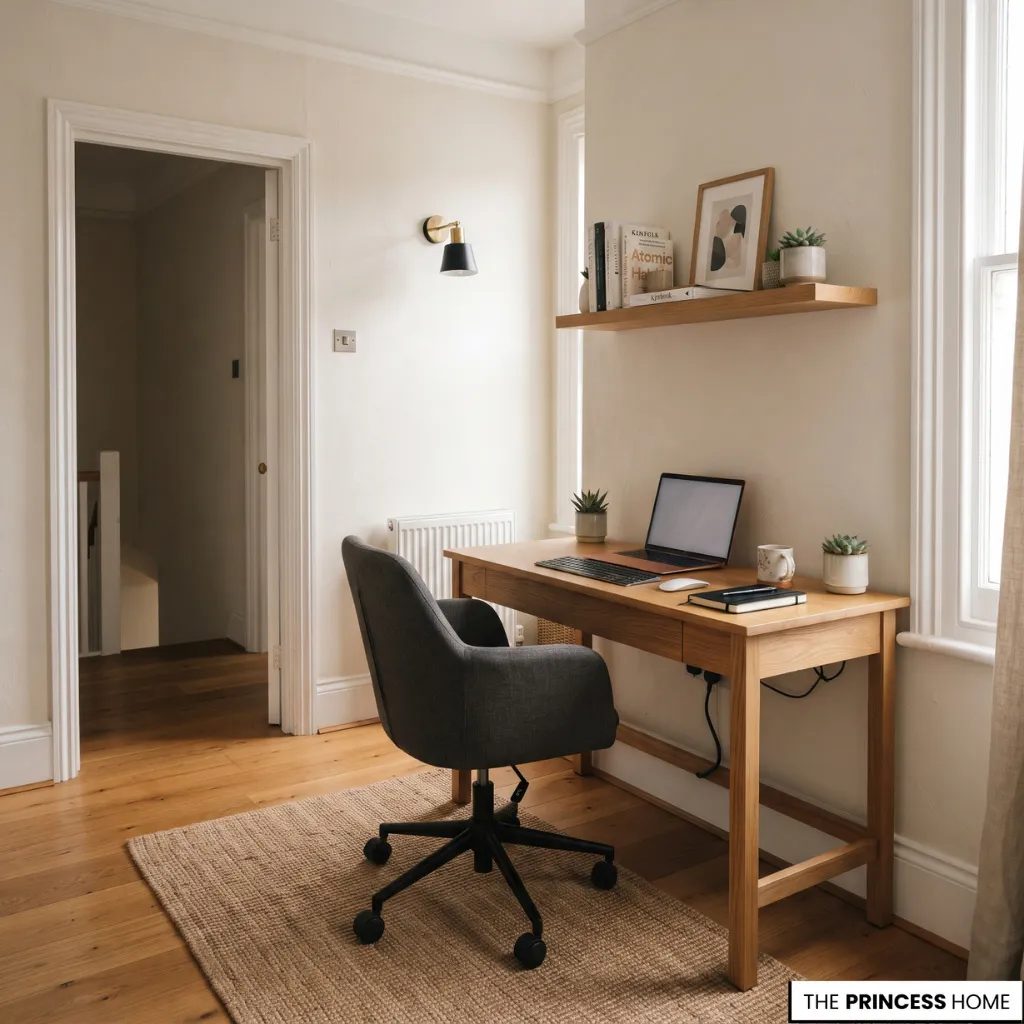
A narrow desk or compact writing table can provide enough space for a laptop and essential accessories. Before purchasing, measure the usable width and depth, including the space required for the chair. Avoid choosing a desk so small that the screen, keyboard, and working materials cannot be arranged comfortably.
Wall-mounted desks are another option when a conventional desk would occupy too much floor space. A compact desk should be selected according to the equipment you actually use, not simply because it has the smallest footprint.
If you use only a laptop, a narrow desk may provide enough space. However, a separate monitor, keyboard, mouse, and documents require greater working depth. Make sure you can pull the chair back comfortably and that the desk leaves nearby doors and walkways clear.
A slightly wider desk that accommodates your work comfortably may be more useful than an extremely small model that leaves no room for essential equipment.
Use Vertical Storage
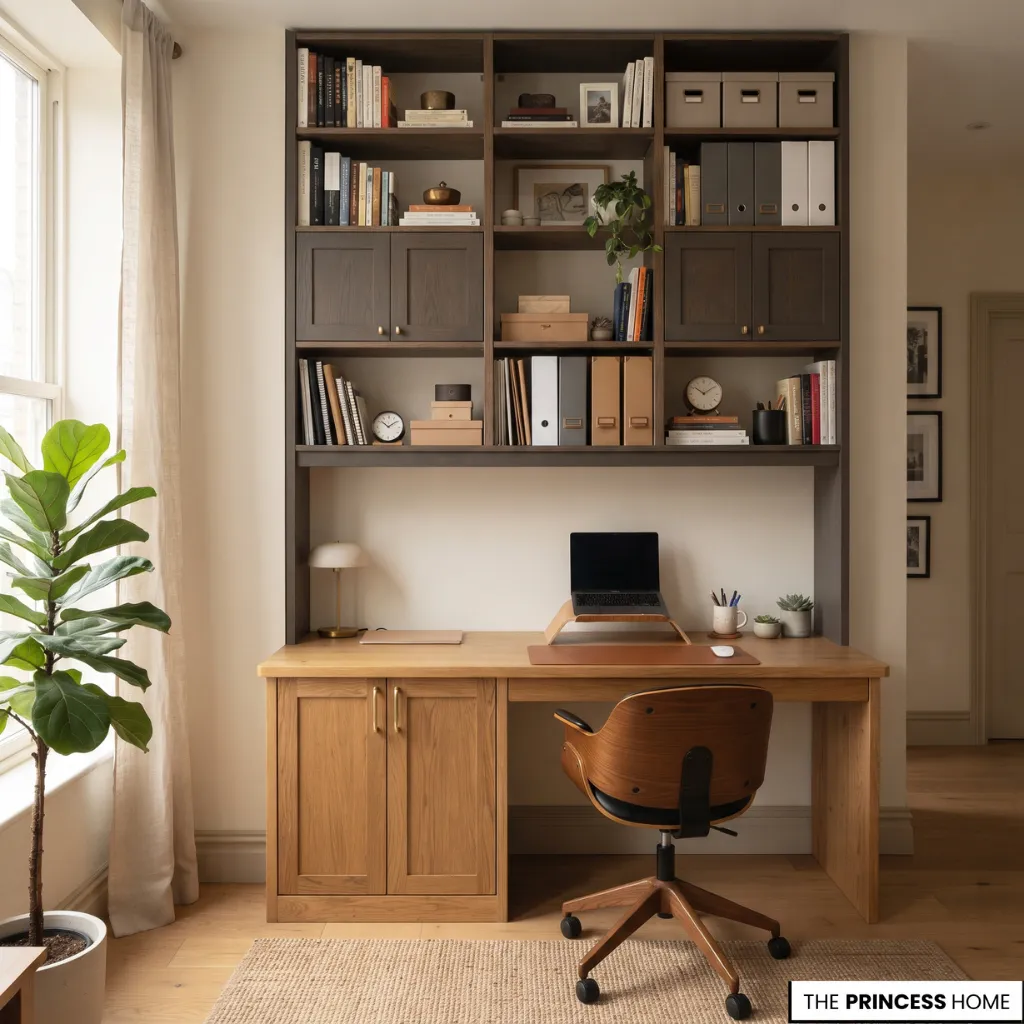
Use wall height for shelves and storage cabinets rather than filling the floor with additional furniture. Position everyday items on accessible shelves and reserve higher storage for materials used less frequently.
A combination of open and closed storage can keep essential materials available while concealing less attractive supplies.
Consider Folding Furniture
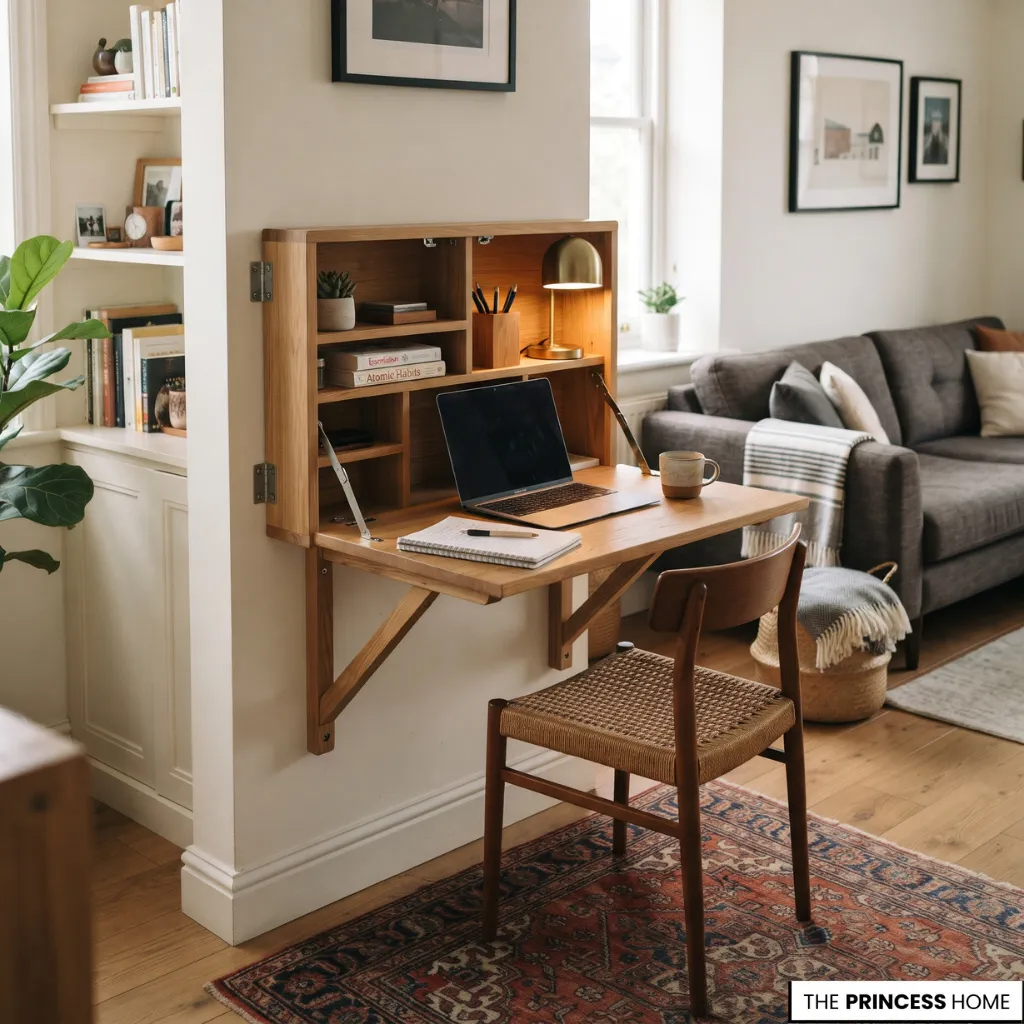
A fold-down desk works well when your office shares space with another room and you do not need the workstation throughout the day. When you fold the desk away, it takes up less space and leaves more room for other activities.
Some models also include shelves or compartments for small supplies. Check the stability, fixing requirements, and available working surface before choosing this option.
Create a Defined Corner
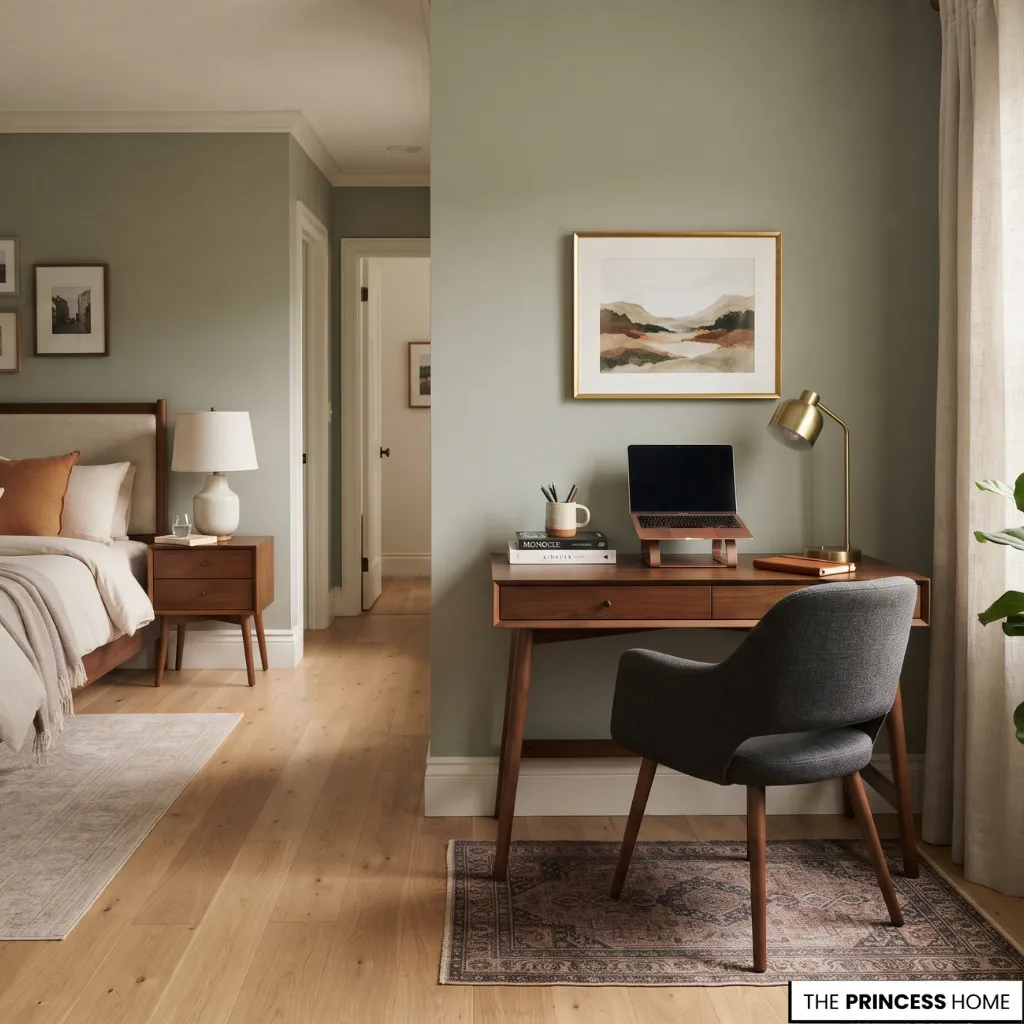
A small office does not always need a separate room. A carefully arranged corner can provide a recognizable workspace within a bedroom, living room, or other suitable area. Use a consistent furniture finish, a small rug, or artwork above the desk to define the area.
Where possible, maintain a clear distinction between work materials and the room’s original function. This helps the space remain organized when the working day ends.
Prioritize Essential Purchases
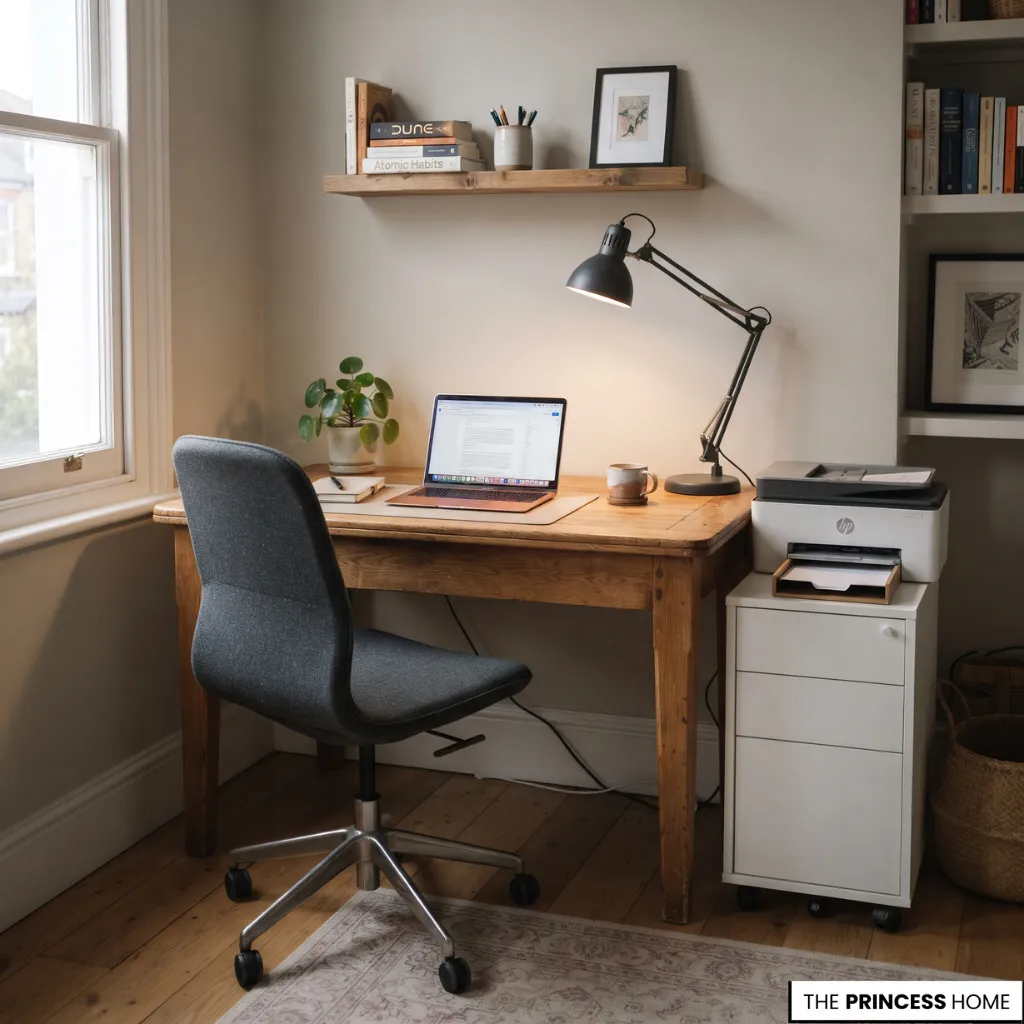
When working with a limited budget, spend first on the elements that directly affect daily use.
A practical order is to begin with a stable desk that has sufficient working depth, followed by a supportive chair suitable for regular use, appropriate lighting, essential storage, and finally decorative accessories or additional furniture.
Reuse suitable furniture whenever possible. A separate drawer unit or wall-mounted shelf may solve a storage problem without requiring a complete new furniture set.
Before buying anything, compare the cost of replacing an item with the cost of adapting what you already own. An existing table may work as a desk if it provides sufficient depth and stability, while a suitable dining chair may serve temporarily if it allows a comfortable working position.
However, do not save money by choosing a surface or chair that makes regular work difficult. Prioritize the items that affect daily comfort and function, then add optional furniture and decorative details gradually. This makes it easier to create a useful office without purchasing a complete matching set.
Avoid Common Mistakes
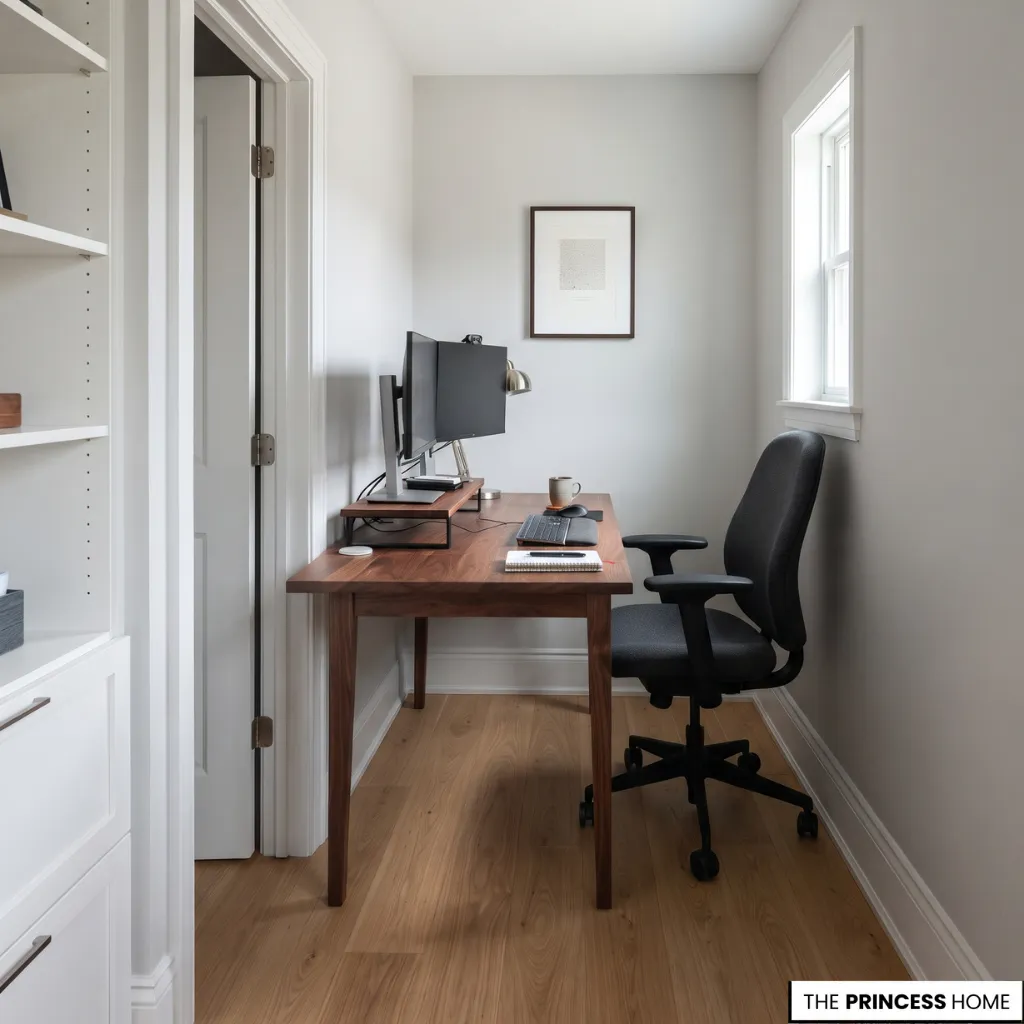
Even an attractive home office can become uncomfortable or difficult to use when you overlook important practical details. Reviewing common design mistakes before completing your workspace helps you avoid unnecessary changes later.
Buying Furniture Before Measuring
A desk may look appropriate in a photograph but occupy too much space in your room. Measure the available area and account for the chair, drawers, doors, and circulation before buying.
Correction: Plan the furniture arrangement using the actual room dimensions rather than relying on appearance alone.
Choosing Appearance Over Comfort
A beautiful chair may not provide suitable back support or allow the correct seating position. Similarly, a desk with insufficient depth can make computer work uncomfortable.
Correction: Evaluate the desk and chair together, considering adjustability, support, and working surface requirements.
Ignoring Screen Glare
Placing a monitor directly opposite a bright window or under a reflective light source can make the display difficult to see.
Correction: Adjust the desk position, control incoming sunlight, and reposition lighting when necessary.
Overfilling the Room
Too many cabinets, decorative objects, and additional chairs can reduce the usable working area.
Correction: Select furniture according to genuine needs. Keep the main workstation clear and use vertical storage where appropriate.
Relying on One Light Source
A ceiling light alone may not provide sufficient illumination for detailed work, especially in the evening.
Correction: Combine general lighting with a suitable task lamp and manage daylight according to the room’s conditions.
Neglecting Cable Organization
Uncontrolled cables can create visual clutter and become a tripping hazard.
Correction: Plan electrical connections and use suitable cable-management accessories to keep wires organized and away from walking paths.
Mixing Too Many Finishes
Combining numerous unrelated furniture materials, colors, and decorative styles can make the room feel disconnected.
Correction: Establish a clear color and material direction, then introduce contrasting details selectively.
Conclusion
A beautiful home office begins with a practical understanding of the space and the way you work. Choose the right location, plan the furniture arrangement, invest in comfortable essentials, and build an effective system for lighting and storage. Then introduce colors, materials, and personal details that complement your home.
Whether you are designing a dedicated office or transforming a small corner, the best result is a workspace where every element has a purpose and the overall design feels naturally connected to your home.