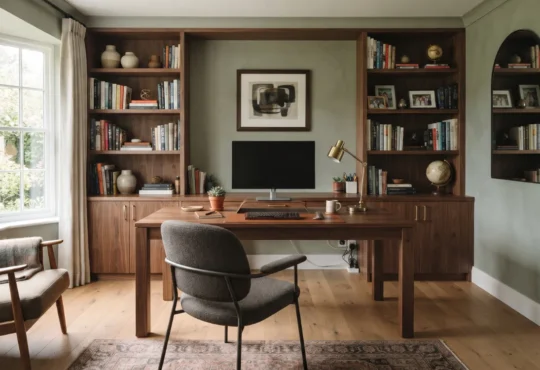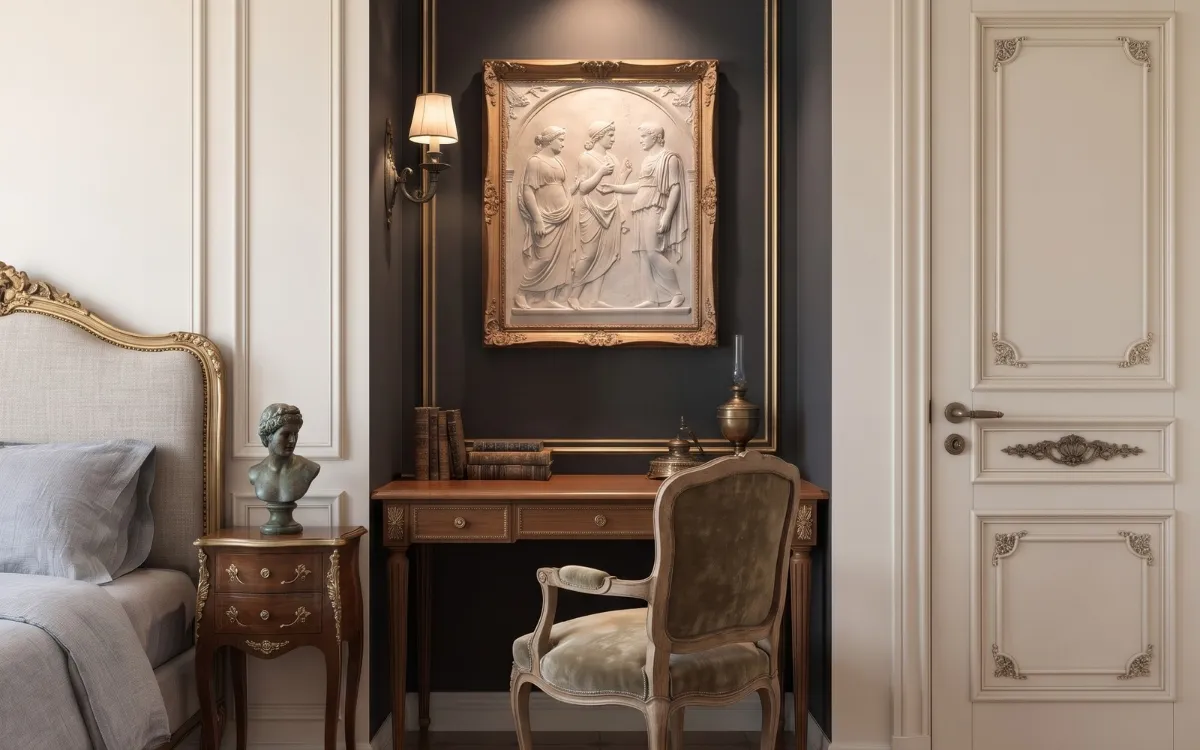
Creating a functional home office in a small space requires more than finding room for a desk. The furniture, storage, lighting, and layout must work together without interfering with the rest of your home.
These small home office ideas explain how to plan a comfortable workspace, use available space efficiently, and create an organized office that fits naturally into your interior.
Assess Your Space
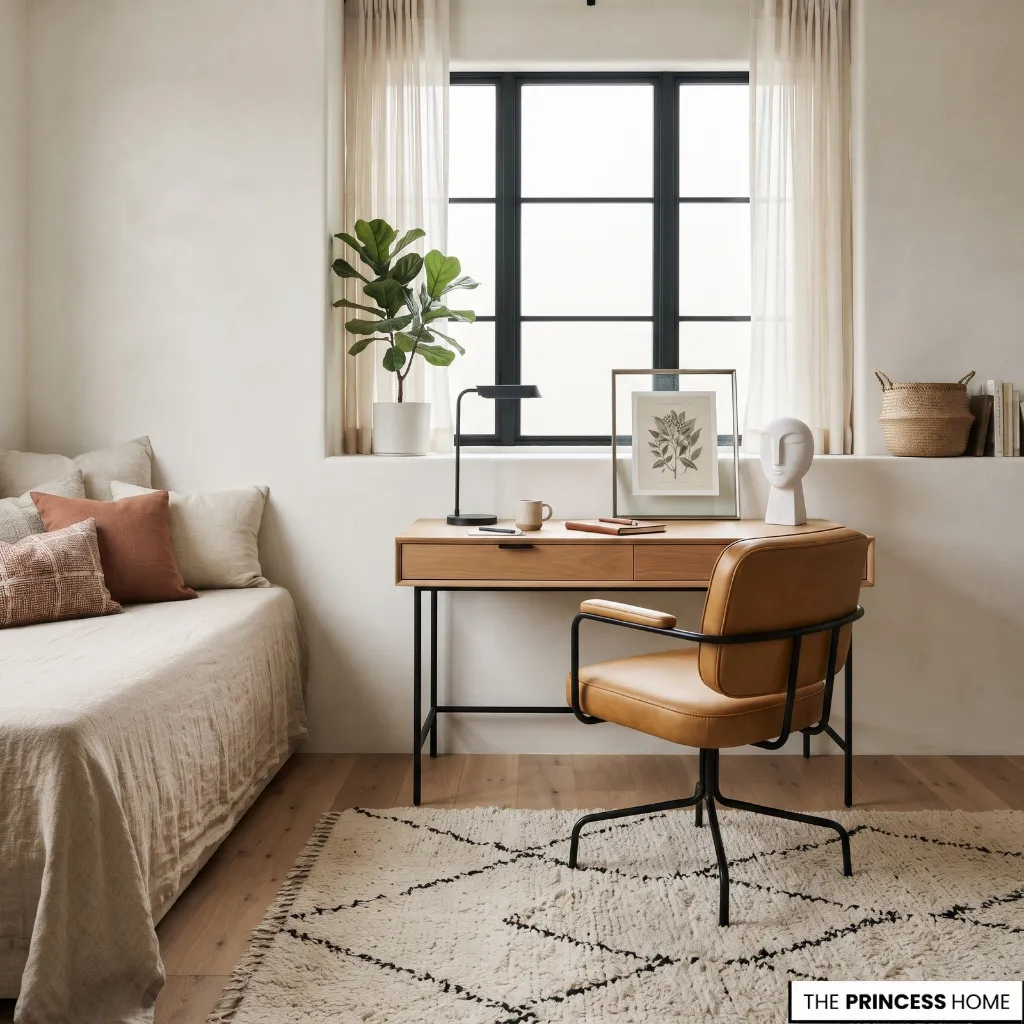
Before buying furniture, identify where a home office can fit and what you need it to accommodate. An unused corner, bedroom wall, living-room alcove, or space beneath a staircase may provide enough room for a practical workstation.
Start by measuring the available floor and wall space. Check the positions of doors, windows, electrical outlets, radiators, and existing furniture. Remember to account for the space needed to pull out a chair and move comfortably around the desk.
Next, consider your working requirements. A laptop-only setup needs less surface space than a workstation with two monitors, paperwork, and additional equipment. If you regularly write, draw, or handle documents, allow enough desk depth to work without overcrowding the surface.
When comparing possible locations, consider how each one will affect your daily routine. A bedroom corner may offer more privacy, while a living-room alcove may provide easier access to natural light or electrical outlets.
A location near a frequently used doorway may be less suitable if people regularly pass behind your chair. Choose the area that offers the best combination of working space, accessibility, light, and minimal disruption to the room’s existing purpose.
Separate essential requirements from optional additions. A suitable desk, supportive chair, adequate lighting, and accessible storage are usually more important than decorative accessories or extra furniture.
This assessment helps you choose a location and layout that support your work rather than simply filling an available corner.
Choose a Desk
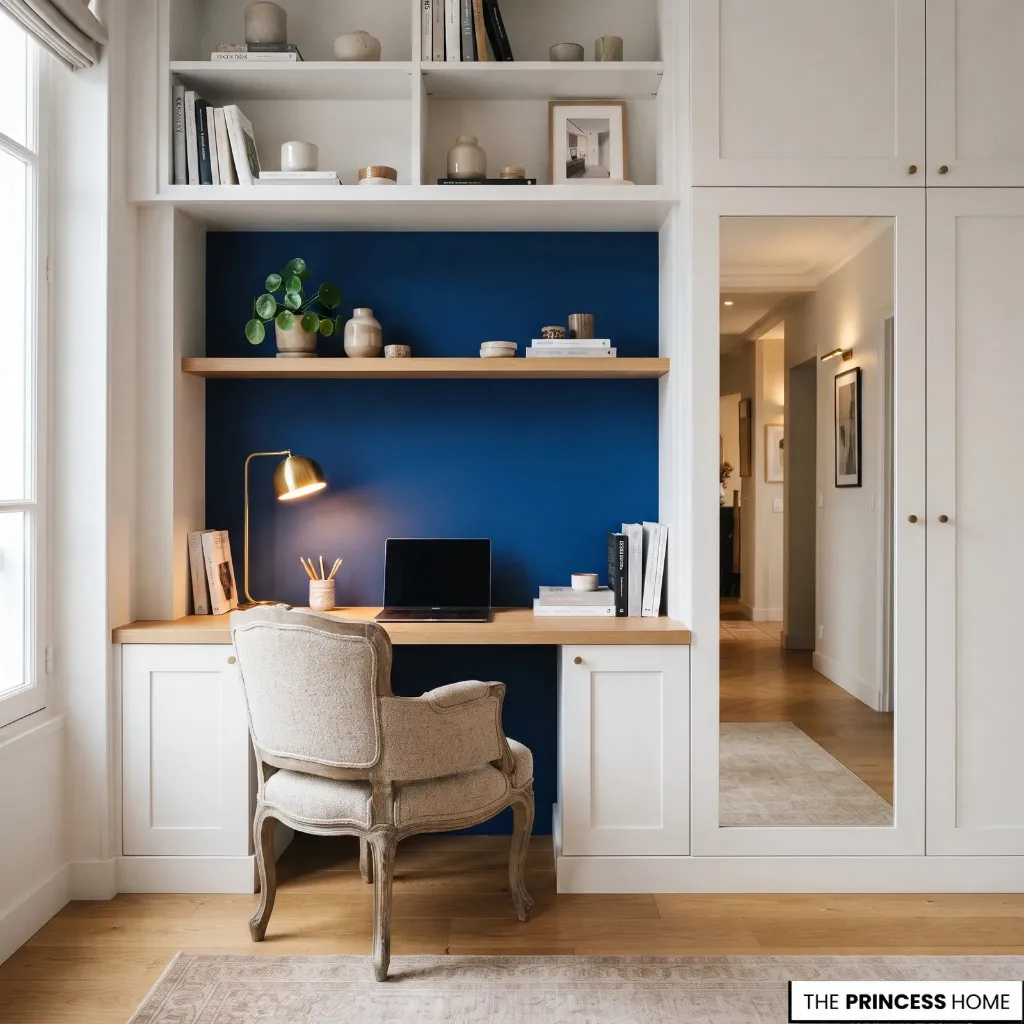
The desk is the main functional element of a small home office. Its dimensions and configuration should accommodate your equipment while leaving enough room for comfortable movement.
Consider these options according to your available space and working habits:
Narrow writing desks: Suitable for laptop work and tasks that require a relatively simple setup. Choose a depth that still accommodates your keyboard, mouse, and screen comfortably.
Wall-mounted desks: Useful when floor space is restricted. They keep the area beneath the desk open, although the wall and mounting system must safely support the intended load.
Corner desks: Make use of otherwise underutilized corners and can provide a larger working surface without occupying the middle of the room.
Fold-down desks: Practical for occasional work or multifunctional rooms. They can be folded away when not in use, but should provide adequate support and working depth when open.
Built-in desks: Fit naturally into alcoves, recesses, and existing cabinetry. They are particularly useful when standard furniture leaves awkward gaps.
Console-style desks: Can work in compact offices when their construction and dimensions provide sufficient stability and usable workspace.
Desks with integrated storage: Combine drawers or shelving with the working surface, reducing the need for separate furniture.
Before choosing, check the depth of the desk as carefully as its width. A surface that is too shallow may leave insufficient room for a monitor, keyboard, and mouse. The desk must also provide appropriate legroom.
To determine suitable dimensions, consider the equipment you use together rather than measuring the laptop or monitor alone. Allow room for the keyboard, mouse, documents, and any other items needed during normal work.
If you use a separate monitor, check that the desk can accommodate it at a comfortable viewing distance without pushing the keyboard too close to the front edge. Compare the desk’s dimensions with the available space after accounting for the chair and the clearance needed to move around it.
If purchasing a new desk is unnecessary, consider adapting an existing table or suitable console. The important requirement is that its dimensions and construction support the work you intend to do.
Plan the Layout
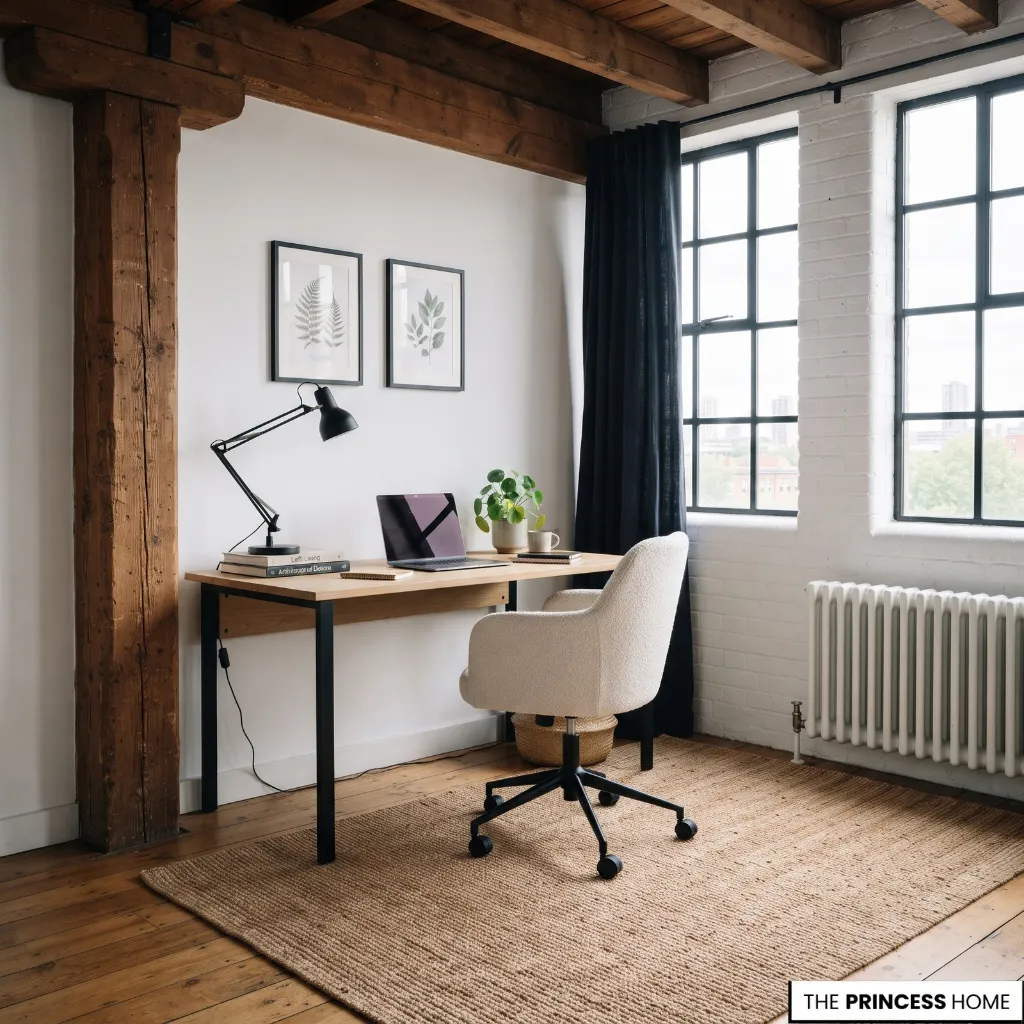
A well-planned layout allows a small home office to function without making the surrounding room difficult to use. Position the desk according to the available walls, circulation routes, and natural light rather than automatically placing it wherever it fits.
A straight-wall arrangement is often a practical starting point. Positioning the desk against an appropriate wall keeps the central floor area available and provides an opportunity to install shelves above the workstation.
For an unused corner, a corner desk can use two adjoining walls and provide additional working surface. However, check that the chair can move freely and that nearby furniture does not obstruct access.
An alcove or recessed wall can accommodate a built-in or compact workstation. This arrangement uses an existing architectural feature instead of introducing furniture into the main circulation area.
When deciding between these arrangements, consider the shape of the room and the position of its windows, doors, and existing furniture. A straight-wall desk may be more suitable when the room has a clear wall and limited floor space, while a corner arrangement may make better use of an otherwise unused area.
An alcove is useful when its depth and width can accommodate the desk and chair without restricting access. The arrangement should also allow you to work without facing constant movement through the room or blocking access to furniture that is used regularly.
Pay particular attention to chair clearance. You should be able to sit down, stand up, and move the chair without repeatedly shifting other furniture. Keep doorways and frequently used walkways unobstructed.
Also consider electrical access before finalizing the arrangement. Position the desk where equipment can be connected safely without trailing cables crossing walking routes. The best layout is the one that accommodates the actual workstation while preserving the normal function of the room.
Maximize Storage
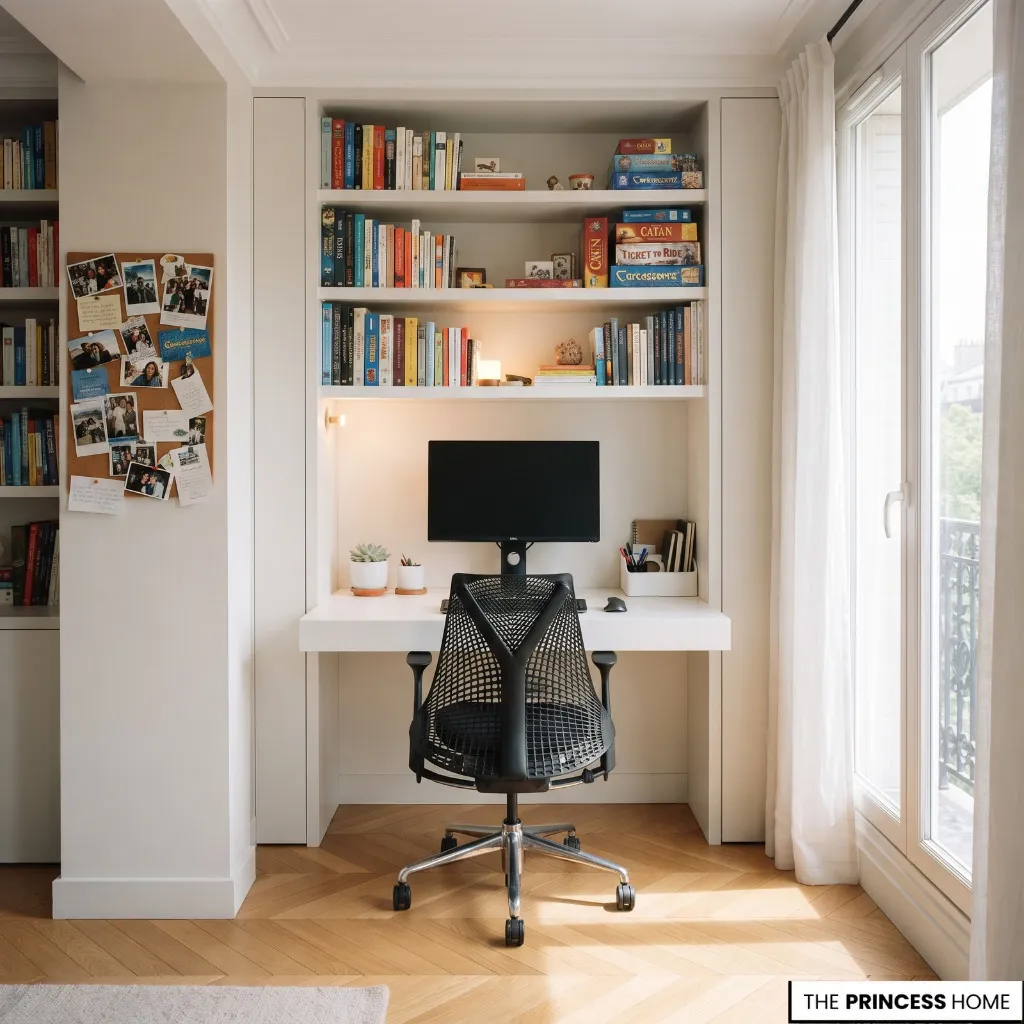
Storage is essential in a small home office, but additional cabinets and drawers can quickly consume valuable floor space. A better approach is to use vertical surfaces and integrate storage into the workstation wherever possible.
Use Floating Shelves
Install shelves above or beside the desk to hold books, documents, and frequently used supplies. Position them within comfortable reach without interfering with the monitor or creating an obstruction above the working area.
Choose Vertical Storage
A narrow bookcase or tall shelving unit can provide useful storage while occupying less floor width than a broad cabinet. Select a configuration that fits the available wall and does not make the workstation difficult to access.
Add Wall Organizers
Pegboards, wall-mounted pockets, and compact organizers provide places for stationery, small tools, and frequently used accessories. They are particularly useful when the desk has limited drawer space.
Use Integrated Drawers
A desk with built-in drawers can keep paperwork and supplies out of sight without requiring another piece of furniture. Alternatively, a suitable under-desk storage unit can be added if enough legroom remains.
Manage Cables and Equipment
Use cable clips, organizers, or suitable cable trays to keep wires arranged beneath or behind the desk. Store equipment and supplies that are not used daily in designated containers rather than leaving them on the working surface.
You can also reuse existing baskets, boxes, and cabinets when they fit the space. Storage should make everyday tasks easier, not introduce more objects that require organizing.
Integrate Shared Rooms
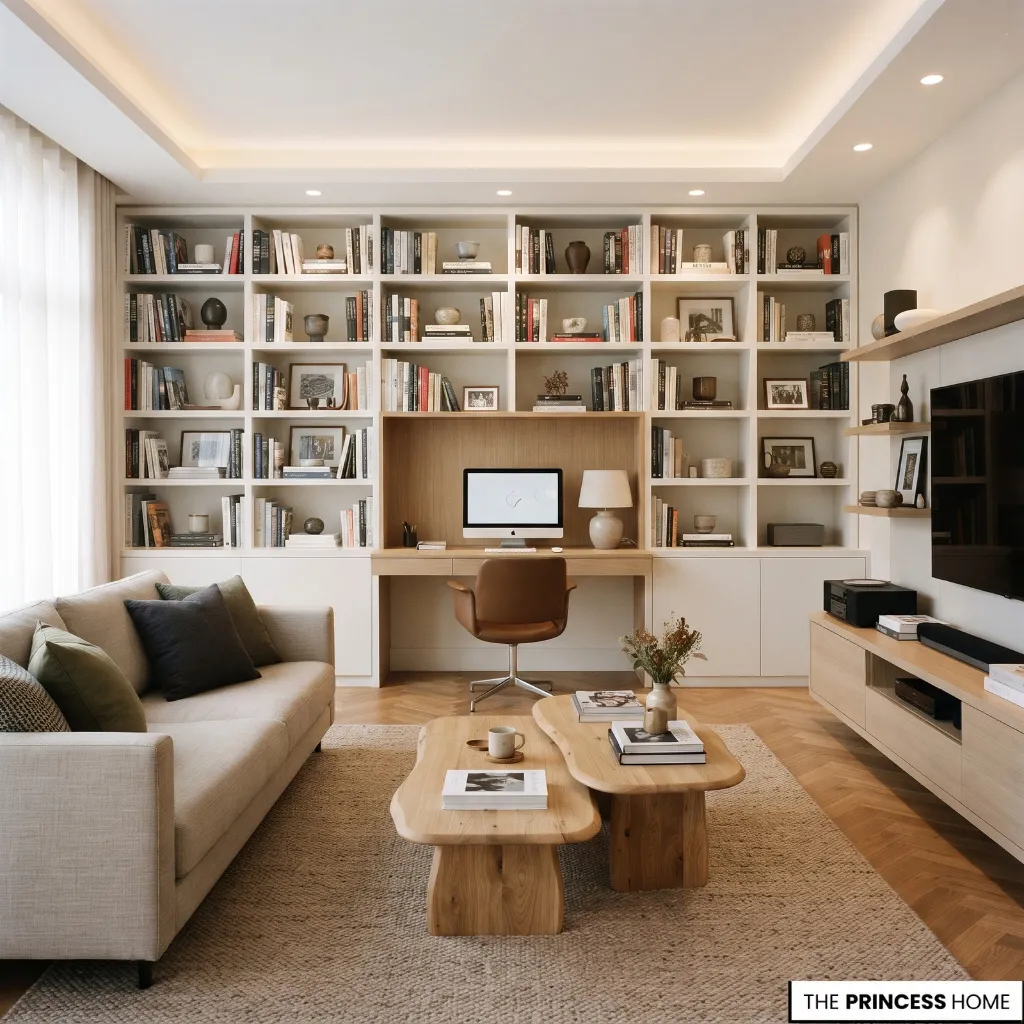
A separate office room is not essential. A carefully planned workstation can fit into a bedroom, living room, or another suitable area while allowing the space to retain its original purpose.
Create a Bedroom Office Corner
An unused bedroom wall or corner can accommodate a narrow desk and a supportive chair. Position the workstation so it does not interfere with wardrobe access, bedside circulation, or the normal use of the room.
A desk that coordinates with the bedroom furniture can help the office feel like a natural part of the interior.
Use a Living-Room Alcove
An alcove or available wall section can accommodate a compact workstation without occupying the main seating area. Shelving or a bookcase can provide storage and establish a visual boundary between the office and the living space.
Convert a Suitable Closet
A sufficiently deep closet can accommodate a compact desk and wall-mounted storage. Check the available working depth, ventilation, electrical access, and lighting before using it as an office. The doors may also provide a way to conceal the workstation when it is not needed.
A closet workstation is most practical when it can accommodate both the desk and a usable seating position without forcing you to work too close to the wall or door. If the available depth is insufficient for a comfortable chair and working position, another location may be more suitable.
Also consider whether the closet can remain adequately ventilated and illuminated during longer work sessions.
Consider Built-In Cabinetry
A desk integrated into existing cabinetry can make use of a wall that might otherwise contain separate storage furniture. Drawers and shelves can be incorporated around the workstation, provided they leave adequate room for the chair and equipment.
Use a Fold-Down Workstation
In a multifunctional room, a wall-mounted fold-down desk can provide a temporary work surface without permanently occupying the floor. It is particularly useful when the room must serve several purposes throughout the day.
This type of workstation is better suited to tasks that can be completed with a limited amount of equipment. Before choosing one for regular work, check that its open position provides enough depth for your usual activities and that you have a practical place to store the chair and equipment when it is folded away.
For shared spaces, the objective is to give the workstation a recognizable place without allowing office equipment to dominate the entire room. A consistent furniture finish, suitable shelving, or a carefully positioned rug can help establish that distinction.
Improve Lighting
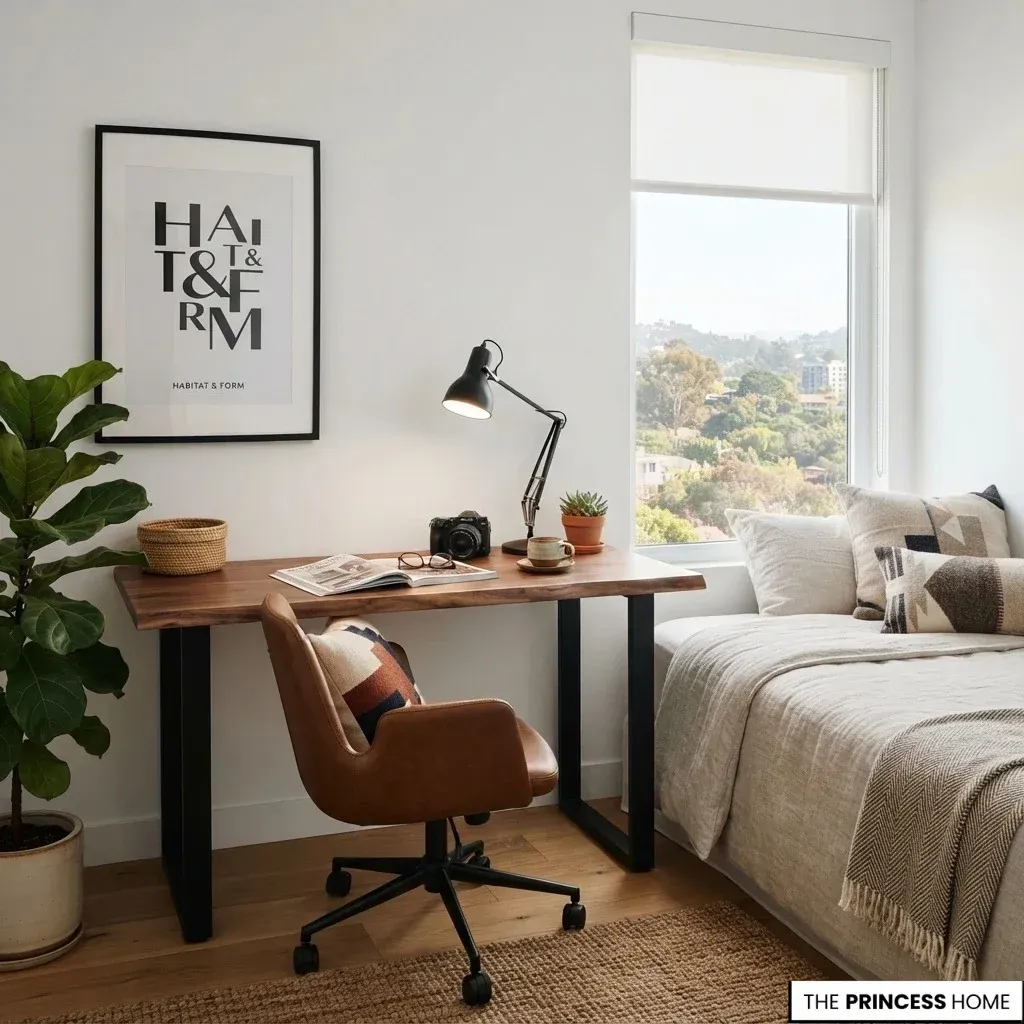
Good lighting makes a home office easier to use, particularly when the available workspace is limited. The arrangement should provide sufficient illumination for screen work, reading, and paperwork without creating distracting reflections.
Start with natural light where possible. A desk near a window can benefit from daylight, but avoid positioning the monitor directly opposite or facing a strong light source if this creates glare. Positioning the screen at an appropriate angle to the window can help reduce reflections.
The best position depends on the direction of the daylight and the way it changes throughout the day. If sunlight falls directly onto the screen or working surface, try adjusting the desk or monitor angle before changing the entire room arrangement.
Suitable curtains or blinds can help control strong daylight while still allowing natural light into the workspace.
Add task lighting for activities that require focused illumination. An adjustable desk lamp allows you to direct light onto documents without illuminating the entire room unnecessarily.
When the desktop is too small for a lamp, consider a suitable wall-mounted light. This keeps the working surface available for equipment and paperwork.
General room lighting should also be adequate. Relying on a single small desk lamp in an otherwise dark room can create an uncomfortable contrast between the bright work surface and its surroundings.
Choose lighting according to the type of work performed, the direction of natural light, and the position of the monitor. The goal is practical illumination without sacrificing valuable desk space.
Protect Working Comfort
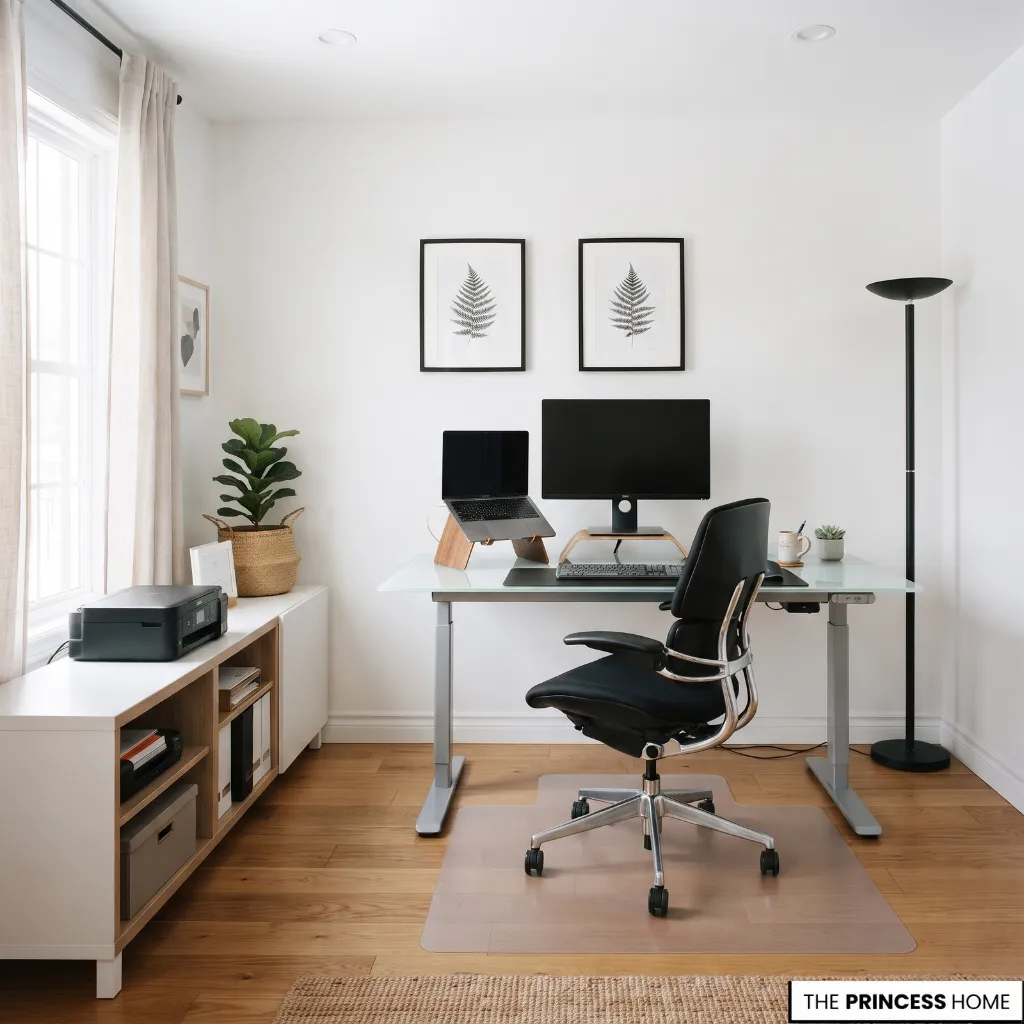
Saving space should never mean creating a workstation that is uncomfortable to use regularly. A compact office still needs suitable seating, appropriate screen positioning, and enough room for natural movement.
Choose Supportive Seating
Select a chair that provides suitable back support and can be adjusted to the desk. Its dimensions should fit the available area without preventing you from sitting comfortably or moving the chair when necessary.
Avoid replacing a proper working chair with a decorative dining chair simply because it takes up less space, particularly if you spend several hours at the desk.
When checking a chair, consider its seat height, back support, and relationship to the desk. Your feet should rest comfortably on the floor, and the chair should allow you to sit close enough to use the keyboard without leaning forward. If the chair is adjustable, check that its adjustment range works with the height of your desk.
Preserve Legroom
Check the space beneath the desk before adding drawers, cabinets, or storage boxes. Your legs should have sufficient room, and the chair should fit comfortably beneath the working surface.
Position the Screen Correctly
Place the monitor at a comfortable viewing distance and height. OSHA guidance generally recommends a viewing distance of approximately 20–40 inches, with the top of the screen at or slightly below eye level for many workstation arrangements. Individual adjustments may be necessary.
After positioning the screen, check your posture while seated in your normal working position. You should be able to see the display without leaning forward, lifting your chin, or repeatedly turning your head. Adjust the monitor or chair if you find yourself changing position to read the screen comfortably.
Improve Laptop Setups
If you use a laptop for extended periods, consider a laptop stand or monitor riser combined with a separate keyboard and mouse. This allows you to position the screen more appropriately without having to keep your hands and eyes at the same fixed height.
Keep Equipment Within Reach
Position frequently used items where you can reach them without repeatedly stretching or twisting. This includes your keyboard, mouse, notebooks, and essential supplies.
A well-designed small office should accommodate your working habits rather than force you to adapt to an unnecessarily restrictive arrangement.
Create a Cohesive Look
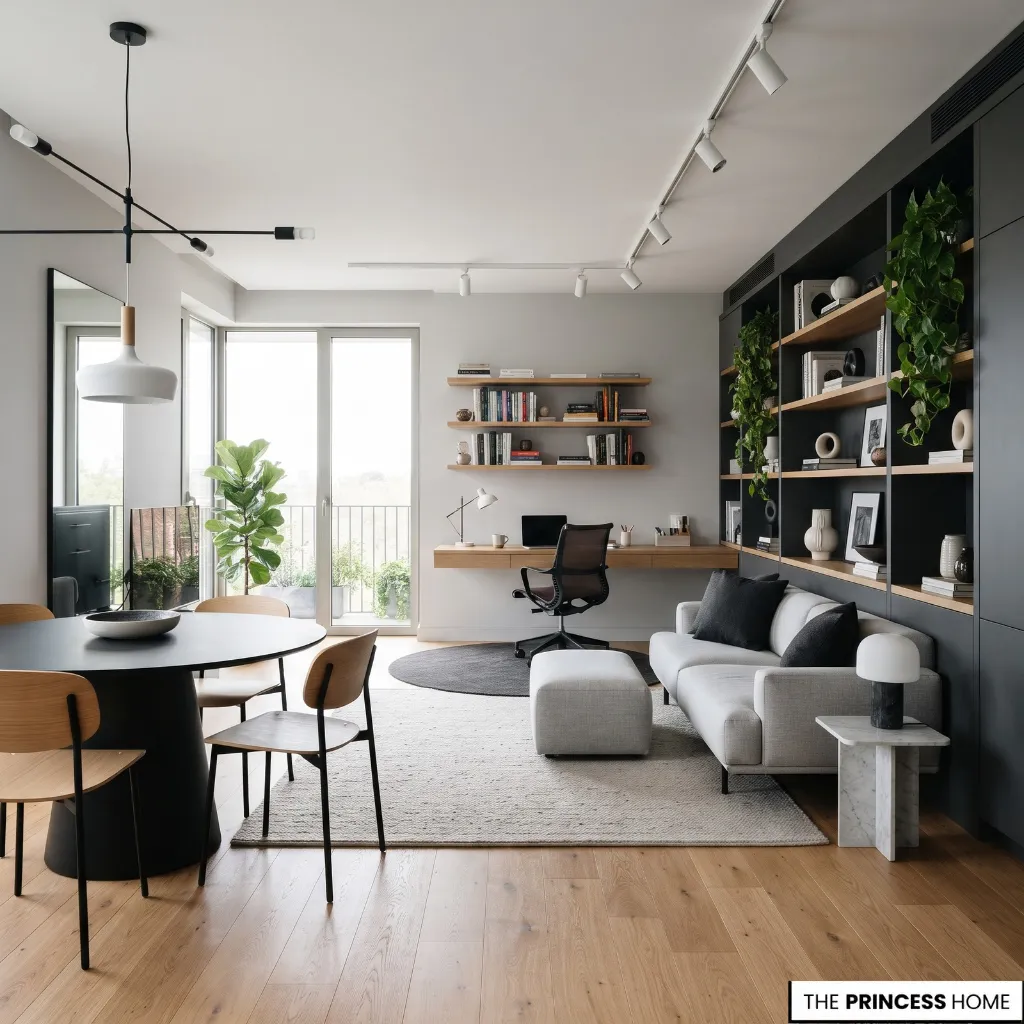
A home office should complement the surrounding interior, especially when it shares space with a bedroom or living room. A few coordinated choices can make the workstation feel intentional without filling it with decorative objects.
Start with the desk and its relationship to the existing furniture. A wooden desk can coordinate with other wood finishes, while painted or metal furniture may suit interiors with a more contemporary character. Matching every finish is unnecessary; the important consideration is that the pieces work together.
Color can also help establish the office area. You might coordinate the desk with the room’s existing palette or introduce a contrasting finish that gives the workstation its own identity. Neither light nor neutral colors are essential for a small office.
Use artwork, a small rug, or a carefully selected accessory to distinguish the workspace where appropriate. These elements should not interfere with the working surface or circulation.
Plants can provide a natural decorative detail when the location has suitable light and enough room. Choose their size according to the available surface rather than adding several pots that compete with work equipment.
Finally, keep the desktop controlled. A lamp, a notebook holder, and a small personal object may be sufficient. Leave enough clear surface for everyday tasks, and use concealed storage for supplies that do not need to remain visible.
The most successful result is an office that belongs naturally to the home’s interior while remaining practical throughout the working day.
Avoid Common Mistakes
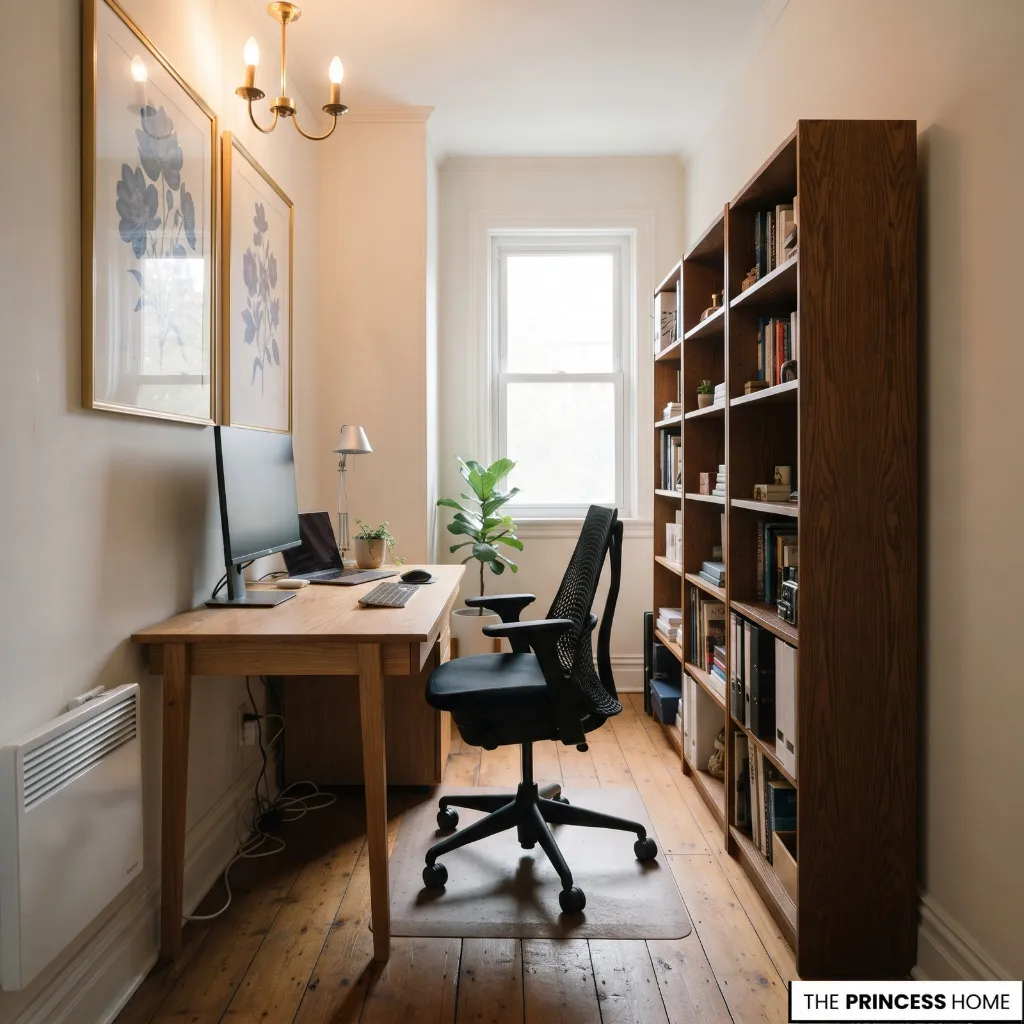
Even a carefully selected desk can produce an inefficient workspace if the surrounding details are overlooked. Avoid these common mistakes when planning a small home office.
Choosing Furniture Before Measuring
A desk may appear compact in a showroom but occupy too much space once the chair and surrounding furniture are considered. Measure the complete workstation area before purchasing, including the clearance needed for access and movement.
Selecting a Desk That Is Too Shallow
An undersized working surface can leave insufficient room for a monitor, keyboard, and mouse. Choose dimensions according to your equipment rather than selecting the smallest available desk.
Ignoring Chair Clearance
A desk that fits against the wall may still leave too little room to pull out the chair. Check the space behind and around the workstation before finalizing its position.
Overloading the Desktop
Too many organizers, accessories, and decorative objects reduce the surface available for work. Keep essential items within reach and move occasional supplies into drawers or wall storage.
Adding Too Much Floor Storage
Several small cabinets can occupy more usable space than one carefully selected storage unit. Make use of existing drawers and vertical shelving before introducing additional furniture.
Ignoring Window Glare
Placing a screen directly in the path of strong daylight can make it difficult to see clearly. Adjust the desk or monitor position and use suitable window coverings when necessary.
Choosing an Unsuitable Chair
A compact decorative chair may save space but become uncomfortable during regular work. Prioritize adequate support and fit, then choose the most space-efficient suitable design.
Neglecting Cable Management
Loose cables can clutter the floor, interfere with movement, and make the workstation difficult to maintain. Plan electrical access and organize cables as part of the initial layout.
Overdecorating the Workspace
Too many accessories, plants, and decorative objects can compete with the equipment and reduce usable space. Select a few elements that complement the room without interfering with work.
Treating Temporary Workstations
A small occasional table may be adequate for brief laptop use but unsuitable for regular work involving additional equipment or paperwork. Match the workstation to the frequency and type of work rather than assuming any available surface will be sufficient.
Conclusion
A practical small home office begins with understanding the available space and the work that needs to happen there. Choose furniture that fits those requirements, use vertical storage, preserve comfortable working clearances, and integrate the workstation thoughtfully into the surrounding room.
With the right priorities, even a limited area can accommodate an organized and comfortable office without sacrificing the function of your home.